Mini-Crawler Crane M A E D A Section 5 – REAR COVER
1/2019 MC405C-3 5-19
REAR COVER
Removing Rear Cover
Remove the rear cover as follows when
performing inspection or maintenance inside the
rear cover.
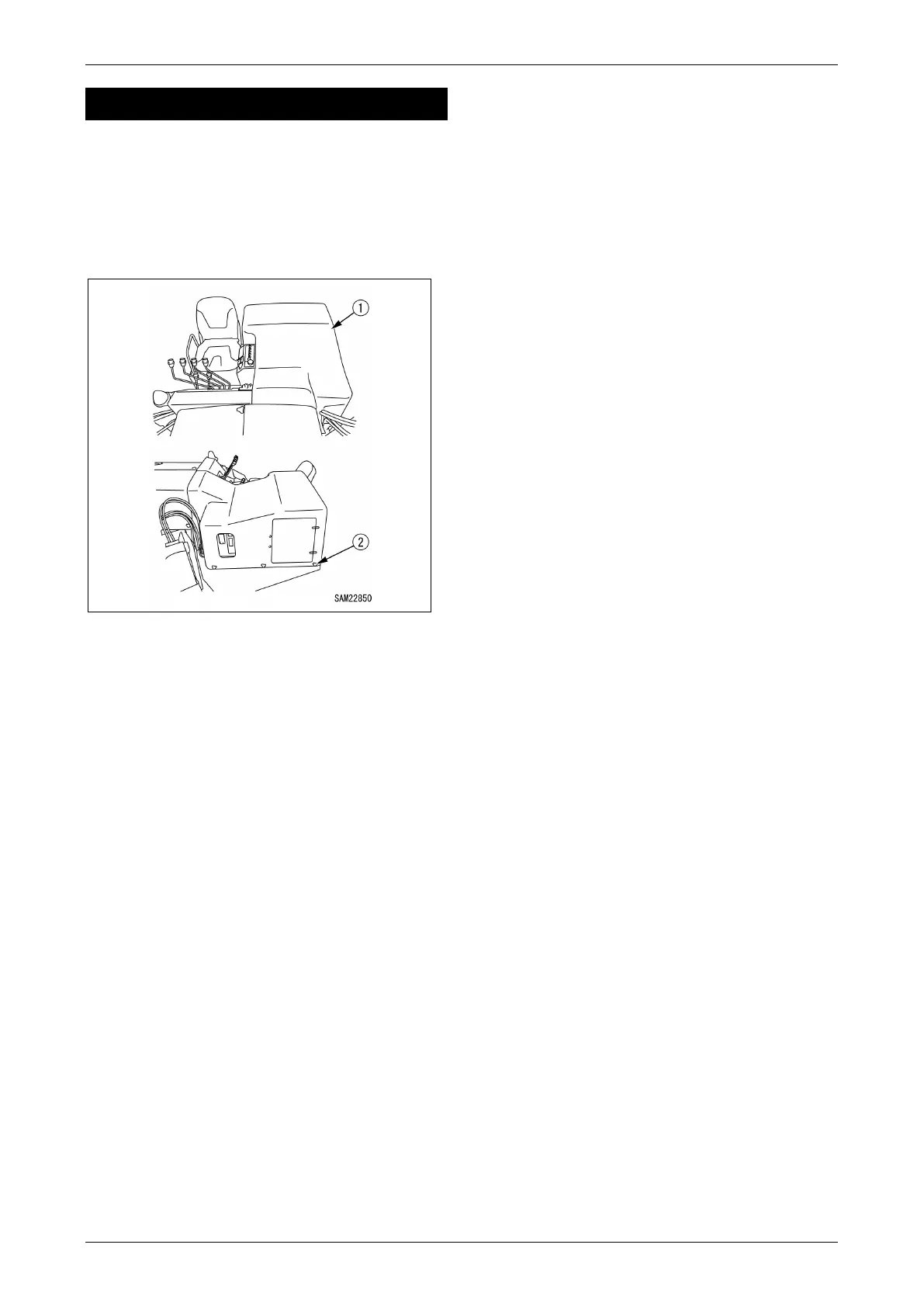
1. Remove the eight retaining bolts (2) from the
rear cover (1).
Fig. 5-24
2. Remove the rear cover (1).
Installing Rear Cover
Once inspection and maintenance inside the rear
cover is complete, reattach the rear cover as
follows:
1. Reattach the rear cover (1) at its original
position.
2. Securely tighten the eight retaining bolts (2)
on the rear cover (1).



 To Next Page