Mini-Crawler Crane M A E D A Section 4 – INSTRUMENT PANEL SECTIONS
1/2019 MC405C-3 4-11
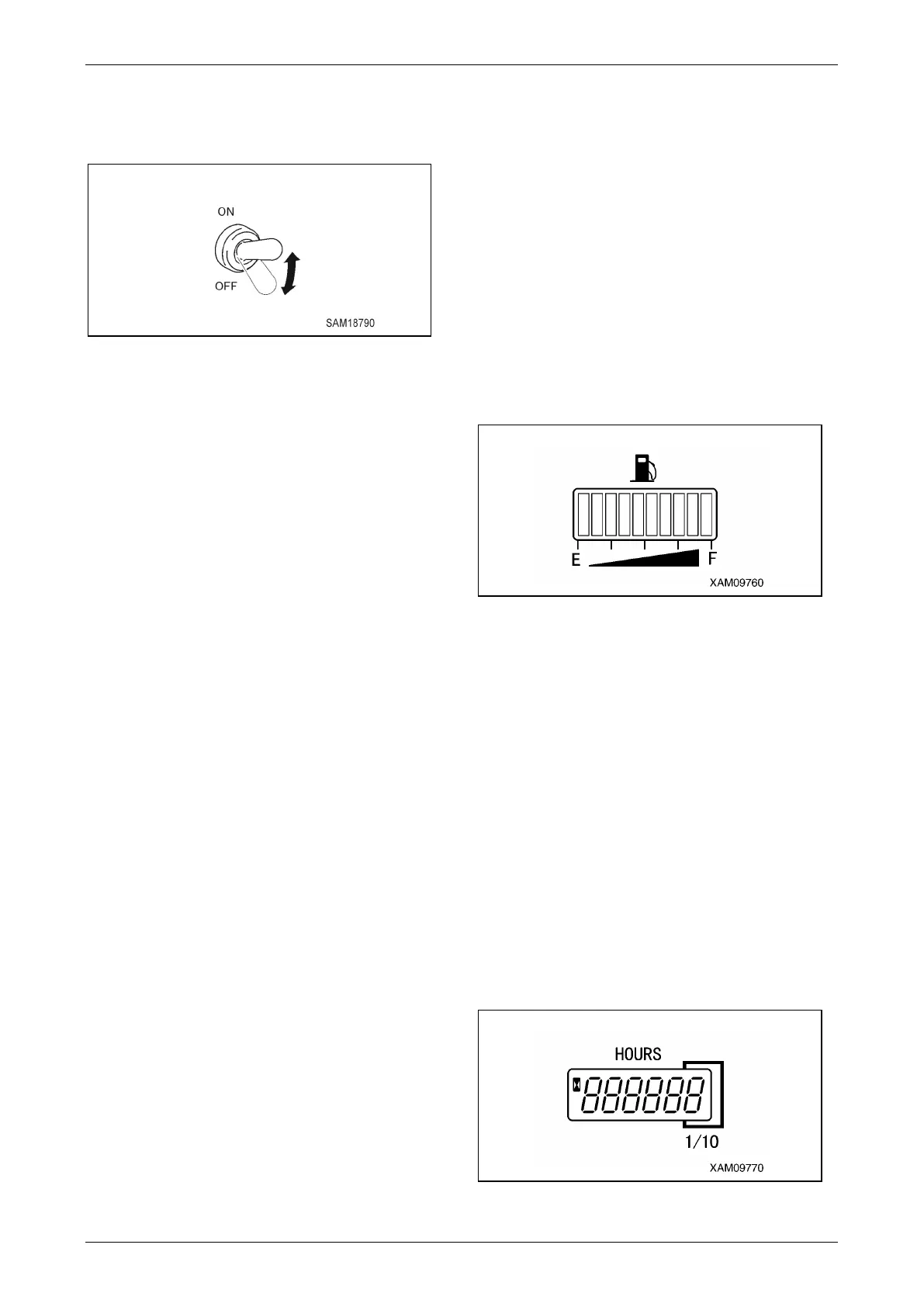
Boom Lift Bypass Switch
Use this switch to raise the boom in overload
condition.
Fig. 4-23
• ON: Keep pushing the switch upward. This
releases boom raise restriction under
overload condition and you can raise the
boom.
• OFF: Release your finger from the switch. The
switch returns to the original position and
the auto-stop function of boom raise
under overload condition will be
activated.
For more information about how to use this
switch, see "Moment Limiter Operations" on page
4-70.
Moment Limiter Override Switch
Override Switch is a function that disables the
moment limiter function.
For more information on how to use this switch,
see “Moment Limiter Override Switch” on page 4-
83.
Monitors
CAUTION: If the monitor flashes during the
work, stop the operation immediately and
check, adjust, or repair the relevant section.
Fuel Gauge
This gauge indicates the remaining amount of the
fuel in the fuel tank.
Turn the starter switch to the "ON" position and
the gauge indicates the remaining amount of the
fuel with the "bar".
When only one "bar" lights up on the "E" side,
there is not much fuel left.
Stop the operation immediately and refuel.
Fig. 4-24
NOTICE:
• At the end of a day, fuel to full (until all the bars
(10 bars) light up.)
• The remaining amount indicated may not be
correct for a while after the starter switch is
turned to the "ON" position. This is normal.
Hour Meter
This meter shows the total running hours of the
machine.
Use this value as the reference for periodical
check interval.
If the engine is in operation, the meter indication
advances even if the machine is not travelling.
The meter indication advances for "1" when the
machine has been running for 1 hour regardless
of the engine rotation speed.
Fig. 4-25



 To Next Page