Section 4 – REMOTE CONTROL OPERATION Mini-Crawler Crane M A E D A
4-124 1/2019 MC405C-3
Set-Up/Cancel Micro Speed and
Enhanced Speed Mode
When it is required to operate the Crane in low
speed, use the Micro speed mode, which limits
the maximum speed of the Crane and facilitates
the smoother control in the low speed range.
"MICRO SPEED MODE" is available by users’
setting.
Contrary, when it is required to enhance the
maximum speed of the Crane operation, the
"ENHANCED SPEED MODE" is also available.
NOTICE: "MICRO SPEED MODE" is valid only in
the "CRANE MODE".
Setting the Micro or Enhanced Speed Mode
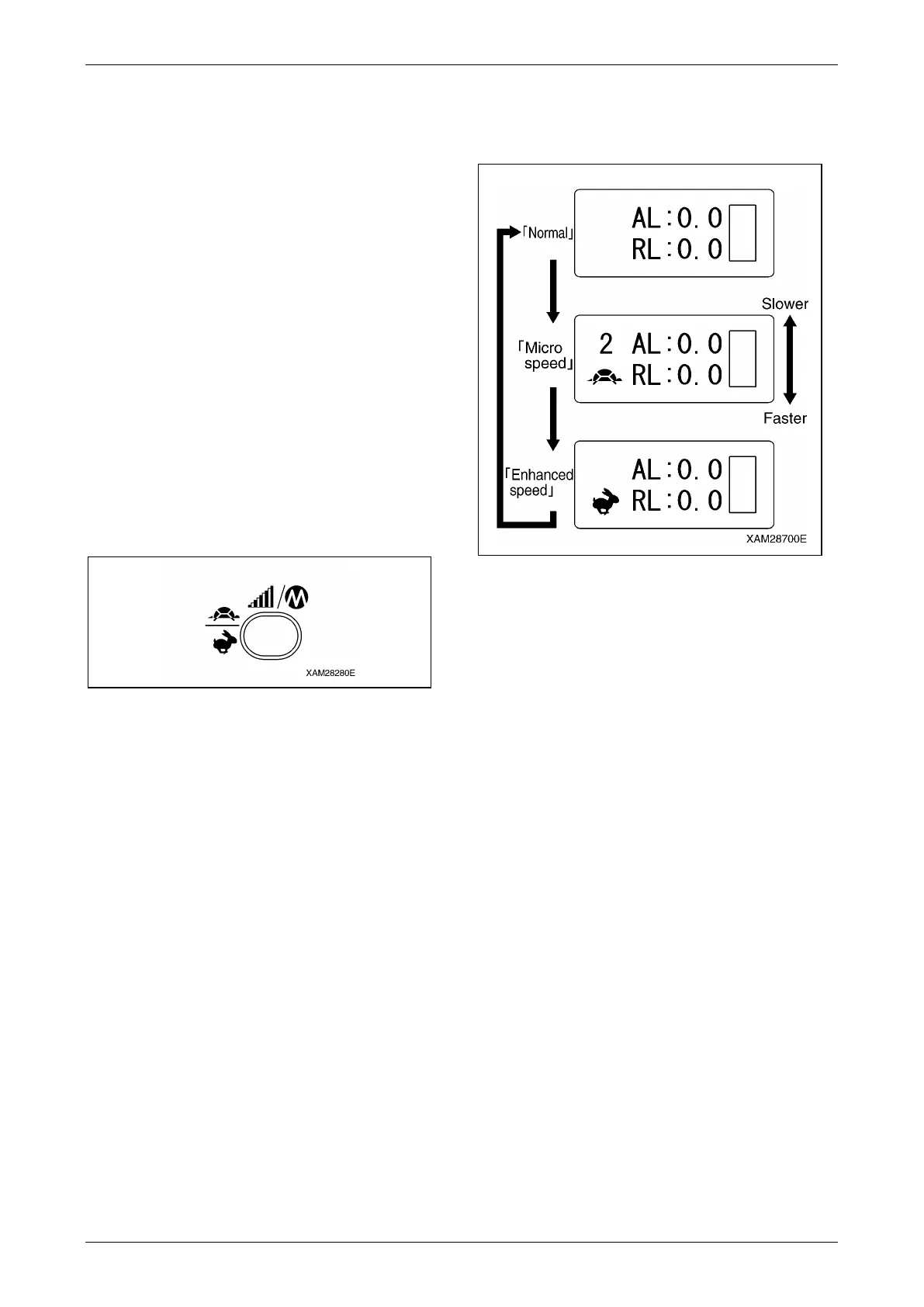
Push the Speed/Mode button.
Each push will forward the LCD screen indication
as shown in the diagram, below:
When the indicated mode fits your requirement,
carry on the Crane operation in that condition.
Fig. 4-366
Cancel the Micro or Enhanced Speed Mode
Push the Speed/Mode button several times, until
LCD screen indication attains the "Normal".
Fig. 4-367



 To Next Page