Section 4 – MOMENT LIMITER (OVERLOAD DETECTOR) Mini-Crawler Crane M A E D A
4-86 1/2019 MC405C-3
Pick & Carry Operations
DANGER!
• Read the items described in "Cautions
During Pick & Carry Operation" on page 4-
84 when performing Pick & Carry operation
for safe operation.
• Do not perform crane operations during
Pick & Carry. The machine may topple over.
• Be always seated to the operation seat and
carefully perform Pick & Carry operation.
• Verify the safety around the machine and
honk the horn before starting travelling the
machine.
• Verify the safety around the machine and
honk the horn before switching travelling
forward/backward or steering.
• Keep the engine speed at low speed during
travelling and travel slowly and carefully.
Keep the safe distance so that the hoisted
load or machine does not hit other machine
or structures.
• When the machine tilts
forward/backward/left/right during the crane
operation and travelling, the overturning
alarm buzzer sounds.
When the overturning alarm buzzer sounds,
stop the work immediately. The machine
may topple over.
Strictly observe the values in the "Hoisted
load rated total load" during the crane
operation. Avoid slope and obstacles while
travelling.
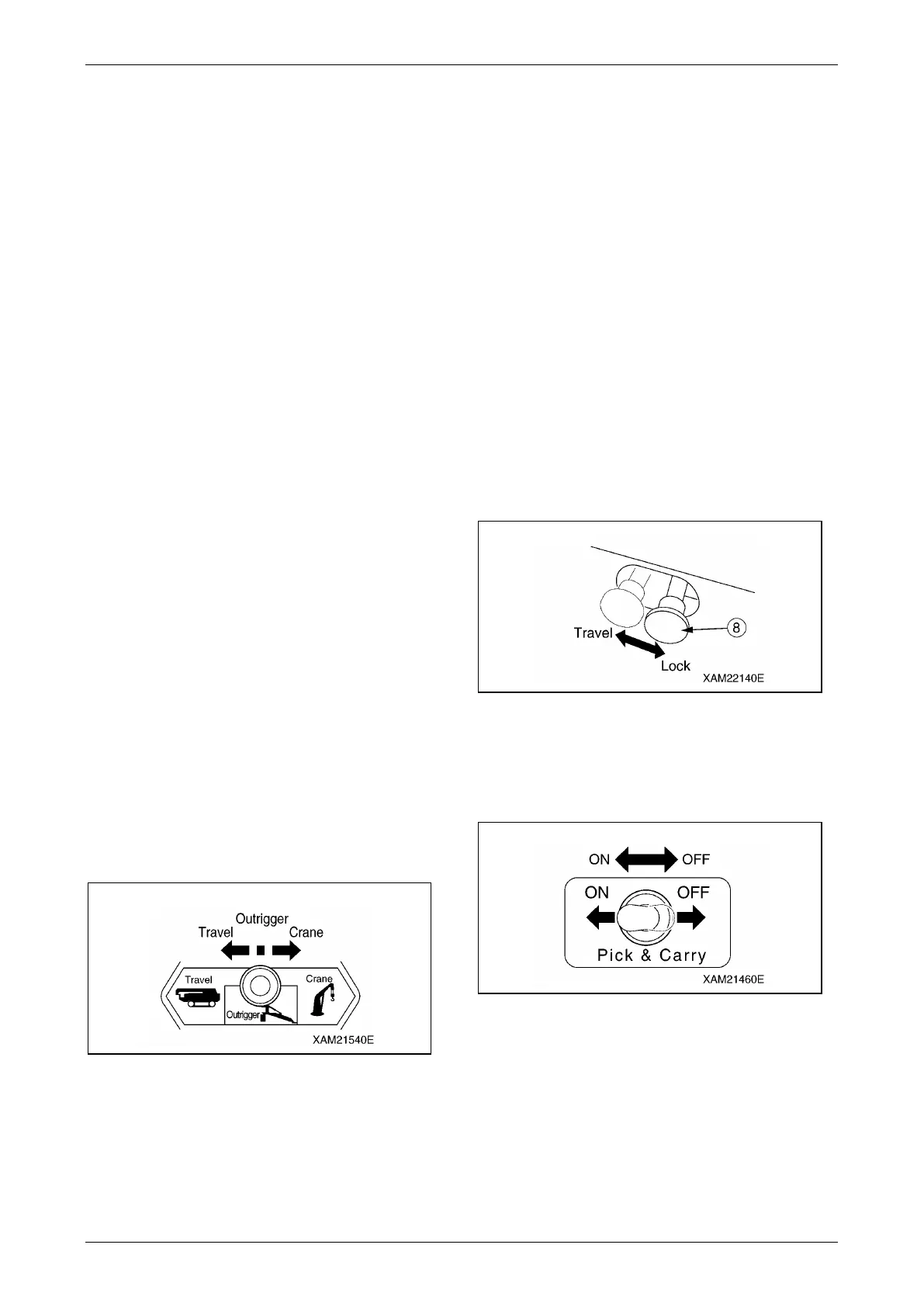
1. Operate the work selector switch on the
outrigger operation panel to the "Crane"
position.
Fig. 4-220
2. See "STARTING TRAVELLING MACHINE"
on page 4-25, "DIRECTIONAL CONTROLS"
on page 4-26, and "STOPPING/PARKING
MACHINE" on page 4-28 to TRAVEL the
machine.
3. See "Hook Raising/Lowering Operation" on
page 4-63 and "Boom Derricking Operation"
on page 4-64 to perform the crane operation.
Keep the hoisted load near the ground so
that the load will not slew.
NOTICE:
• When the moment limiter is activated, the alarm
buzzer and the audible message of
"Overloaded" are heard. At the same time,
hazardous boom and winch operations stop
automatically.
• If the moment limiter was activated, see the
items in "Recovery Operation After Auto Stop"
on page 4-70.
Cancelling Pick & Carry Operation
Posture
1. Set the travelling lock lever (8) to the
"LOCK" position.
Fig. 4-221
2. See "OUTRIGGER SETTING" on page 4-42
to set the outriggers.
3. Set the Pick & Carry switch to the "OFF"
position.
Fig. 4-222
4. See "TRAVELLING POSITION" on page 4-
23 to put the machine in the travelling
posture.



 To Next Page