Mini-Crawler Crane M A E D A Section 4 – MODE SETTING OF THE TRANSMITTER
1/2019 MC405C-3 4-105
Call Out Outrigger Mode
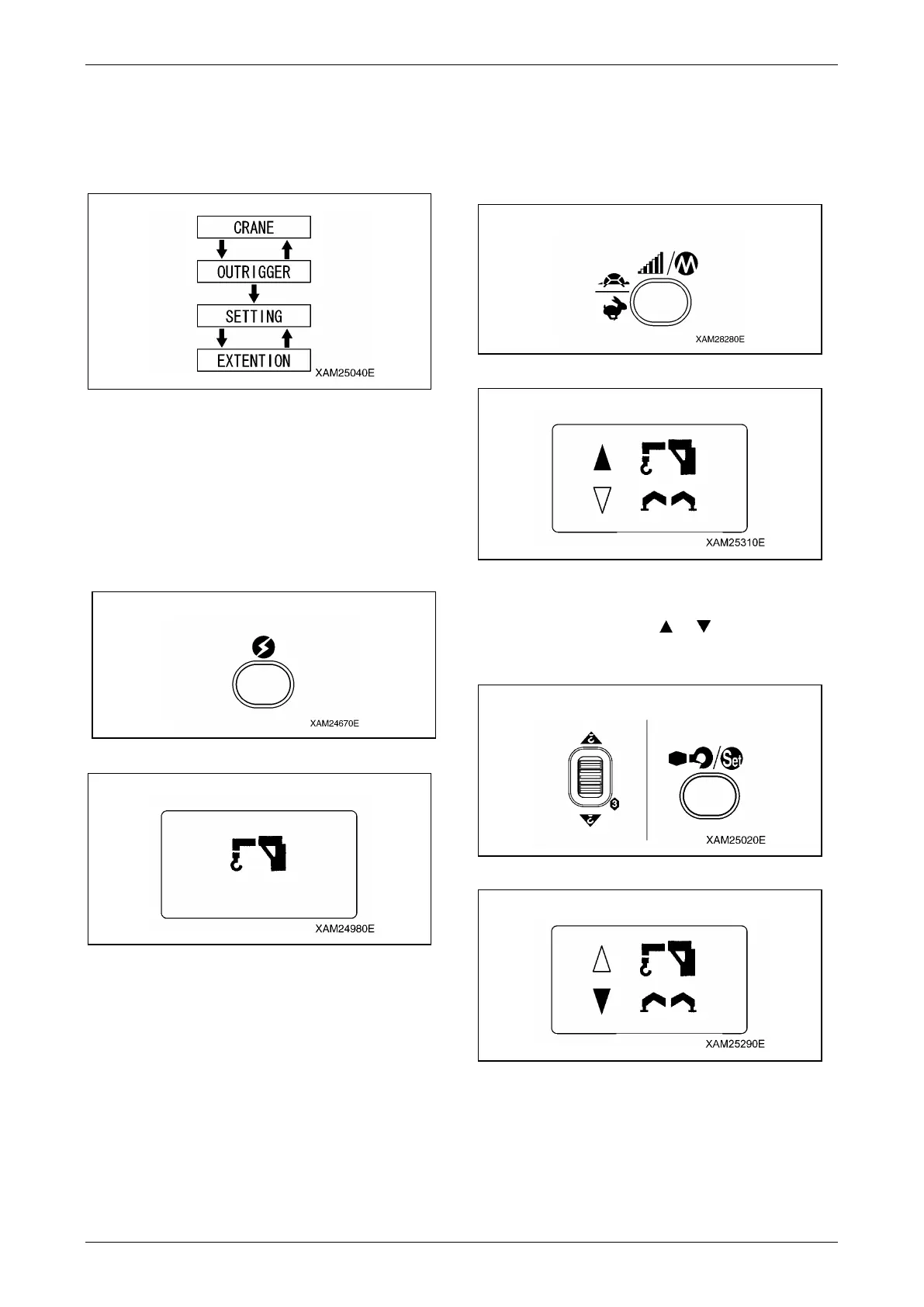
NOTICE: The OUTRIGGER MODE consists of
"Extension mode" and "Ground setting mode".
Use respective modes as shown below:
Fig. 4-276
1. Push the Power button to turn ON the
Transmitter.
The "Crane mark" is displayed in the LCD
screen for 2 seconds around.
NOTICE: In case that the power is already ON,
once turn OFF, and then push the Power button
again for power ON.
Fig. 4-277
Fig. 4-278
2. While the "Crane mark" is shown in the LCD
screen (for approx. 2 seconds), push the
Speed/Mode button for 2 seconds.
The LCD provides the screen for selecting
"CRANE MODE" or "OUTRIGGER MODE".
Fig. 4-279
Fig. 4-280
3. Use the Hook raising and lowering Lever
and shift the cursor ( or ), and push the
Hook stow/Setting button when the cursor
points out the "OUTRIGGER".
Fig. 4-281
Fig. 4-282



 To Next Page