Section 4 – MODE SETTING OF THE TRANSMITTER Mini-Crawler Crane M A E D A
4-104 1/2019 MC405C-3
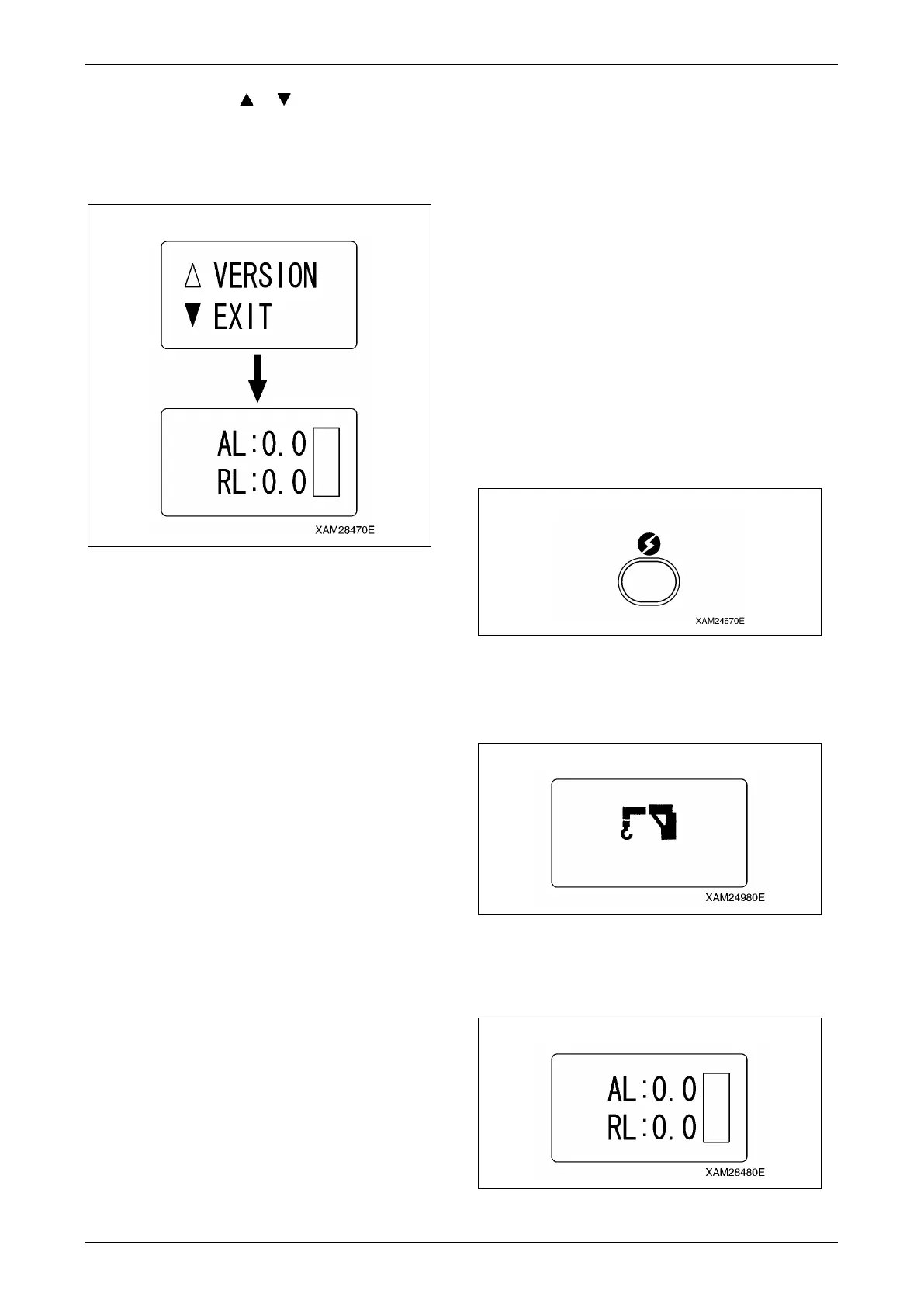
4. Shift the cursor ( or ) using the Hook
raising and lowering lever and select "EXIT",
then push the Hook stow/Setting button.
Now the mode exits from the "A MODE" and
is turned to the "CRANE MODE".
Fig. 4-272
CAUTION:
• Once setting-up the desired function item is
completed, do not forget to practice the
termination procedure, above. Otherwise,
when this process is not correctly
terminated, the latest setting will not be
valid.
• Change of the other function item setting is
available by the same procedure. In such
event, correctly exit from the A MODE,
without fail.
Procedure in the Operation Mode
CAUTION: When the Main switch of the
Receiver is turned ON, its abnormal signal
detector automatically starts, first. Please
allow it for 3 to 4 seconds, without using any
levers, buttons and the Accelerator lever.
NOTICE:
• For changes between the modes, always turn
OFF the power, once, then push the Power
button again to power ON.
• While using a mode other than the "CRANE
MODE", when you turn OFF the power by the
Power switch and turn it ON, again (i.e., you
keep waiting for 2 seconds or more), the mode
is automatically set to "CRANE MODE".
When you want to continue the operation in the
previous mode, call the appropriate mode,
again.
Call Out Crane Mode
1. Push the Power button to turn ON the
Transmitter.
The "Crane mark" is displayed in the LCD
screen for 2 seconds or around.
Fig. 4-273
NOTICE: In case that the power is already ON,
once turn OFF, and then push the Power button
again for power ON.
Fig. 4-274
2. When the "Crane mark" in the LCD screen
disappears in 2 seconds, the "CRANE
MODE" is automatically called out.
Fig. 4-275



 To Next Page