Mini-Crawler Crane M A E D A Section 4 – REMOTE CONTROL OPERATION
1/2019 MC405C-3 4-123
Boom Lowering
Push the Boom derricking/No.4 outrigger
operation lever to "Lower (lower)", then pull the
Accelerator lever slowly.
The boom is lowered.
Stop Boom Derricking
Release the Accelerator lever slowly, then
release the Boom derricking/No.4 outrigger
operation lever to return it to the neutral position.
The boom stops derricking.
Automatic Hook Stow Function
CAUTION: This automatic hook stow function
is not available in the "Micro Speed mode" or
"Enhanced Speed mode".
To stow the hook, always cancel either the
"Micro Speed mode" or "Enhanced Speed
mode".
For more information, see "Set-Up/Cancel
Micro Speed and Enhanced Speed Mode" on
page 4-124.
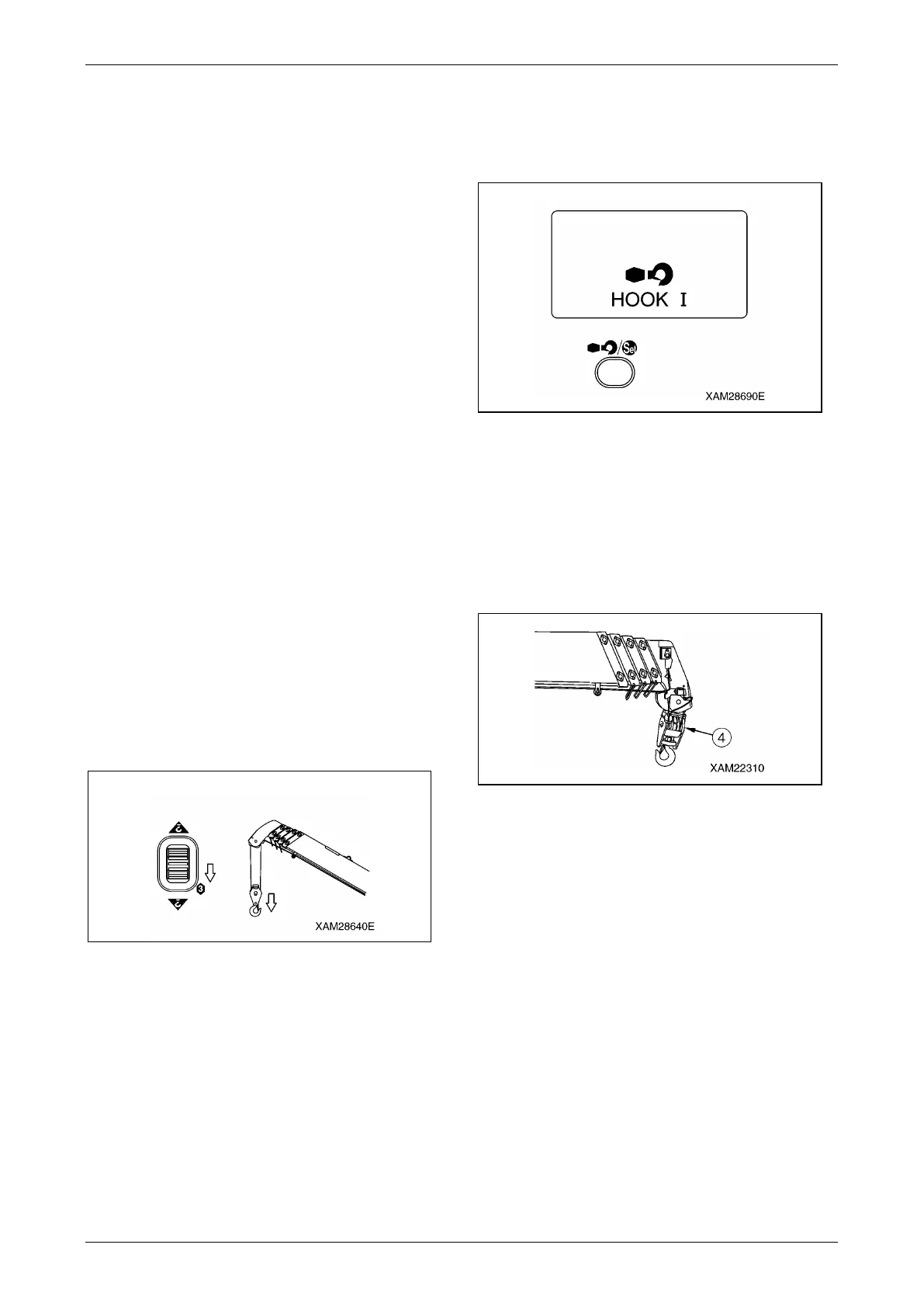
1. Configure the boom to the travelling
condition and push the Hook raising and
lowering/No.2 outrigger operation lever to
"Raise (upper)", then pull the Accelerator
lever.
Keep raising the hook until it touches to the
over winding detector weight and
automatically stops.
Fig. 4-363
NOTICE: At the time the hook automatically
stops, the voice message will call out, "Danger
rope over winding".
2. When the hook automatically stops, push the
Hook stow/Setting button.
LCD screen in the Transmitter displays
"HOOK 1".
Fig. 4-364
NOTICE: When you push the Hook stow/Setting
button, the voice message will nstruct you "Do
not store hook until boom is in travel mode".
3. Keep pushing the Hook stow/Setting button,
pull the Accelerator lever slowly.
The hook (4) will be raised to the proper
stow position.
Fig. 4-365
NOTICE: This hook stowage operation is
performed under the engine idling condition,
regardless of the Accelerator lever rate.
4. When the hook (4) is settled to its position,
release the Accelerator lever, then release
your finger from the Hook stow/Setting
button.



 To Next Page