Mini-Crawler Crane M A E D A Section 4 – REMOTE CONTROL SYSTEM VERIFICATIONS
1/2019 MC405C-3 4-113
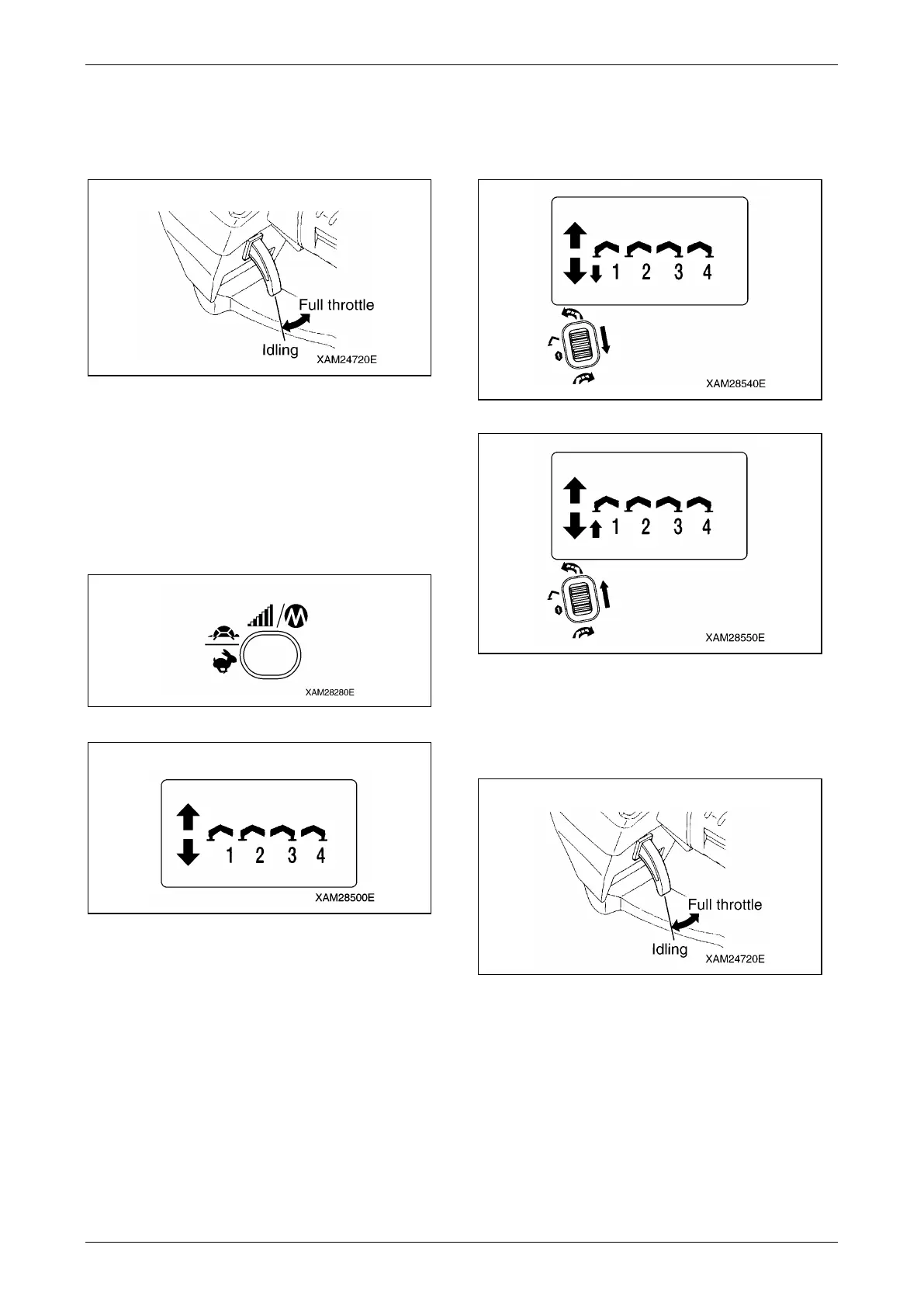
8. During the control lever manipulation, slowly
pull and release the Accelerator lever and
confirm that the speed of outrigger action
follows the acceleration ratio.
Fig. 4-318
9. Try other outriggers, No. 2 to 4 by the same
manipulation and confirm that the outriggers
correctly respond to the lever control.
Lastly, manipulate all the outrigger operation
levers to "Extend (lower)".
10. Use the Speed/Mode button to switch to the
"Ground setting mode".
Fig. 4-319
Fig. 4-320
11. Use the Slewing/No.1 Outrigger operation
lever, to the both "Extend (lower)" and
"Retract (upper)" area, and check that the
No. 1 outrigger follows the lever operation.
Fig. 4-321
Fig. 4-322
12. During the control lever manipulation, slowly
pull and release the Accelerator lever and
confirm that the speed of outrigger action
follows the acceleration ratio.
Fig. 4-323
13. Try other outriggers, No. 2 to 4 by the same
manipulation and confirm that the outriggers
correctly respond to the lever control.



 To Next Page