374
CAUTION
It is automatically switched to the fly jib mode when the fly jib is attached to the tip of main
boom.
[Description of monitor indication]
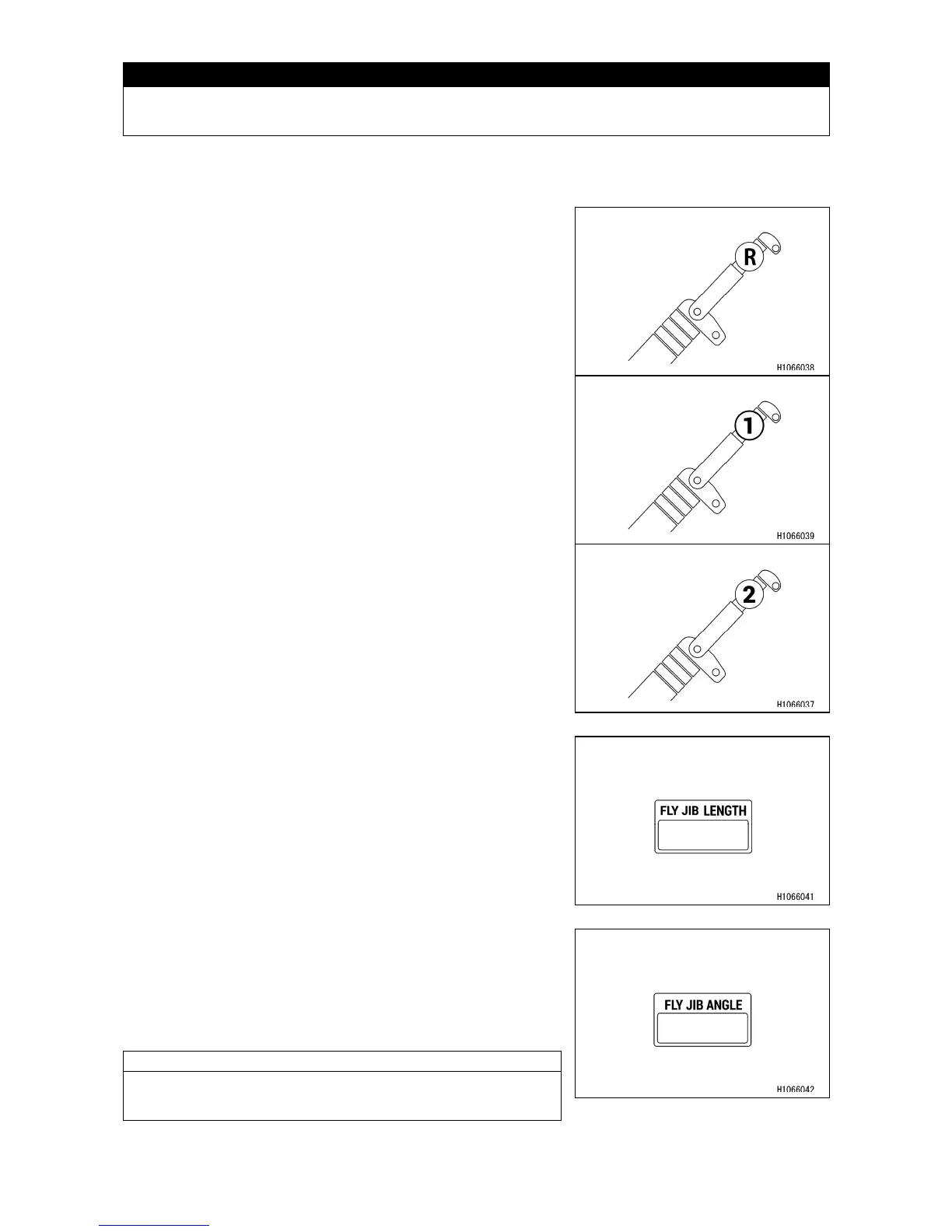
[2] Number of fly jib boom section display
When the fly jib is stowed, “R” is shown.
When the fly jib is attached and it is fully retracted, “1” is
shown.
When the fly jib is extended, “2” is shown.
[3] Fly jib length display
Continually shows the current fly jib length during crane
operations.
[4] Fly jib angle display
Continually shows the current fly jib angle during crane
operations.
The angle of the fly jib is 0 degree, when it is parallel to the
main boom. As the fly jib is lowered, the degree increases.
NOTES
The angle of the fly jib indicates the angle toward the main
boom, so it is not affected by derricking the main boom.



 To Next Page