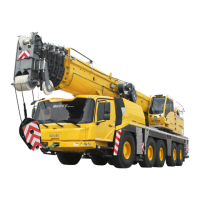
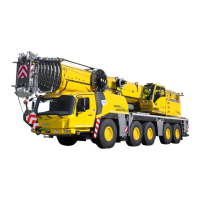
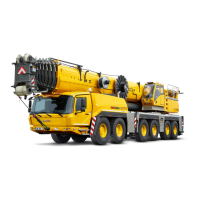
Driving with a rigged truck crane
13.5 Driving from the crane cab
13 - 26 3 302 690 en Operating manual
GMK4100L-1
23.11.2017
Normal steering
mode
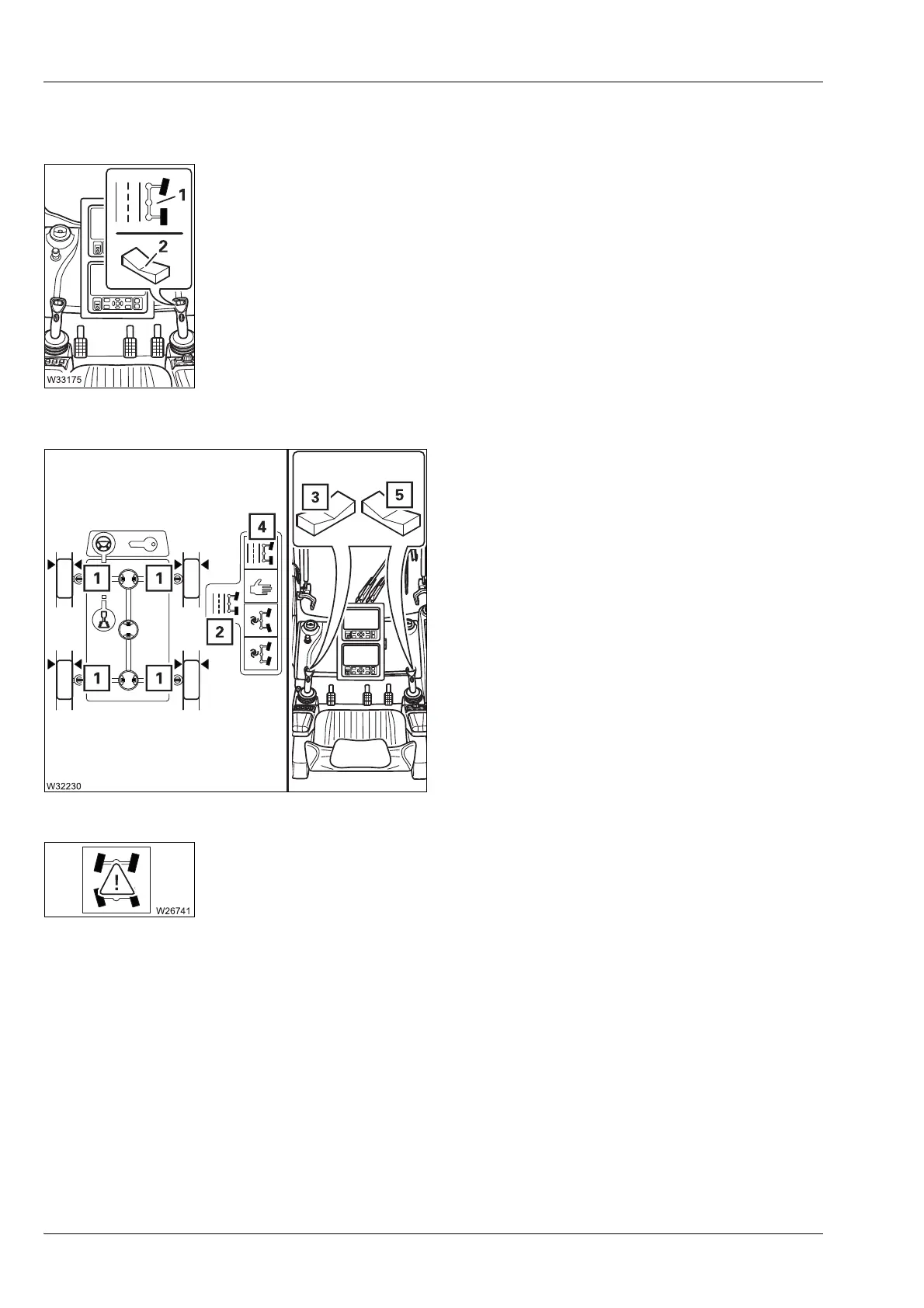
Steering in normal steering mode
With normal steering mode, the wheels on the 1st and 2nd axle lines are
steered with the button (2) – the symbol (1) is displayed.
You can switch between normal steering mode and separate steering.
When driving a rigged truck crane, always use the separate steering.
Switching to normal steering mode
• Turn the wheels to the Straight ahead position
– current wheel position is displayed.
• Select and confirm the symbol (4) – display
symbol (2).
After the switchover to normal steering mode
the symbols (1) turn green – steering locked.
If the symbols (1) are yellow:
Depending on the steering mode, steer using
the buttons (3) or (5) until the symbols (1) turn
green.
If the error symbol is displayed, contact
Manitowoc Crane Care; à p. 8 - 24.
– Turning to the left:
• Press the button (2) left.
– Turning to the right:
• Press the button (2) right.


 To Next Page
 Loading...