Procedures for Testing with the DX Host
114 Baker DX 71-030 User Guide EN V10 www.megger.com
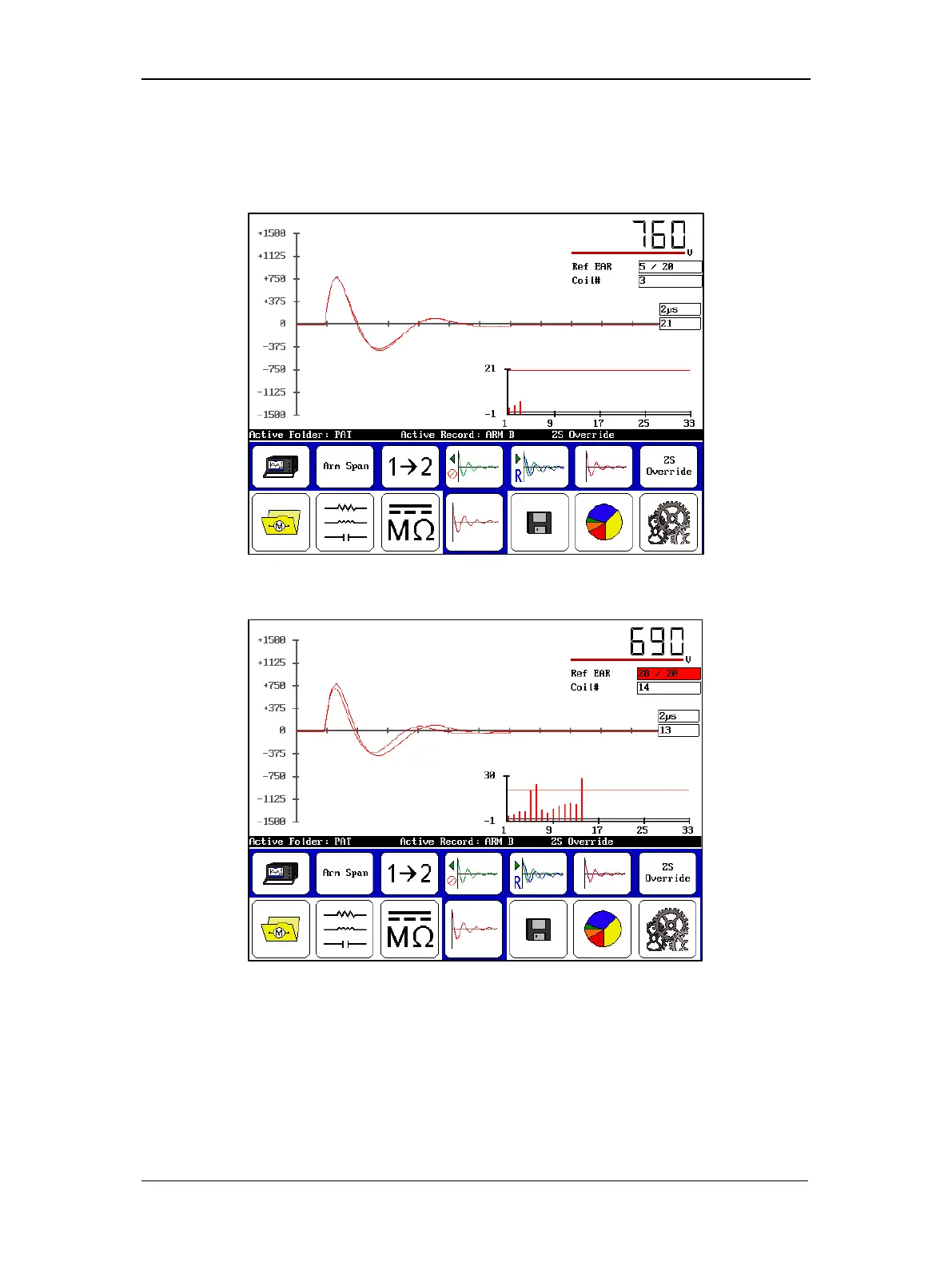
11. If the armature winding insulation is good, the new waveform will almost perfectly
overlay the reference waveform still displayed on the screen. If there is separation
between the two waveforms, there is most likely a hard short in the armature winding.
If the new waveform is “fluttering,” arcing in the armature winding is indicated.
Figure 126. Good armature span waveform.
Figure 127. Bad armature span waveform.
12. Touch the Save icon to store the test results in the Active Folder/Active Record. It
will save as Arm data and it will appear on the results as such. Running the test
continues adding armature coils up to 400, after which you must create a new record
for an armature with more commutator bars. After saving, the data can be recalled for
analysis, printed using a printer connected to the DX USB port, or saved to a USB drive
for uploading to a computer using the Surveyor DX software.



 To Next Page