Procedures for Testing with the DX Host
megger.com 117
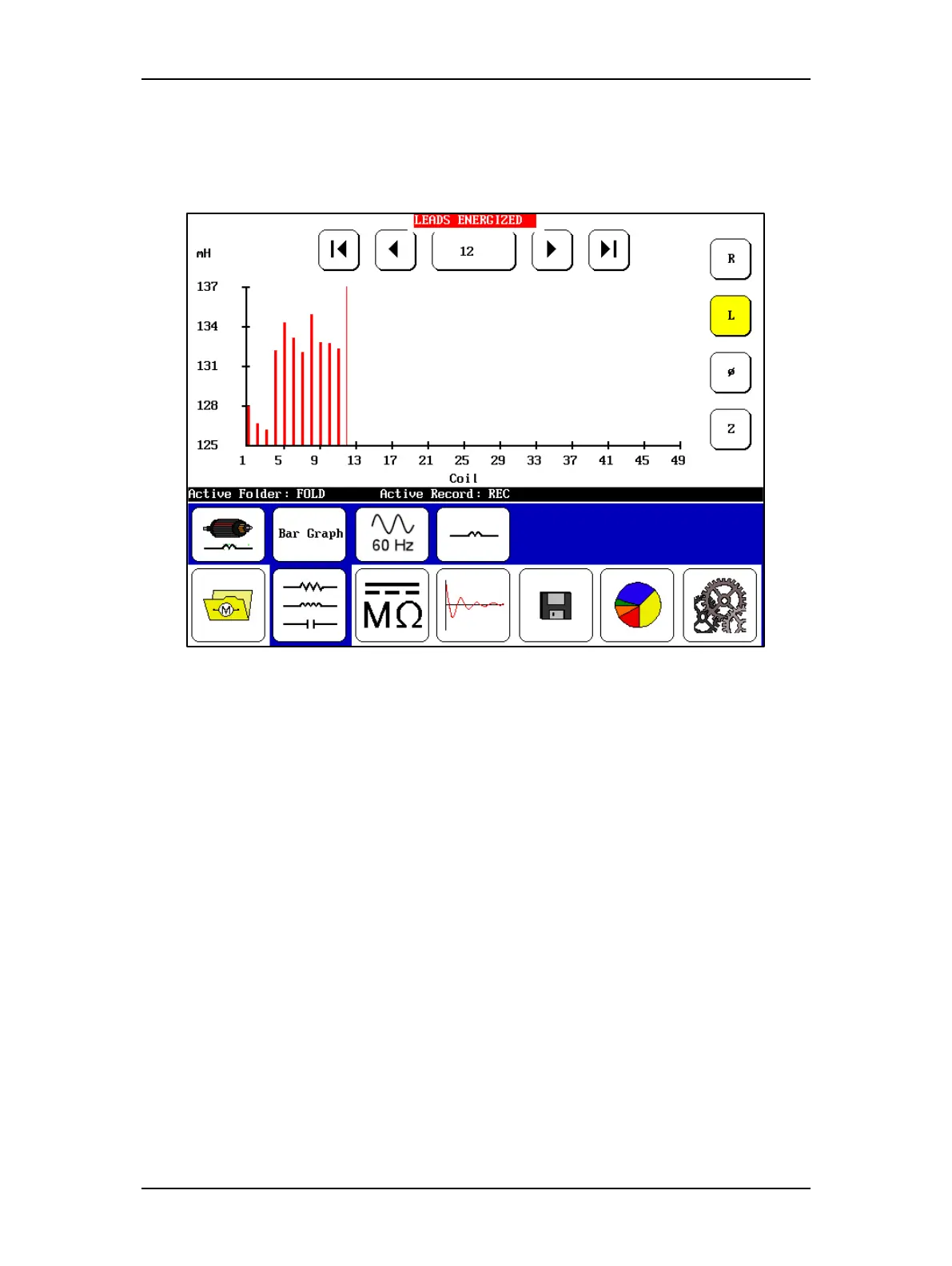
6. Push and release the Start (PTT) button to run the test. The “Leads Energized”
message will appear at the top of the display. When the test finishes, the measurement
for the current coil (or winding) will be added to the results as shown in the following
example.
Figure 131. Low-voltage armature or coil test results screen.
7. Move the probes (or leads 1 and 2) to the next set of armature bars or to the next coil
then push and release the Start (PTT) button. Repeat the process until all coils/windings
have been tested.
8. Touch the Save icon to save your test results.



 To Next Page