7.15.1.2 Remote display protocol
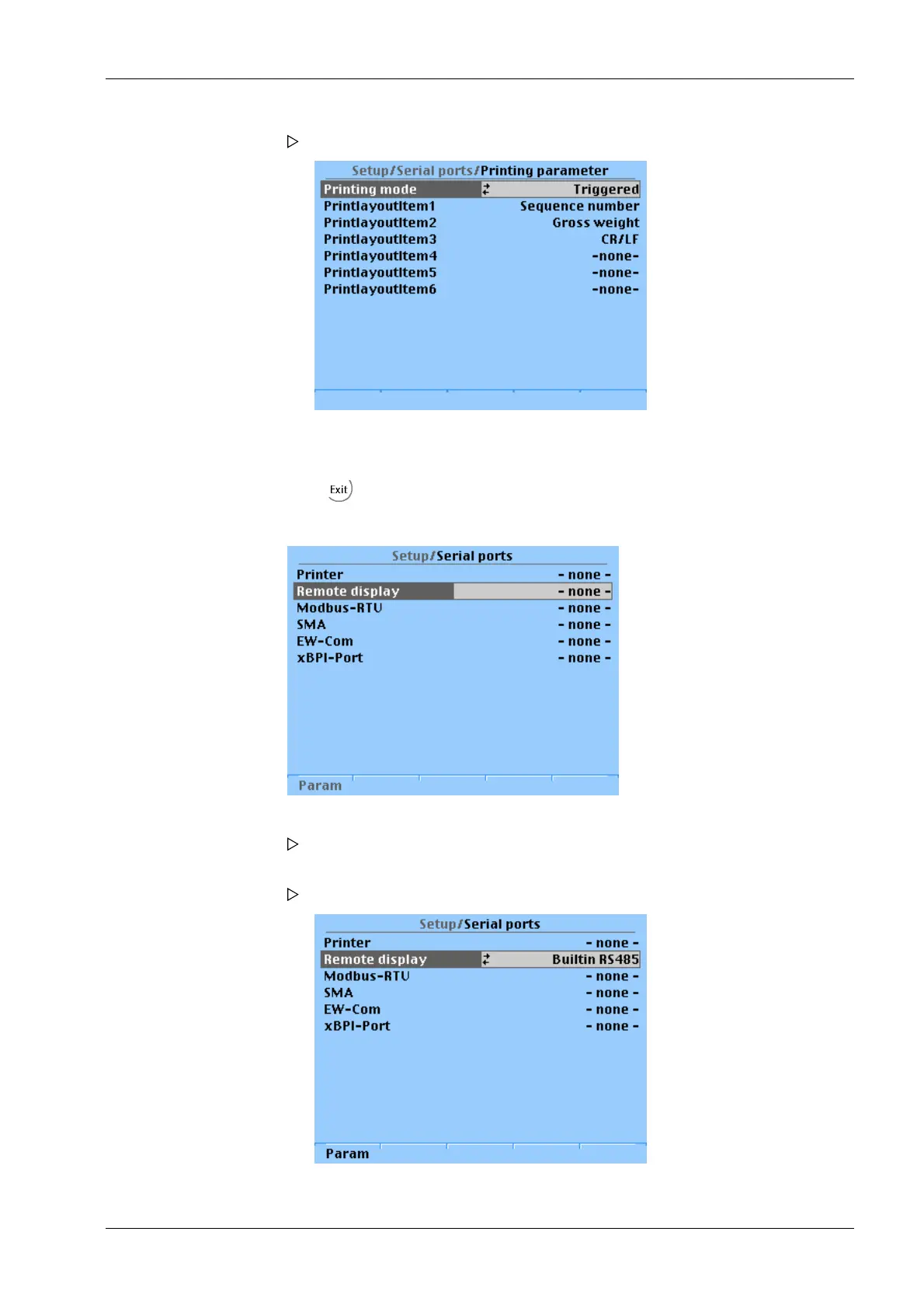
The following window opens:
8. Select parameters and conrm.
9. Select and conrm the desired printer settings in the respective selection window.
10. Press two times to exit the menu and save.
1. Select [Remote display] and conrm.
A selection window opens.
2. Select the desired interface and conrm.
The selected interface is displayed.
3. Press the [Param] softkey to set the parameters.
7 Commissioning Transmitter in eld housing PR 5230
EN-179 Minebea Intec



 To Next Page