© 2014 Mold-Masters (2007) Limited. All Rights Reserved.
Revised 1 Oct, 2014
D-2
WATER MANIFOLDS
Basic Detection and Conguring
Once the manifold has been installed, the controller may be switched
on and set up. The individual stages of setting up water ow and pres-
sure have been brought together in the following steps.
1. Switch on the controller.
2. Check the Display page to see whether the unit has already been
congured with the correct number of Flow and Sensor channels
and other control zones as required. If the Analogue Input zones
are already congured then you may move on to step 8 and start
by setting the alarm limits. If the Analogue Input cards are new,
and not displayed, then continue from step 3 below.
3. Open the ToolStore page and select a blank tool store location
4. Choose [
Detect] and then choose [Yes] – this should detect the
Analogue Input cards and present them as a number of ow or
pressure sense channels. It may also reveal other cards detected
at the same time. Probe and Manifold heater zones need to be set
up as shown in the manual on page 5-6 before returning here to
set coolant monitoring.
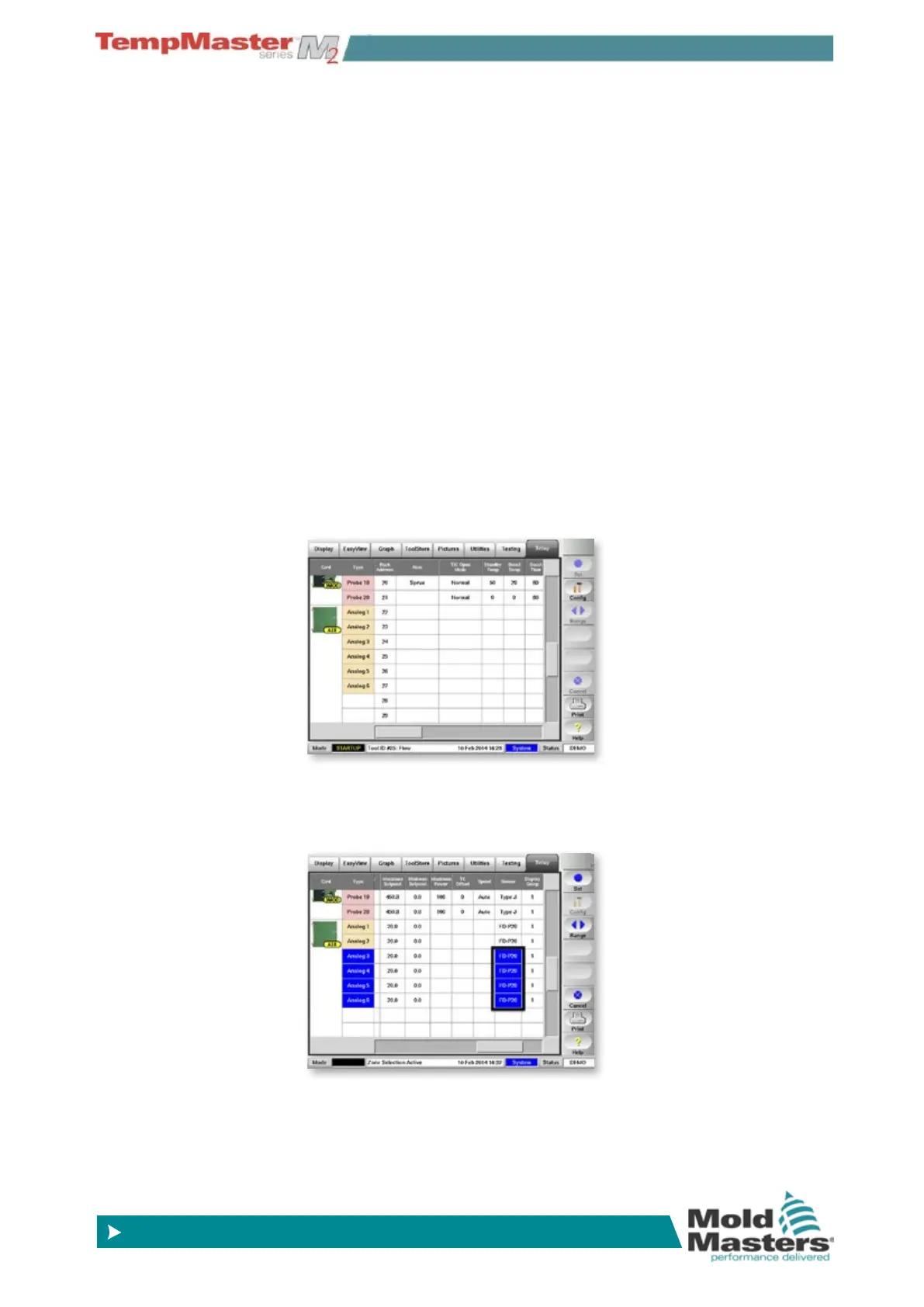
5. To set the Analogue-Input Function rst touch the particular sensor
channels which are connected to one type of sensor ( ow, pres-
sure, temperature etc.)



 To Next Page