© 2014 Mold-Masters (2007) Limited. All Rights Reserved.
Revised 1 Oct, 2014
D-3
WATER MANIFOLDS
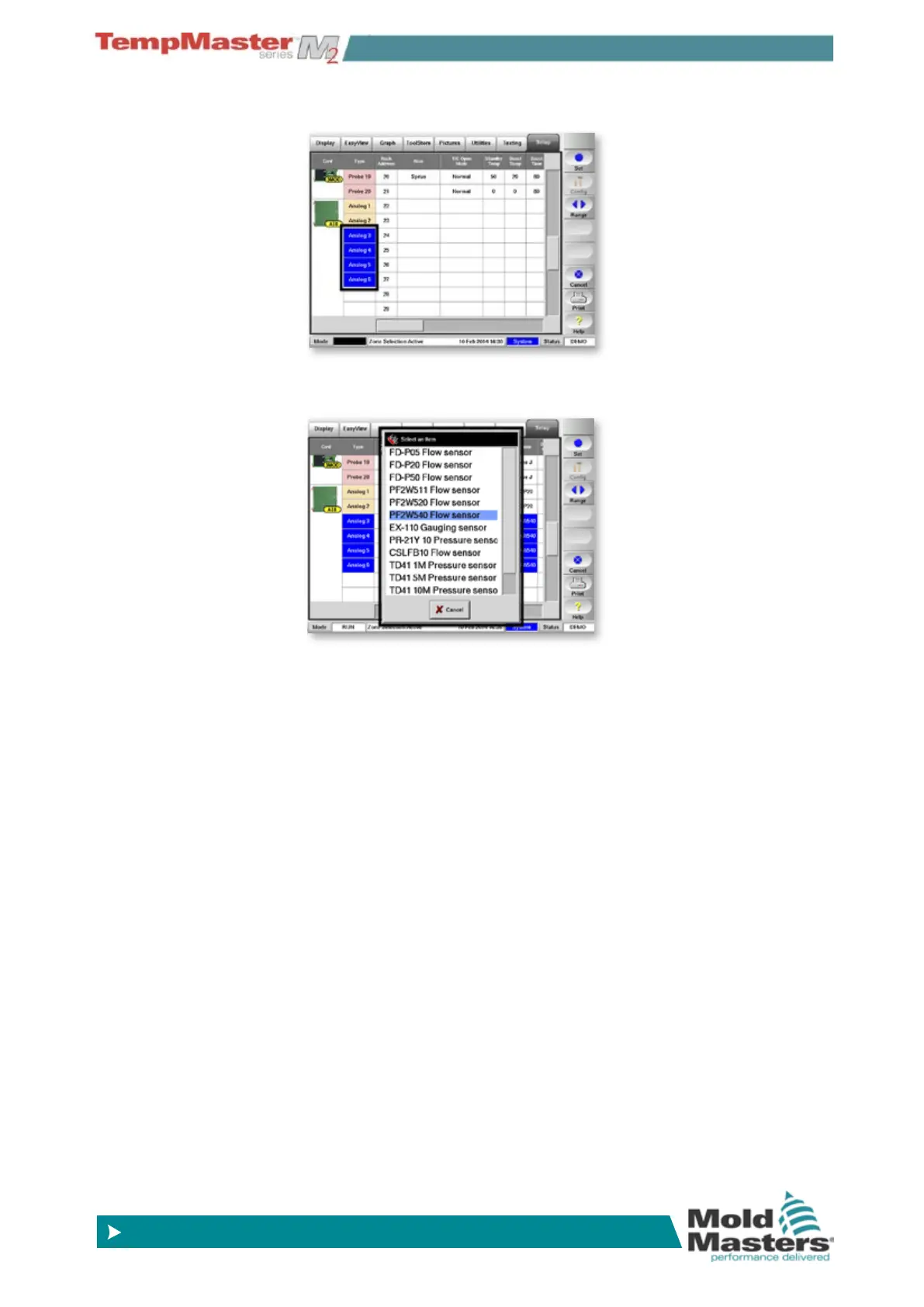
6. Then touch anywhere in the [Sensor] column.
7. Choose [
Set] to open a Sensor pick-list and choose the appropri-
ate sensors.
8. To Set the Analogue channels monitoring limits…
stay on the Setup page, touch the analogue ow-zones and then
choose any of the Alarms and Warning columns and then [
Set]
to set up 1st and 2nd stage alarms. Repeat for all High and Low
levels.
9. To set the ows and pressure to normal expected values…
open the [
Display Page]. Select the ow-zones and then choose
[
Set] in order to type in a value (in litres/minute) that meets the
expected ow for those zones.
Select the pressure-zones and then choose [
Set] in order to type
in a value (in Bar or PSI) that meets the expected level for those
zones.
10. Set any other zones types that may be available according to the
normal Setting Up procedure.



 To Next Page