© 2014 Mold-Masters (2007) Limited. All Rights Reserved.
Revised 1 Oct, 2014
D-4
WATER MANIFOLDS
To Set Reynolds Number and Difference
monitoring display
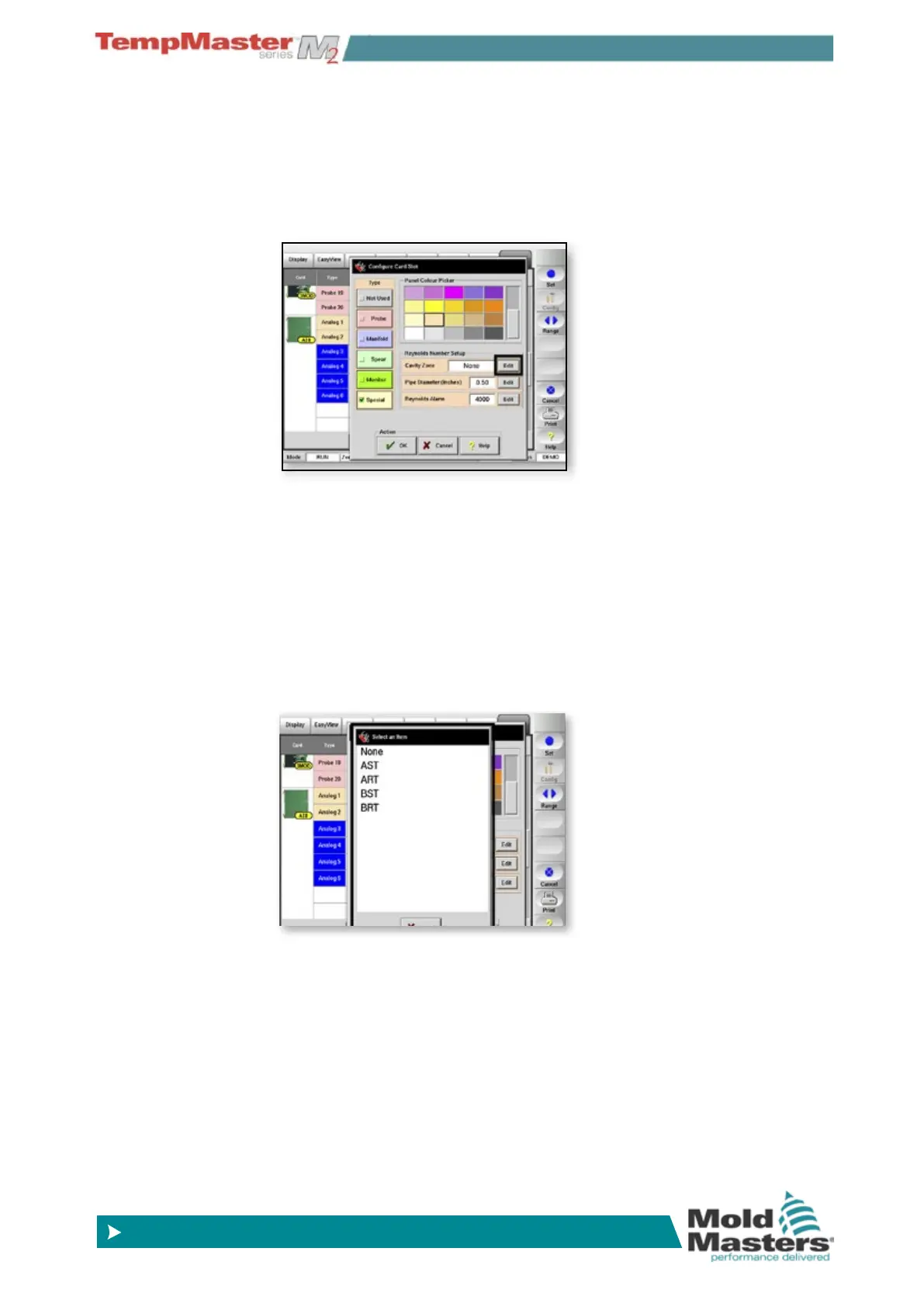
Set up Reynolds Number Display
Reynolds Number – is calculated from a formula that needs three ac-
tual values for Flow-rate, water-temperature and Pipe-size.
On the Setup page and select any one ow zone the touch [
Set] to
display the Congure Card panel.
This zone will provide the required ow-rate.
Within the “Extended Options” box you can provide the water-temper-
ature by referencing an appropriate Temperature sensor. By “Refer-
ence” choose [
Edit] and from the next option box select an appropri-
ate Temperature sensor zone.
Finally, you can set the third parameter – “Pipe-Size”
(Note – The last setting within “Extended Option” allows you to set an
alarm level for Reynolds number so that any value of Reynolds Num-
ber that deviates beyond an expected level will raise an alarm on the
main Display Page.)



 To Next Page