© 2014 Mold-Masters (2007) Limited. All Rights Reserved.
Revised 1 Oct, 2014
D-5
WATER MANIFOLDS
Set up Delta (difference) Display
Delta (Difference) in pressure is simply calculated as the difference in
pressure levels between two associated Pressure Sensors.
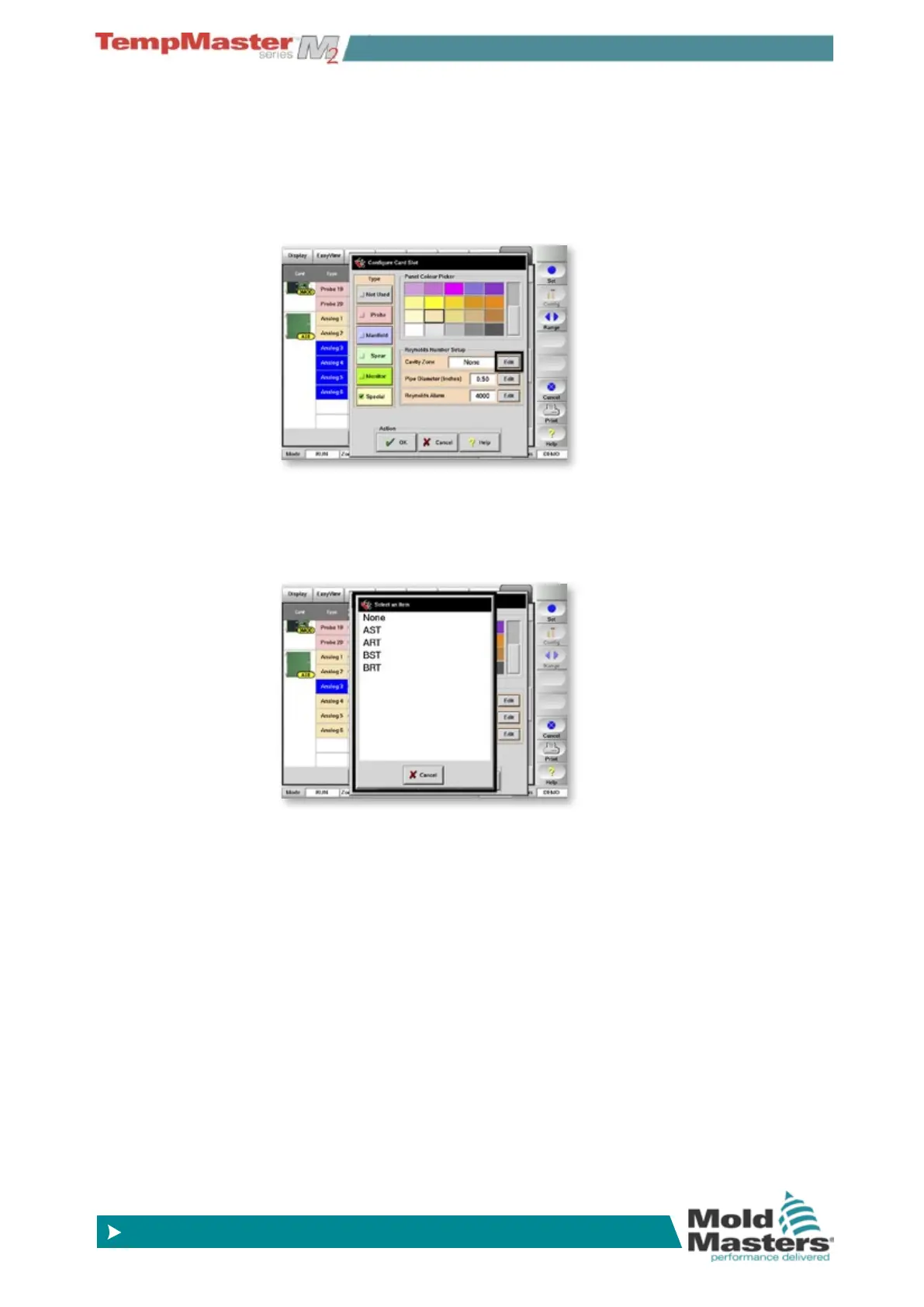
On the Setup page and select any one pressure zone the choose
[
Set] to display the Congure Card panel. (Note it is similar to a ow
zone except that the Pie size and Reynolds alarm are greyed out)
Within the “Extended Option” you can select another Pressure zone to
compare the difference between the two. By “Reference” choose
[
Edit] and from the next option box select an appropriate Pressure
sensor zone.
(Note - when setting a differential comparison between zones “A” and
“B”, you must rst go to Zone A and reference B – then you must go to
Zone “B” and reference A. They must be mutually set as a complimen-
tary pair.)



 To Next Page