OPERATION
© 2014 Mold-Masters (2007) Limited. All Rights Reserved.
Revised 1 Oct, 2014
6-18
6.14 Alarms
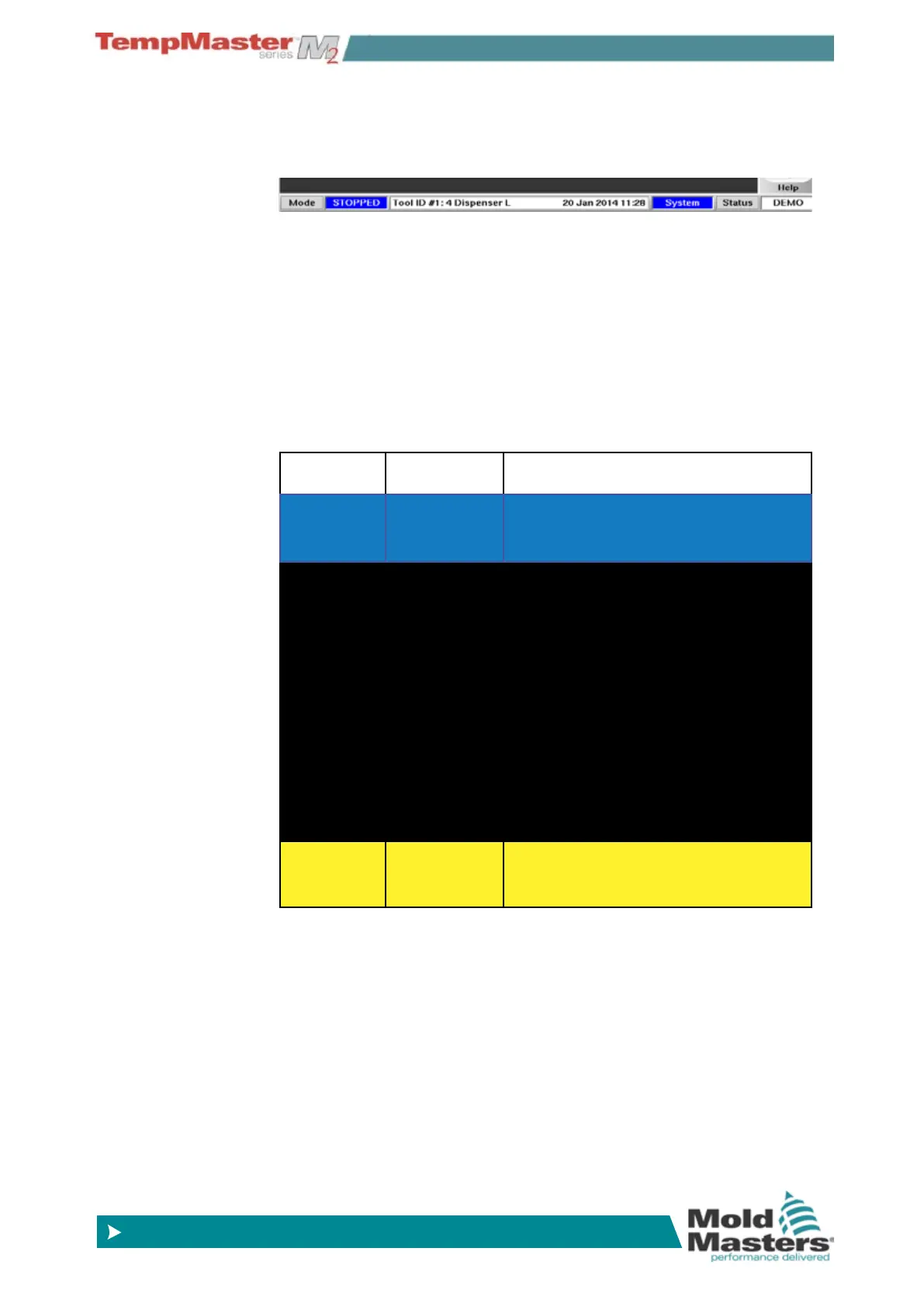
The Information bar always shows at the bottom of the screen. It
shows Mode, Login and Status along with a message window in the
centre.
If your controller is switched on and running normally then the left
hand Mode window will show RUN and the opposite Status window
will show NORMAL. The Login Window shows who is currently logged
in as user.
6.14.1 Mode Window
If the controller is switched out of RUN mode then the Mode window
shows the selected function, which is seen ashing on and off.
The table below lists the different Mode displays:
RUN
Black text in
White box
All control zones are working normally
STOP
White text in
Blue box
The System has been shut down and
the heaters are at room temperature.
STANDBY
Yellow text
in Black box
Any zones with Standby Tempera-
tures congured have been reduced in
temperature until the next command is
given.
STARTUP
The system has been started in a ho-
mogeneous or staged heat-rise. It will
switch to RUN when working tempera-
ture has been reached.
SHUT-
DOWN
The system has been shut down in a
homogeneous or staged heat fall. It
will switch to STOP when room tem-
perature has been reached.
BOOST
Black text in
Yellow box
Any zones with Boost Temperatures
congured are being temporarily
raised. (manual request)



 To Next Page