User’s Guide Kona cutting plotter
Basics
54 AP-75380 - Revision 1.2
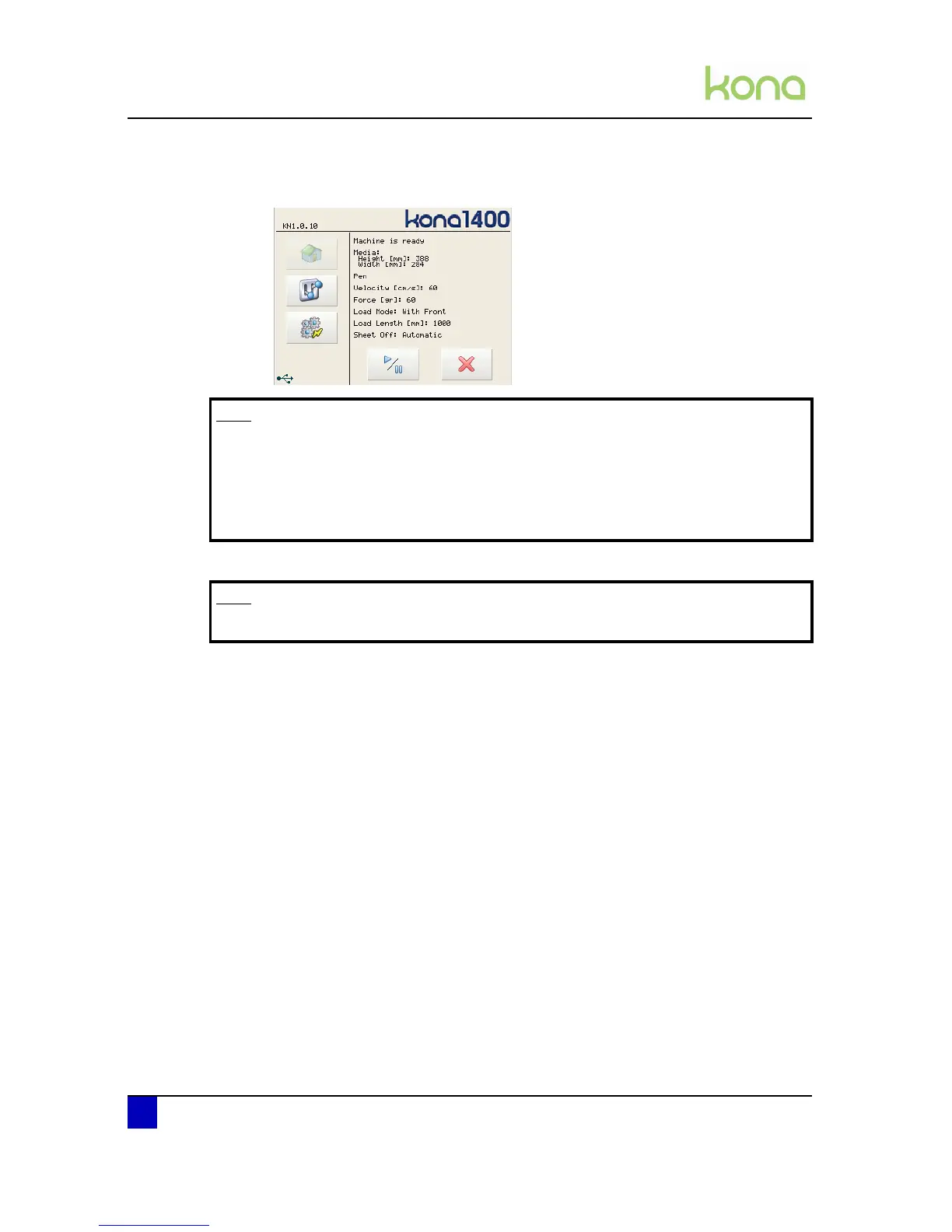
Step 9: When no problems occur, the main screen will appear. The usable width of media
will be displayed in the home window:
Step 10: The media is now properly loaded and you are ready to cut.
Note
In some cases, the cutter gives a warning screen for example if there is no tool
installed, the media is too thick, ...
Select ignore in case you want to proceed with an undetected tool.
In case you forgot to install a tool, install the tool of your choice and select retry.
The cutter will measure the tool height and proceed as normal.
Note
Cut files will be clipped in case the cut file is larger than the media width.












 To Next Page