User’s Guide Kona cutting plotter
Basics
58 AP-75380 - Revision 1.2
Step 5: Be sure that the media is cut off straight at the front to avoid media initialization
mismatches.
Step 6: Select the media measure method.
Refer to Load mode on page85
Step 7: Lower the pressure rollers as soon as all the correct settings have been made.
Refer to Load length on page87
Refer to Auto shuffle on page90
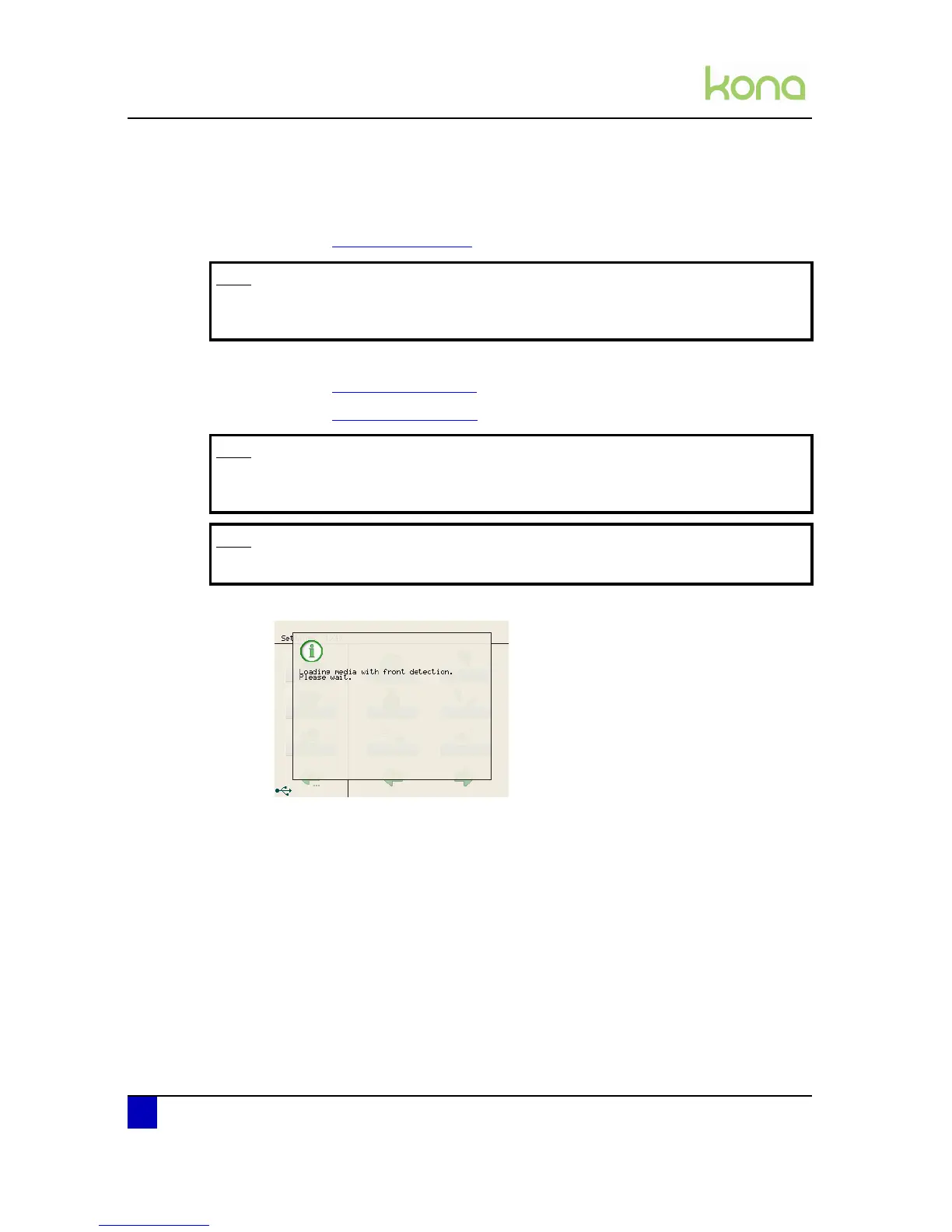
Step 8: The cutter measures the media and displays a message:
Note
Make sure not to get stuck on the pressure roller lever, this could damage your
clothes.
Note
The head will move fast over the media. Be careful not to pinch your fingers
during this action.
Note
Cut files will be clipped in case the cut file is larger than the media width.












 To Next Page