User’s Guide Kona cutting plotter
Operation panel
94 AP-75380 - Revision 1.2
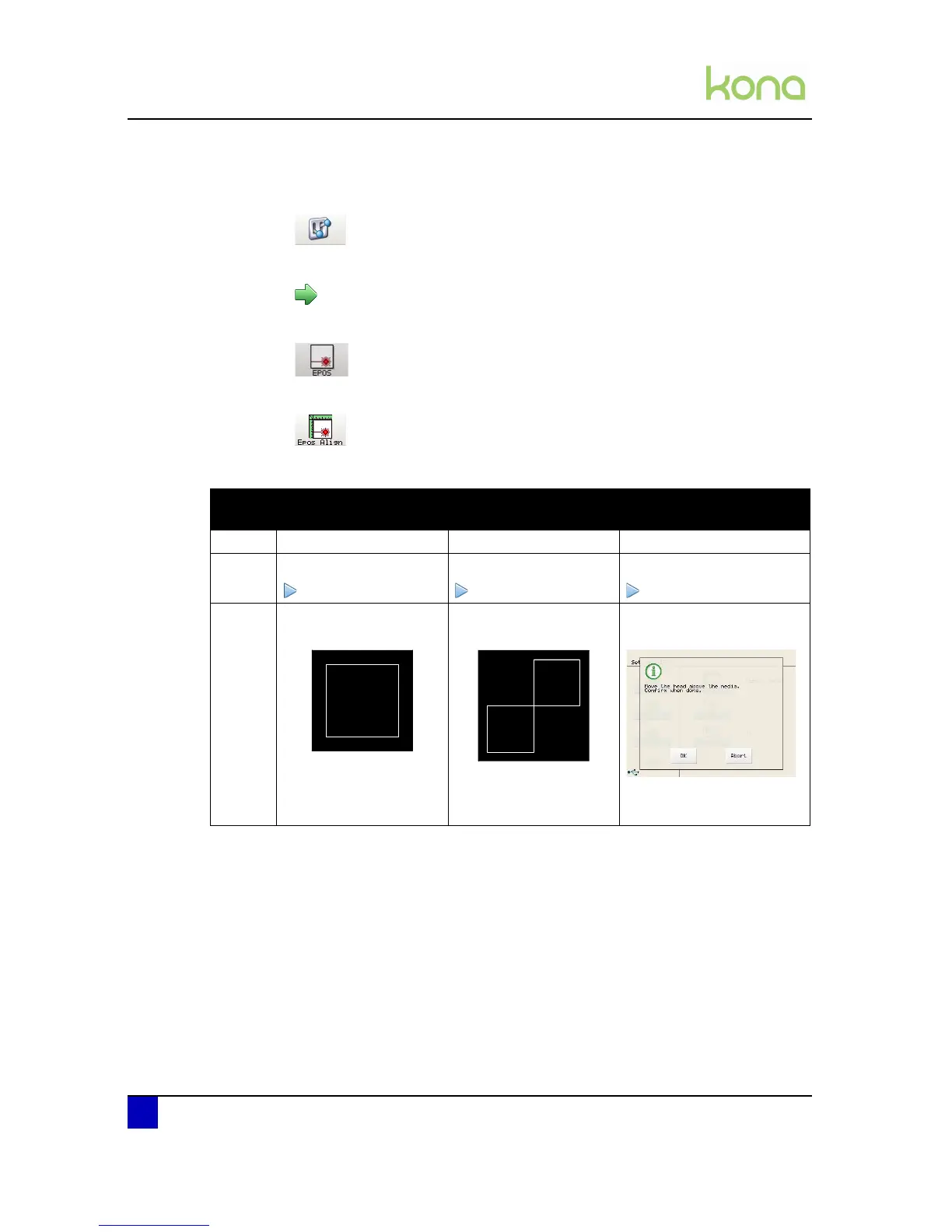
Step 3: Press the following buttons in order:
Settings
2x next page
Epos
Epos Align
You now have 3 options
Automatic
(Recommended)
Manual Position Manual color
Step 4: Select automatic Select manual Select Manual color
Step 5: Press the start key Press the start key Press the start key
Step 6: The following pattern will
be cut:
The following pattern will
be cut:
The Kona displays
following screen:
Move the head over the
media and press OK.












 To Next Page