User’s Guide Kona cutting plotter
Operation panel
96 AP-75380 - Revision 1.2
Optimize
When calibrating the EPOS, the X and Y distance is measured between the pen and the
laser. These values are being used when contour cutting.
Normally, these values are correct, but in rare cases a shift could happen. To delete this shift,
you can optimize the offset distances between the pen and the laser.
These distances are being counted up with the calibrated values.
When performing a new EPOS calibration, the optimize values are being reset to 0.
Perform an EPOS optimization as follows:
Settings
2x next page
Epos
Optimize
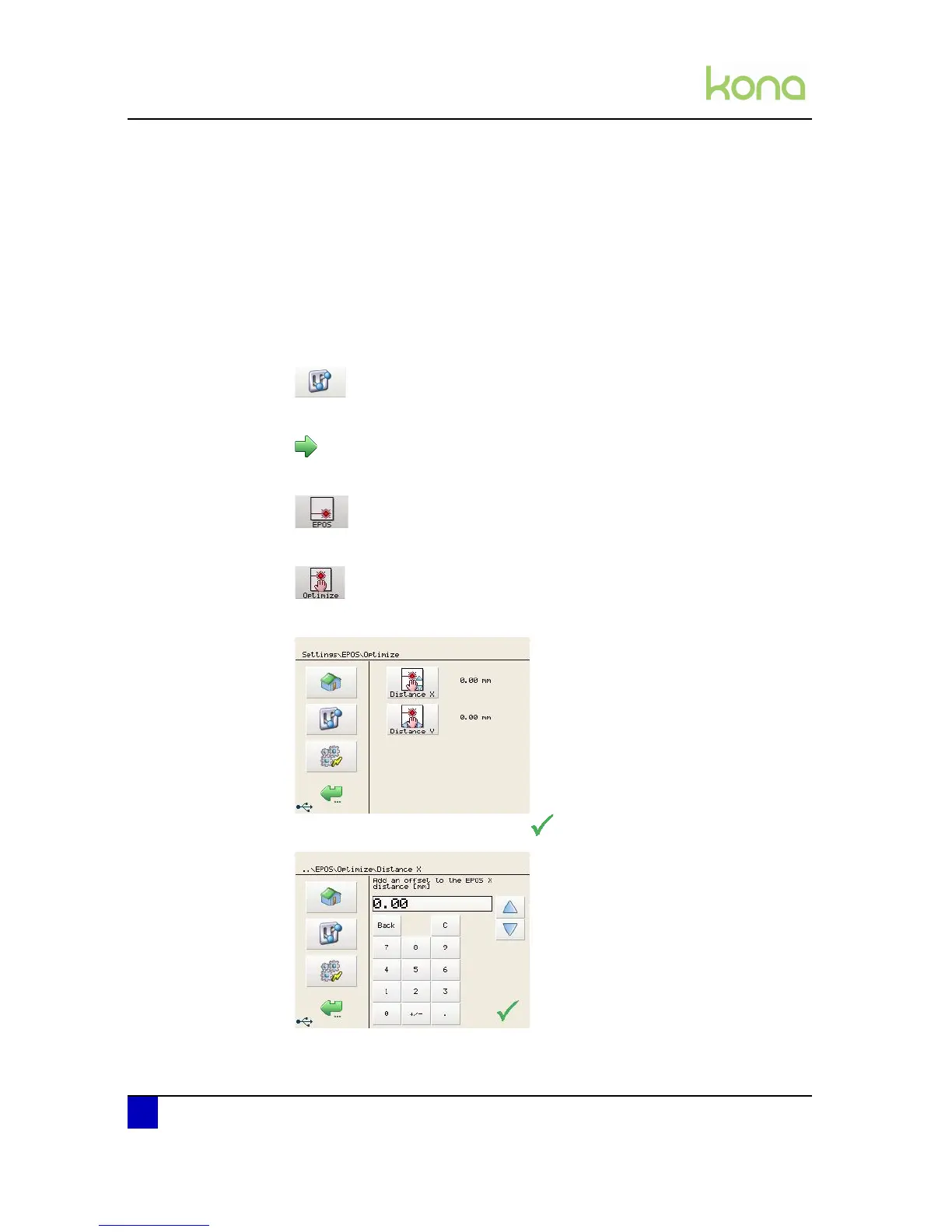
Press Distance X or Distance Y to adjust the value.
Add an offset to the EPOS and click












 To Next Page