Chapter 3 pH MEASUREMENT
3.2 Open pH Measurement Screen
F-52, 53, 54, 55 33
“HOLD” display blinking
To stop calibration: Press the ESC key to clear
To perform calibration: Press the ENTER key to perform
“HOLD” display lit
To display instantaneous value: Press the ESC key
The blinking interval of HOLD display is not always constant.
Calibration of the 2nd point
After calibration of the 1st point, perform calibration of the 2nd point similarly.
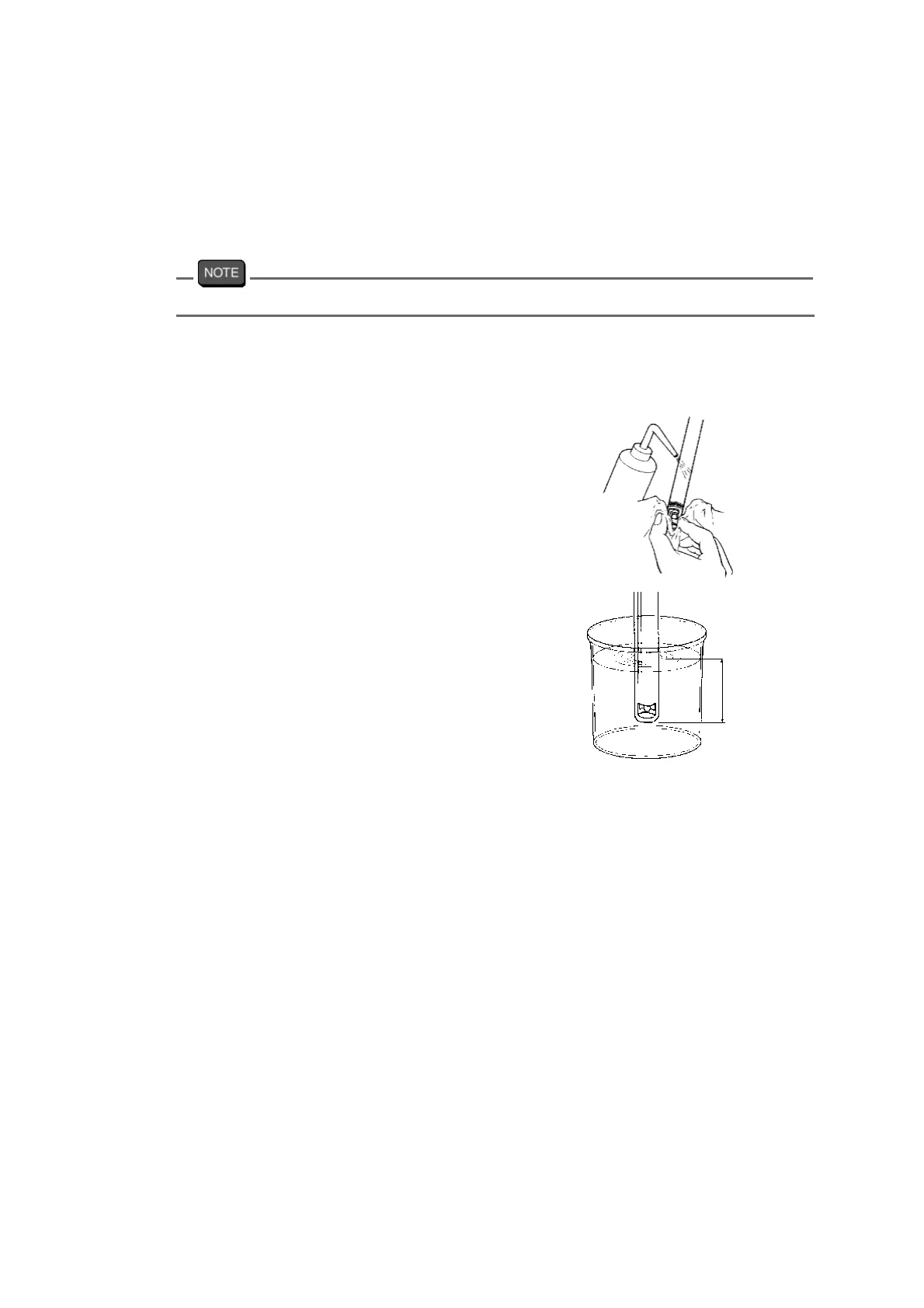
1. Wash the electrode with pure
water (ion exchange water), and
wipe it off either with filter paper or
tissue paper.
2. Immerse the electrode in the bea-
ker with standard solution of pH4.
Deeper
than 3 cm



 To Next Page