User’s Manual of WGSW-20160HP/WGSW-24040HP series
3.5 SNMP-Based Network Management
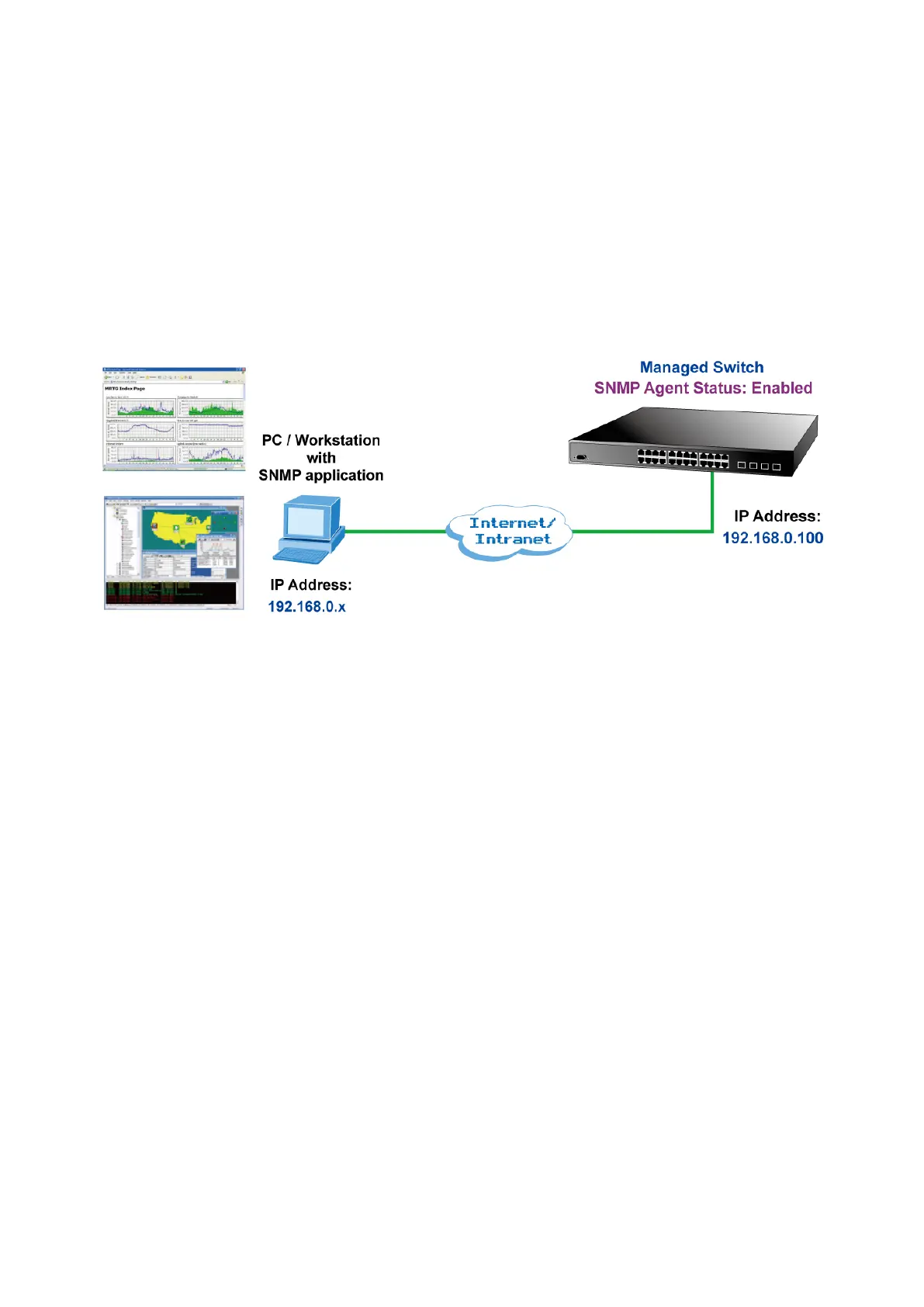
You can use an external SNMP-based application to configure and manage the Managed Switch, such as SNMP Network
Manager, HP Openview Network Node Management (NNM) or What’s Up Gold. This management method requires the SNMP
agent on the switch and the SNMP Network Management Station to use the same community string. This management
method, in fact, uses two community strings: the get community string and the set community string. If the SNMP Net-work
management Station only knows the set community string, it can read and write to the MIBs. However, if it only knows the get
community string, it can only read MIBs. The default getting and setting community strings for the Managed Switch is public.
Figure 3-5: SNMP Management
3.6 PLANET Smart Discovery Utility
For easily listing the Managed Switch in your Ethernet environment, the Planet Smart Discovery Utility from user’s manual
CD-ROM is an ideal solution. The following installation instructions are to guide you to running the Planet Smart Discovery
Utility.
1. Deposit the Planet Smart Discovery Utility in administrator PC.
2. Run this utility as the following screen appears.



 To Next Page
 Loading...










