1 ADJUSTING AND CALIBRATING X-RAY BEAM Chapter E: CALIBRATIONS
108 Planmeca ProOne Technical manual
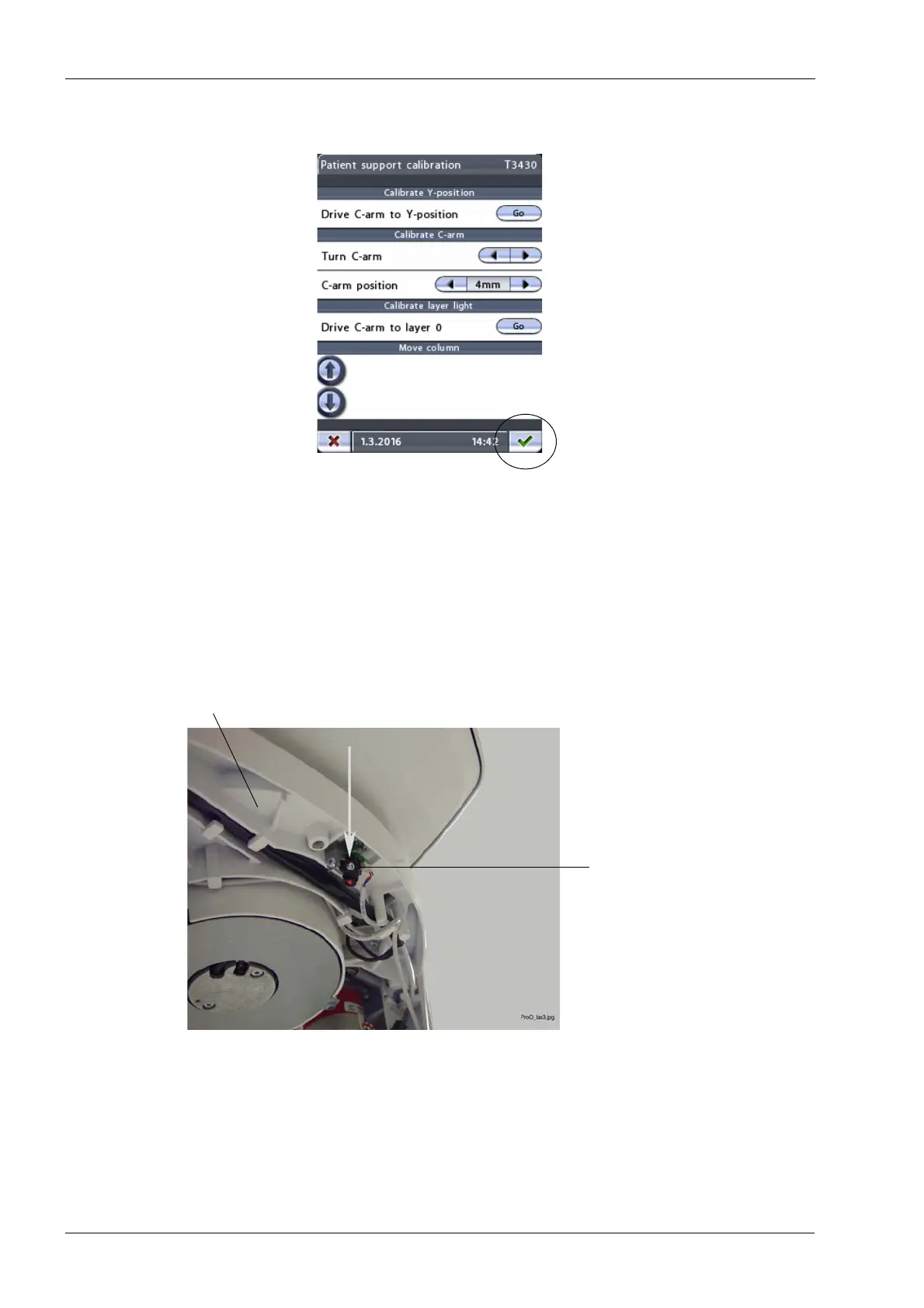
Exit the
Patient support calibration (T3430)
display and save the settings by touching the
green check mark button in the bottom right corner of the display.
1.8.2 Adjusting the midsagittal plane light position
If the patient positioning lights are not already on, touch either of the target position arrows
on the control panel main display to switch them on. The main display is the display that is
shown when the X-ray unit is switched on.
The beam of the midsagittal plane light has to coincide with the y-line on the ball phantom
(see figure below). To accomplish this, carefully adjust the position of the midsagittal plane
light by using a pair of pliers or a similar tool.
Exit display and save settings
Midsagittal plane light
C-arm top frame














 To Next Page