Chapter B: SETTINGS 3 PROGRAM SETTINGS
Technical manual Planmeca ProOne 51
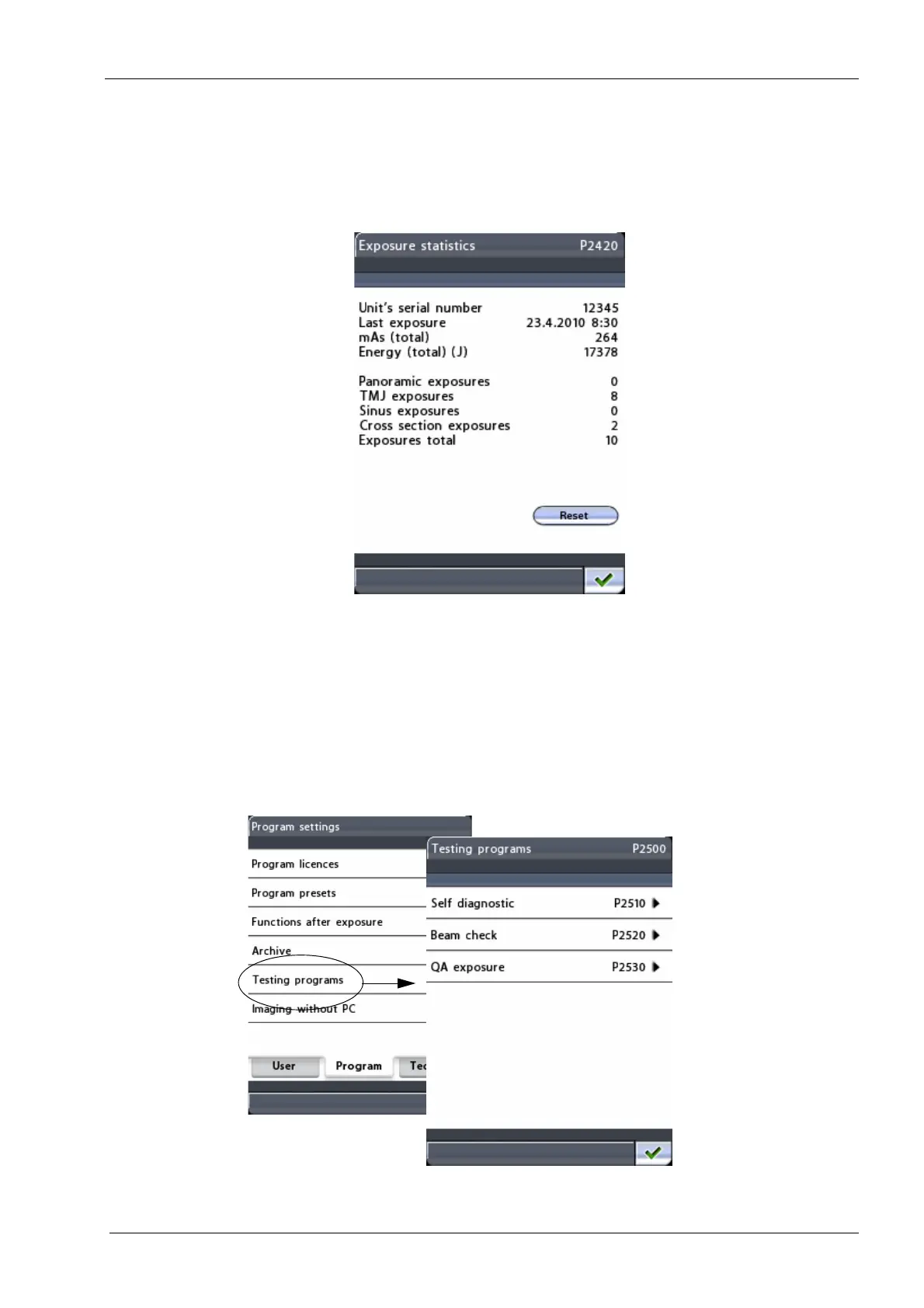
• Exposure statistics:
Touch the
Exposure statistics
field to view the following information: Unit’s serial
number / Last exposure (date and time) / mAs / Energy; number of panoramic
exposures / TMJ exposures / Sinus exposures / Cross section exposures / Exposures
total.
You can reset the exposure data by touching the
Reset
field in the bottom right corner
of the
Exposure statistics
menu.
3.5 Program: Testing programs (P2500)
To perform self diagnostics, a beam check or to take a QA exposure, first select the option
Testing programs (P2500) on the
Program settings
display. The
Testing programs
(P2500)
display will appear.














 To Next Page