Chapter F: PARTS REPLACEMENT AND REPAIR 4 C-ARM AND UPPER ARM PARTS REPLACEMENT
Technical manual Planmeca ProOne 163
4.6 Replacing the midsagittal plane positioning light
Remove the sensor head cover, tube head cover and C-arm cover as described in section
2 "REMOVING C-ARM AND UPPER ARM COVERS" on page 118.
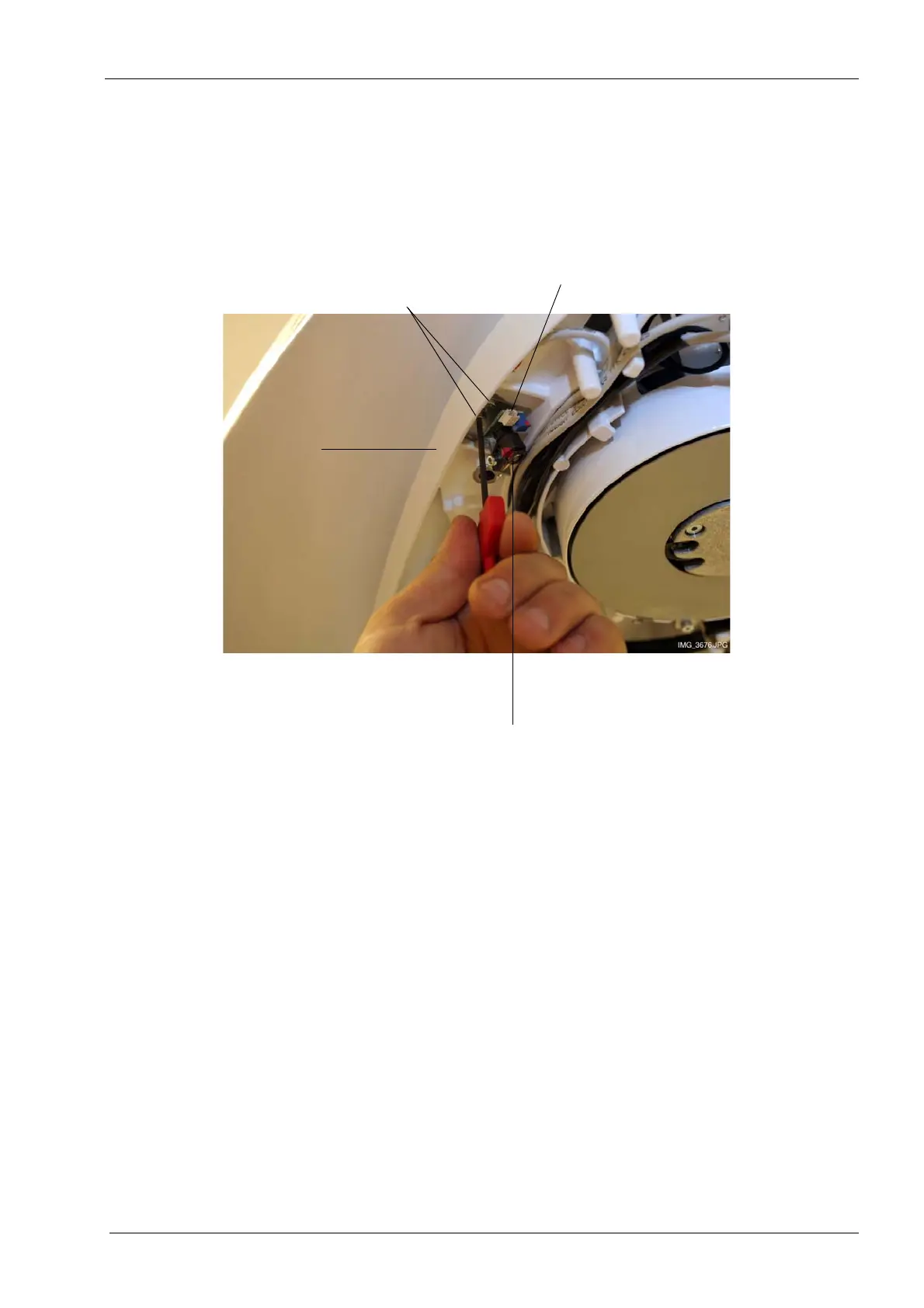
Disconnect the light cable by carefully pulling it out of the connector socket. Using the tip
of a small screwdriver might make it easier to detach the connector from the socket. Then
unscrew the two screws that hold the light assembly in position.
Install a new light in reverse order.
Adjust the new light as described in section 1.8 "Step 5: Adjusting the positioning lights" on
page 106.
Unscrew two screws
Midsagittal plane
positioning light
Disconnect the cable
C-arm top frame














 To Next Page