3 PROGRAM SETTINGS Chapter B: SETTINGS
44 Planmeca ProOne Technical manual
3.1 Program: Program licences (P2100)
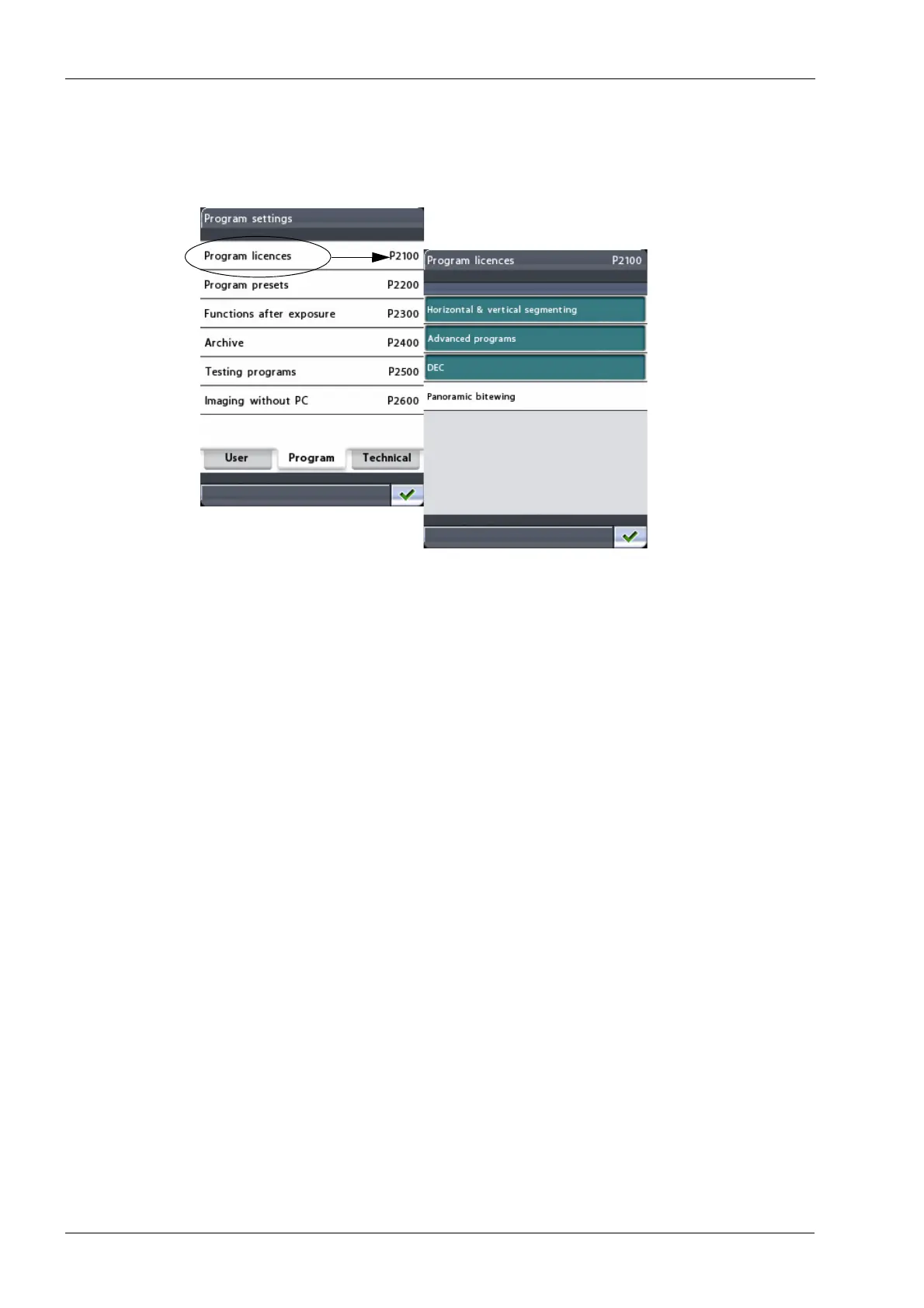
To activate program features, first select the option Program licences (P2100) on the
Program settings
display. The
Program licences (P2100)
display will appear.
Touch the program feature you wish to activate:
• Horizontal & vertical segmenting
The segmenting function makes it possible to take panoramic exposures of different
jaw segments. Segmenting reduces the radiation dose as only diagnostically
interesting areas need to be x-rayed.
• Advanced programs
The advanced program package contains following exposure programs:
• Interproximal, orthogonal and bitewing panoramic programs
• Double lateral-PA and 3 angles lateral TMJ programs
• Lateral and midsagittal non-rotational sinus programs
• Manual and automatic cross-sectional programs
NOTE: If necessary, the
TMJ double lateral-PA
and
cross-sectional programs
can be
disabled through the
Enable programs
(T3720)
menu, see section 4.7 "Technical:
User-specific settings (T3700)" on page 71.
•DEC
Dynamic Exposure Control (DEC) adjusts the exposure values individually for each
patient during exposure. Once activated, the DEC function can be switched on/off
independently for each exposure.
Note that DEC target value can be adjusted, see section 3.2 "Program: Program
presets (P2200)" on page 46 for details.
NOTE: DEC must be calibrated by a qualified service technician before the function
can be used. The calibration procedure is described in section 2 "CALIBRATING
DYNAMIC EXPOSURE CONTROL (DEC)" on page 112.














 To Next Page