Chapter B: SETTINGS 3 PROGRAM SETTINGS
Technical manual Planmeca ProOne 45
• Panoramic bitewing
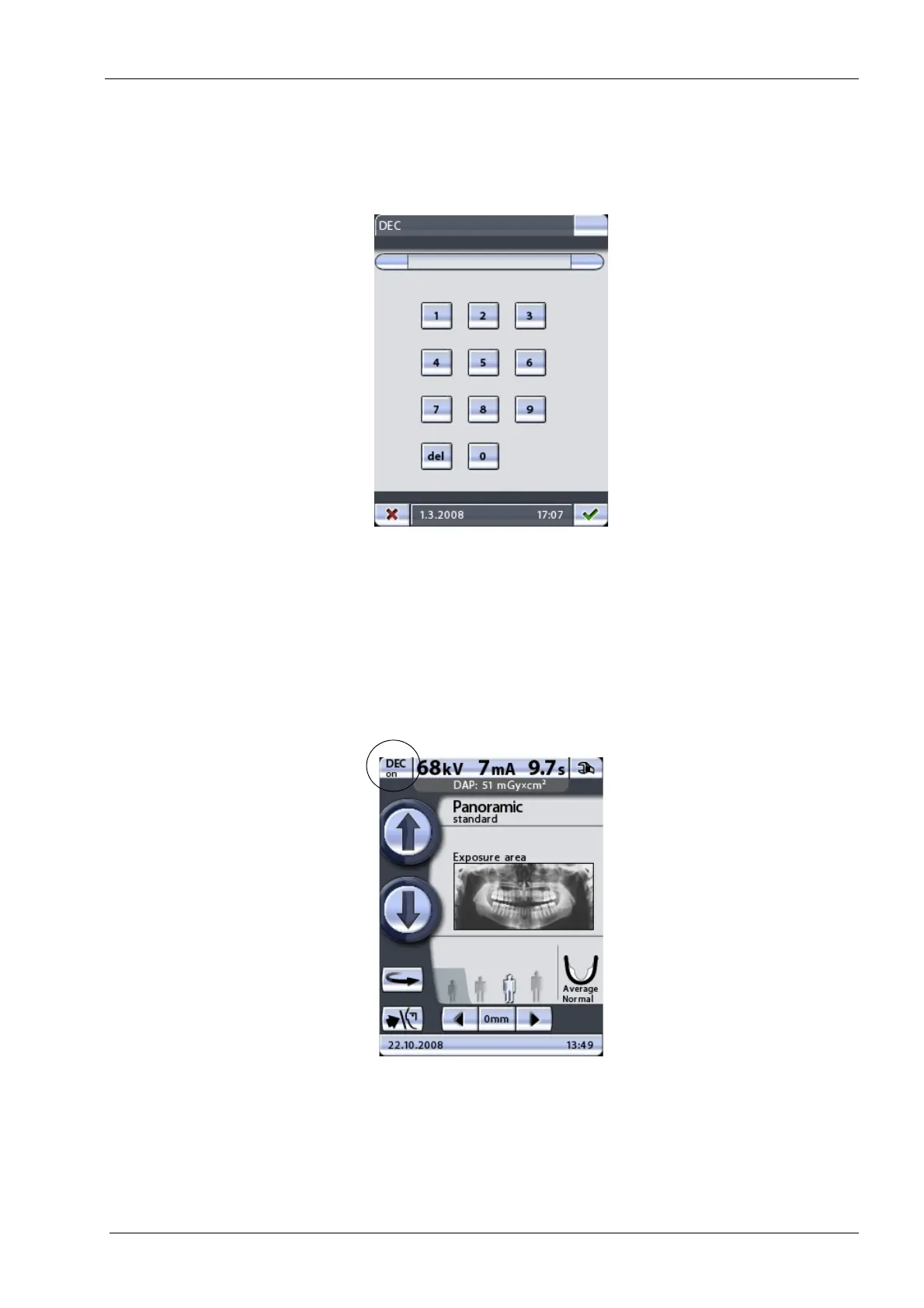
A licence code will be asked next. Enter the licence code (6 digits) for the selected
program feature. Save the licence code by touching the green check mark button, or exit
the number display by touching the red cross button.
Each licence code is unit and feature specific, i.e. it can only be used on the specified X-
ray unit and for the specified program feature.
The program features that have been enabled and are in use are shown highlighted on the
Program licences (P2100)
display.
Additionally, when the program licence for DEC has been activated a
DEC on/off
button
will appear in the top left corner of the main display.
Exit the
Program licences (P2100)
display by touching the green check mark button in the
bottom right corner of the display.
If required, program features can be deactivated by selecting a highlighted feature on the
Program licences (P2100)
display and entering its licence code as described above.














 To Next Page