4 TECHNICAL SETTINGS Chapter B: SETTINGS
70 Planmeca ProOne Technical manual
4.6 Technical: Factory default settings (T3600)
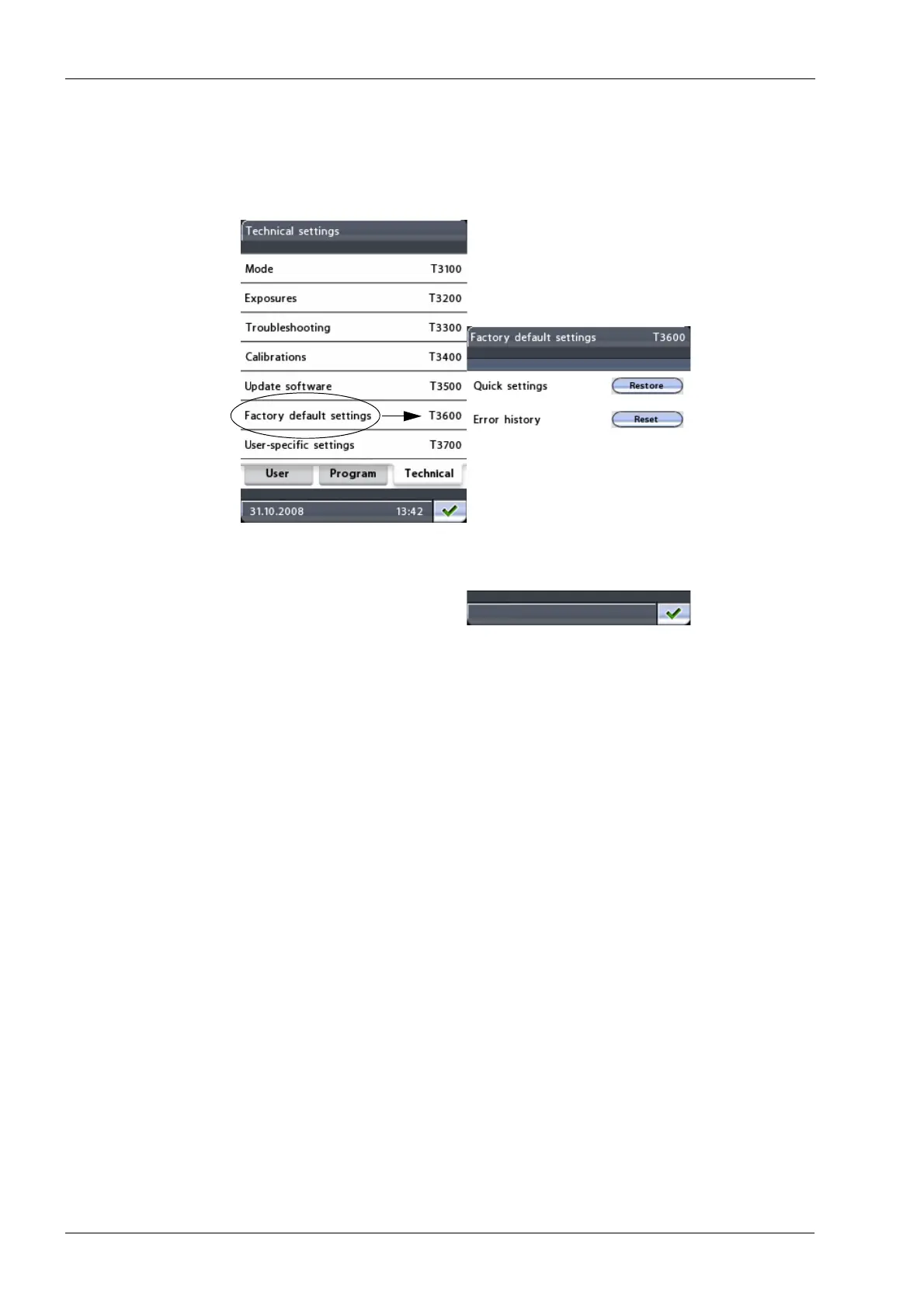
To restore the quick button default settings or to reset the error history, first select the
option Factory default settings (T3600) on the
Technical settings
display. The
Factory
default settings (T3600)
display will appear.
• Quick settings
The quick button exposure values have been preset at the factory. The preset
exposure values can be changed by the user.
Touch the
Restore
button to restore the preset exposure values for the quick buttons.
• Error history
Touch
the Reset
button to clear all error history from the P2410 display and error
history shown through the link on the web page.
Exit the
Factory default settings (T3600)
display by touching the green check mark button
in the bottom right corner of the display.














 To Next Page