1 ADJUSTING AND CALIBRATING X-RAY BEAM Chapter E: CALIBRATIONS
90 Planmeca ProOne Technical manual
1.2 Beam checking process from Step 1 to Step 8
If you use the Planmeca Device Tool software for calibrations, refer to the Planmeca Device
Tool manual, publication number 10031558, which should be used in conjunction with this
manual. Do not follow the Dimax4Tool instructions given in this chapter.
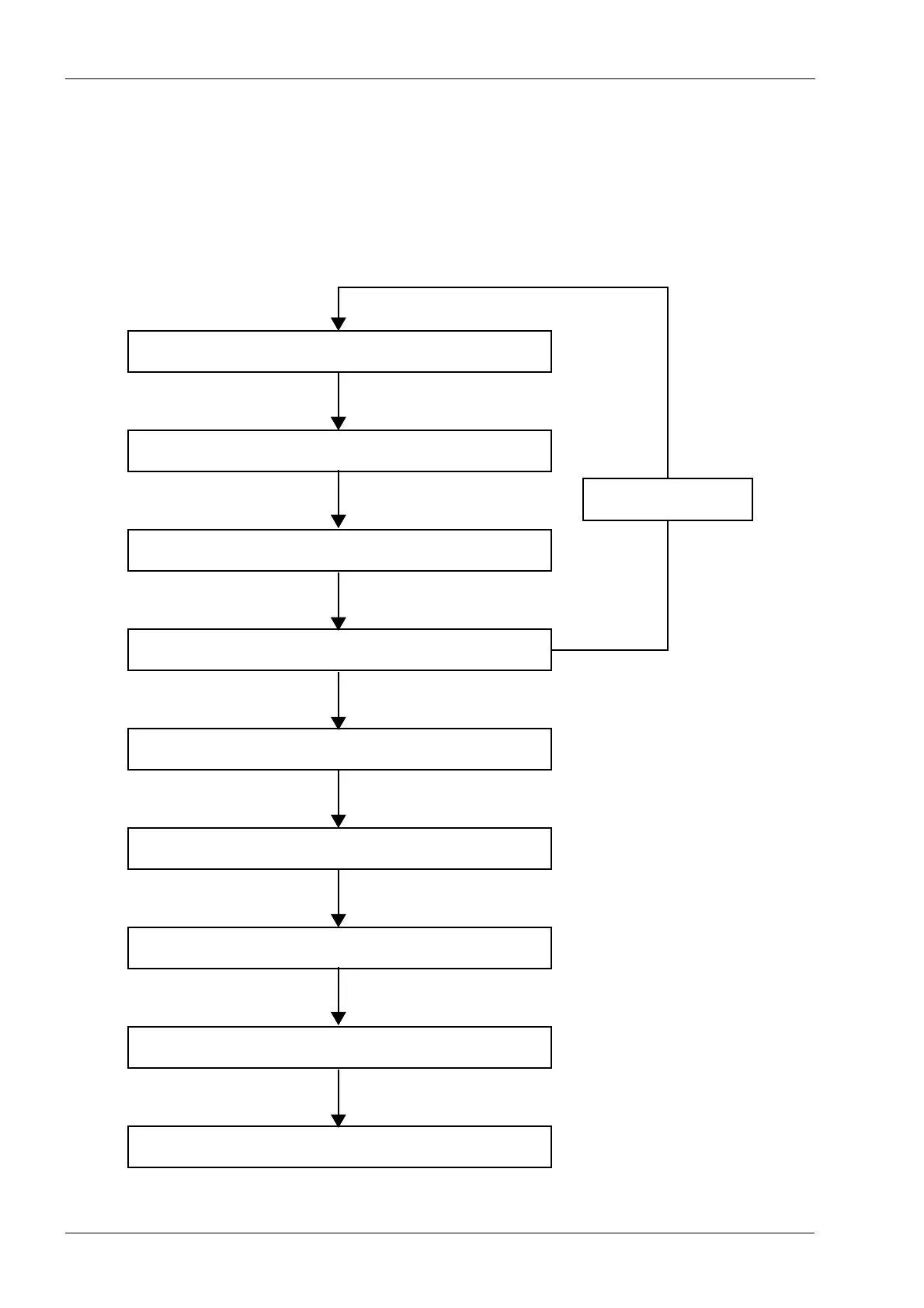
The flowchart below shows the beam checking process as a whole, and the following
sections explain the steps in detail.
Step 1: Adjust beam position
Step 2: Adjust patient support table position (y-line)
Step 3: Adjust C-arm position (x-line)
Step 4: Check symmetry (x-line)
Step 5: Check patient positioning lights
Step 6: Calibrate sensor
Step 7: Take beam check exposures
Step 8: Take ball phantom exposure
Ready
OK
Back to Step 1
No
Yes














 To Next Page