3 PROGRAM SETTINGS Chapter B: SETTINGS
48 Planmeca ProOne Technical manual
3.3 Program: Functions after exposure (P2300)
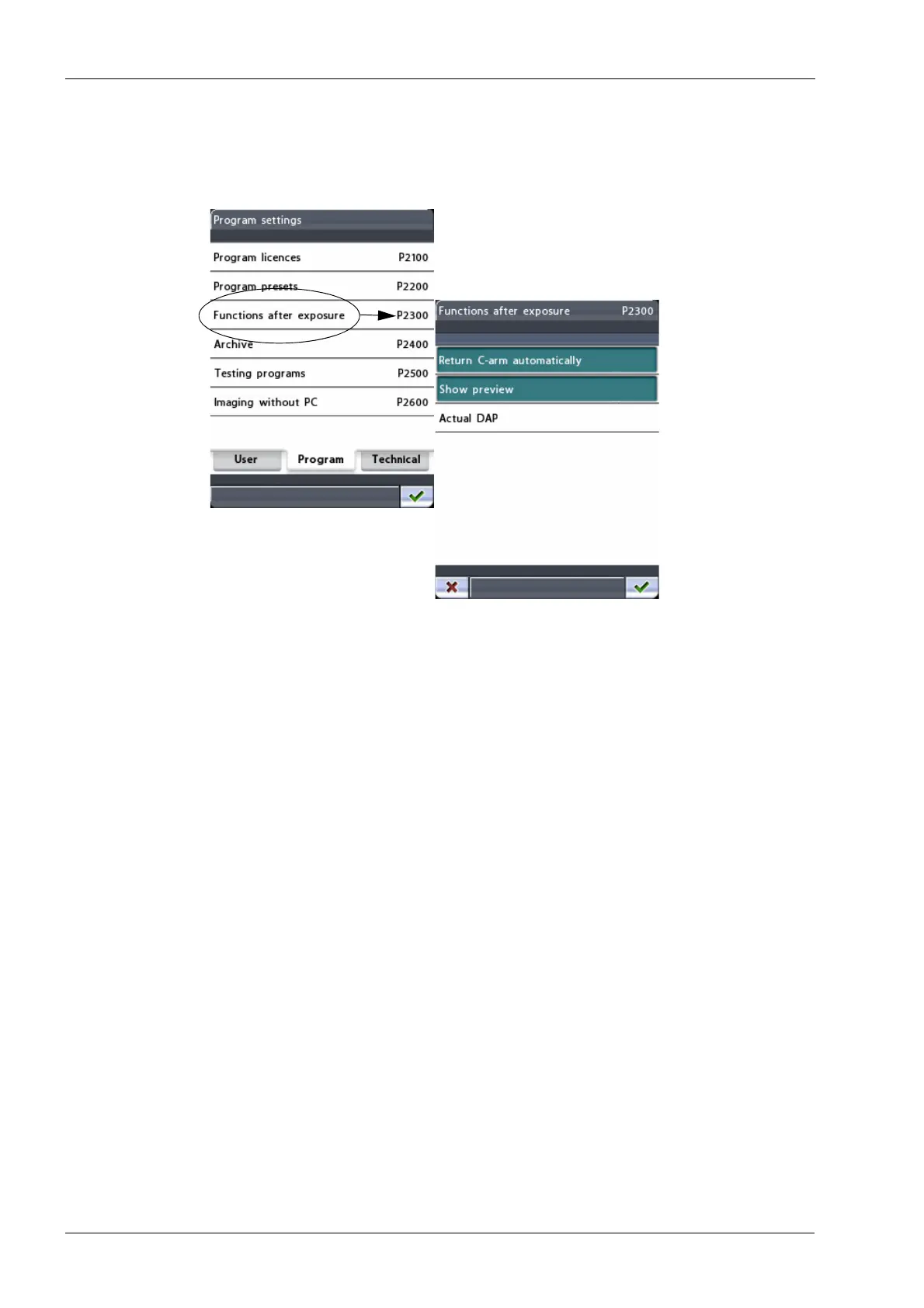
On the
Program settings
display, select the option Functions after exposure (P2300). The
Functions after exposure (P2300)
display will appear. Here you can specify how the X-ray
unit will function after an exposure has been taken.
• Return C-arm automatically
Touch the
Return C-arm automatically
field to set the X-ray unit so that the C-arm will
automatically return to the patient entry position at the end of an exposure cycle.
Note, however, that the automatic function works only if the exposure button is
pressed and held down for the entire duration of the exposure.
The
Return C-arm automatically
field is highlighted when the function is switched on.
To switch off the function, touch the field again.
• Show preview
Touch the
Show preview
field to set the X-ray unit so that a preview of the image will
be shown on the control panel after exposure. This option allows you to evaluate the
image immediately after you have taken it.
The
Show preview
field is highlighted when the function is switched on. To switch off
the function, touch the field again.
The preview image can be zoomed in and out to resize it, or dragged to move the
image on the display. Touching the image will zoom in and show you the image in
more detail at the point that was touched. Touching the image again will zoom out and
bring you back to the original size. Dragging the zoomed image with your finger will
move the image in the desired direction on the display.













 To Next Page