Chapter B: SETTINGS 3 PROGRAM SETTINGS
Technical manual Planmeca ProOne 47
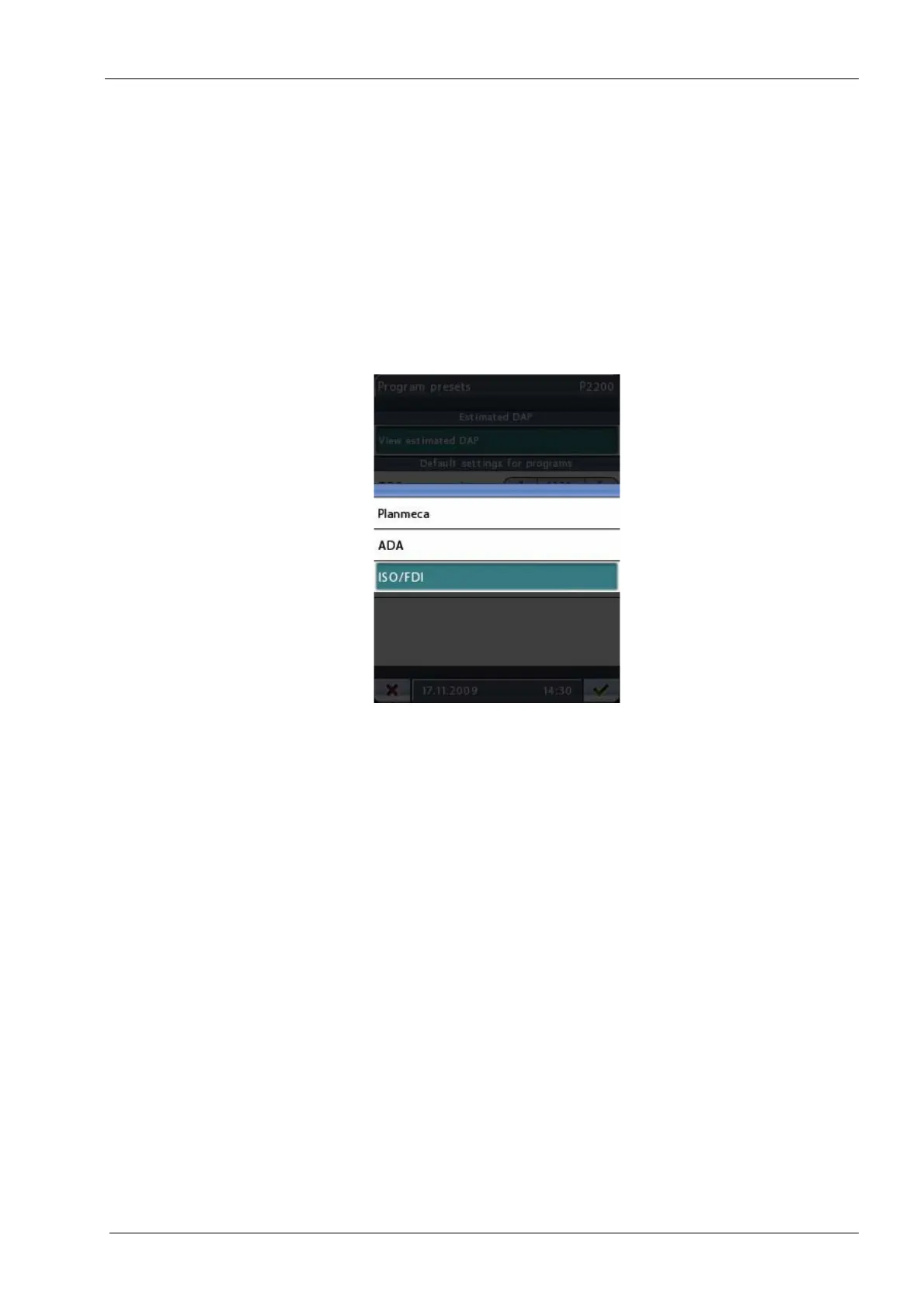
Tooth numbering: Touch the arrow buttons to select the tooth numbering system you
want to use in cross-sectional programs.
The options are:
• Planmeca: 0-8, TMJ
• ADA: TMJ, 1-4, 13-16, 17-20, 29-32, TMJ
• FDI/ISO: TMJ, 18-15, 48-45, 25-28, 35-38, TMJ
Tooth numbering will be shown on the
Program presets (P2200)
display only if cross-
sectional programs have been activated on the
Advanced programs (P2100)
display.
Accept your selection by touching the green check mark button in the bottom right corner
of the display. To exit the display without saving the changes, touch the red cross button in
the bottom left corner of the display.














 To Next Page