2 REMOVING C-ARM AND UPPER ARM COVERS Chapter F: PARTS REPLACEMENT AND REPAIR
122 Planmeca ProOne Technical manual
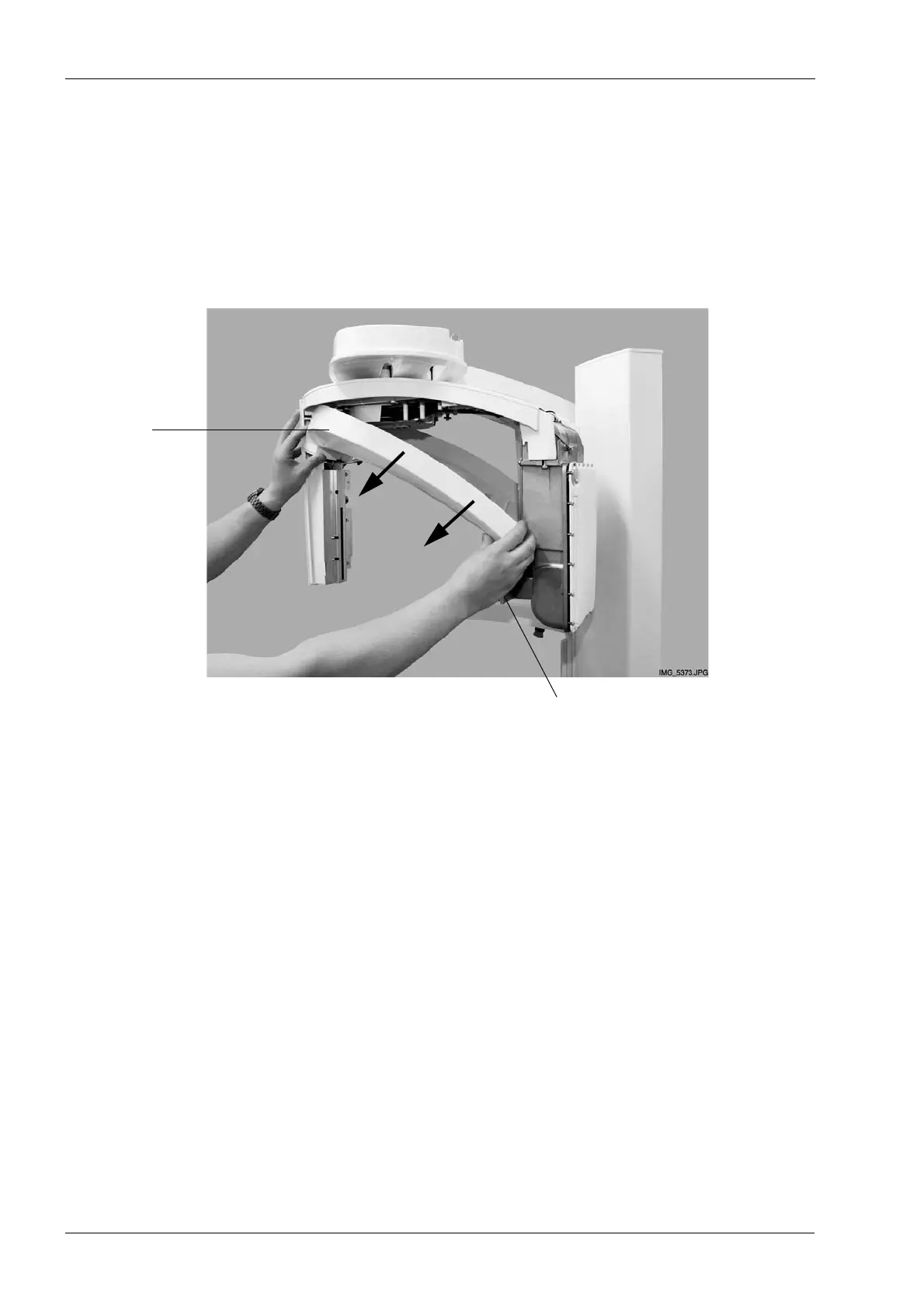
2.4 Removing the C-arm inner cover
The C-arm inner cover has to be removed last. It cannot be detached with the sensor head
cover and tube head cover in place.
Remove the C-arm inner cover by pulling it from its position. When you slide the cover out,
hold it sideways to avoid damaging the collimator.
C-arm
inner cover
Collimator














 To Next Page