Chapter B: SETTINGS 4 TECHNICAL SETTINGS
Technical manual Planmeca ProOne 61
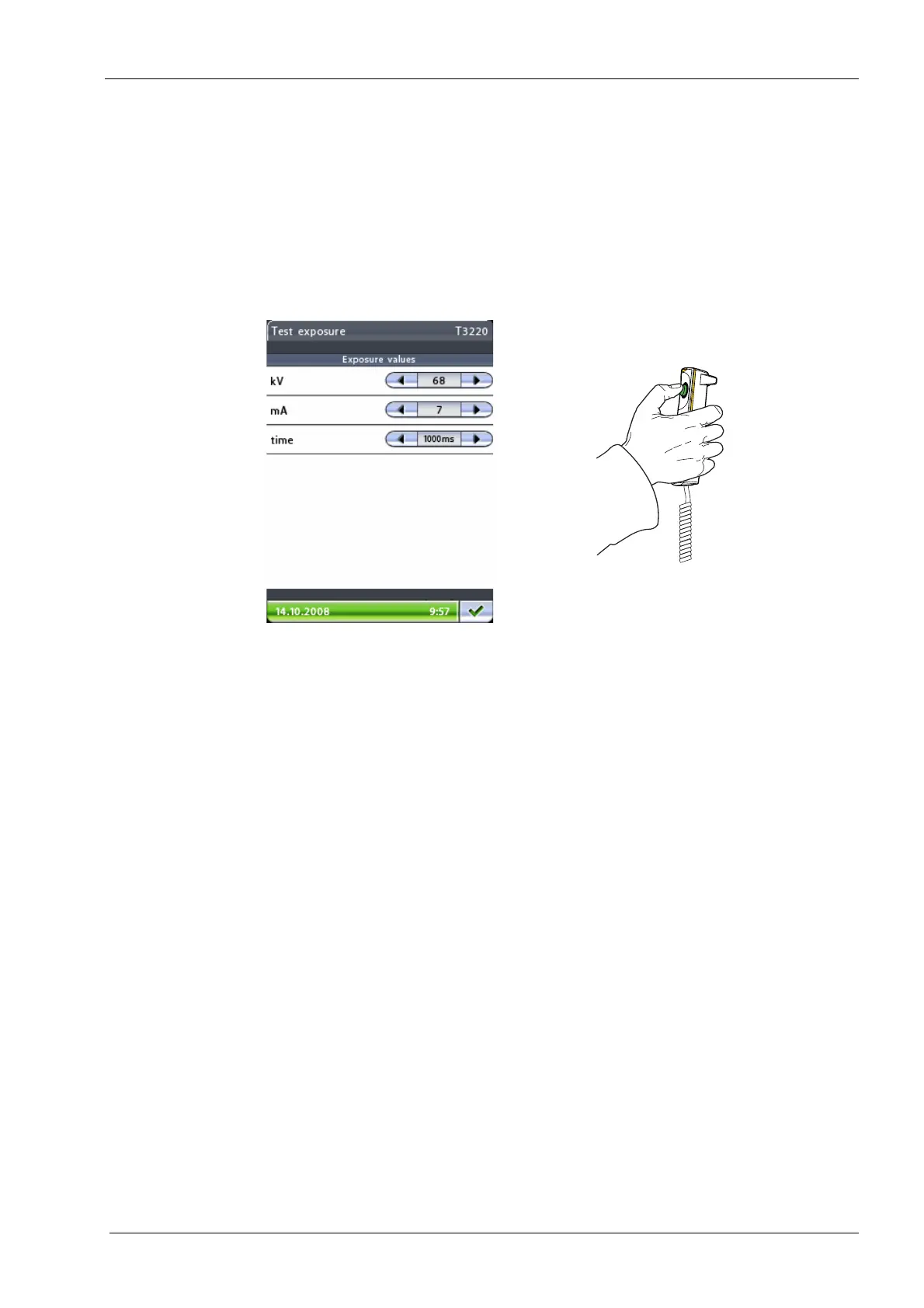
• Test exposure (T3220)
Touch the
Test exposure
field on the
Exposures
display. Select the required exposure
values (kV/mA/time) on the display that appears. Press the exposure button to take a
test exposure.
Radiation is generated when the exposure button is pressed. Protect yourself from
radiation. Keep the exposure time as short as possible.
Exit the display by touching the green check mark button in the bottom right corner.














 To Next Page