Configuration
QL-30/60 User Guide 83
Ribbon
• Start menu.
• Select Setup > Ribbon.
Tearing-off
• Start menu.
• Select Setup > Tearing-off.
Extrapolate labels The positions of the labels which are
between the label sensor and the
printhead are calculated from the first
label recognized by the sensor and the
programmed label distance. That way
those labels can be printed although the
printhead previously was open.
Off
Table 22: Parameters of the Setup > Ribbon menu
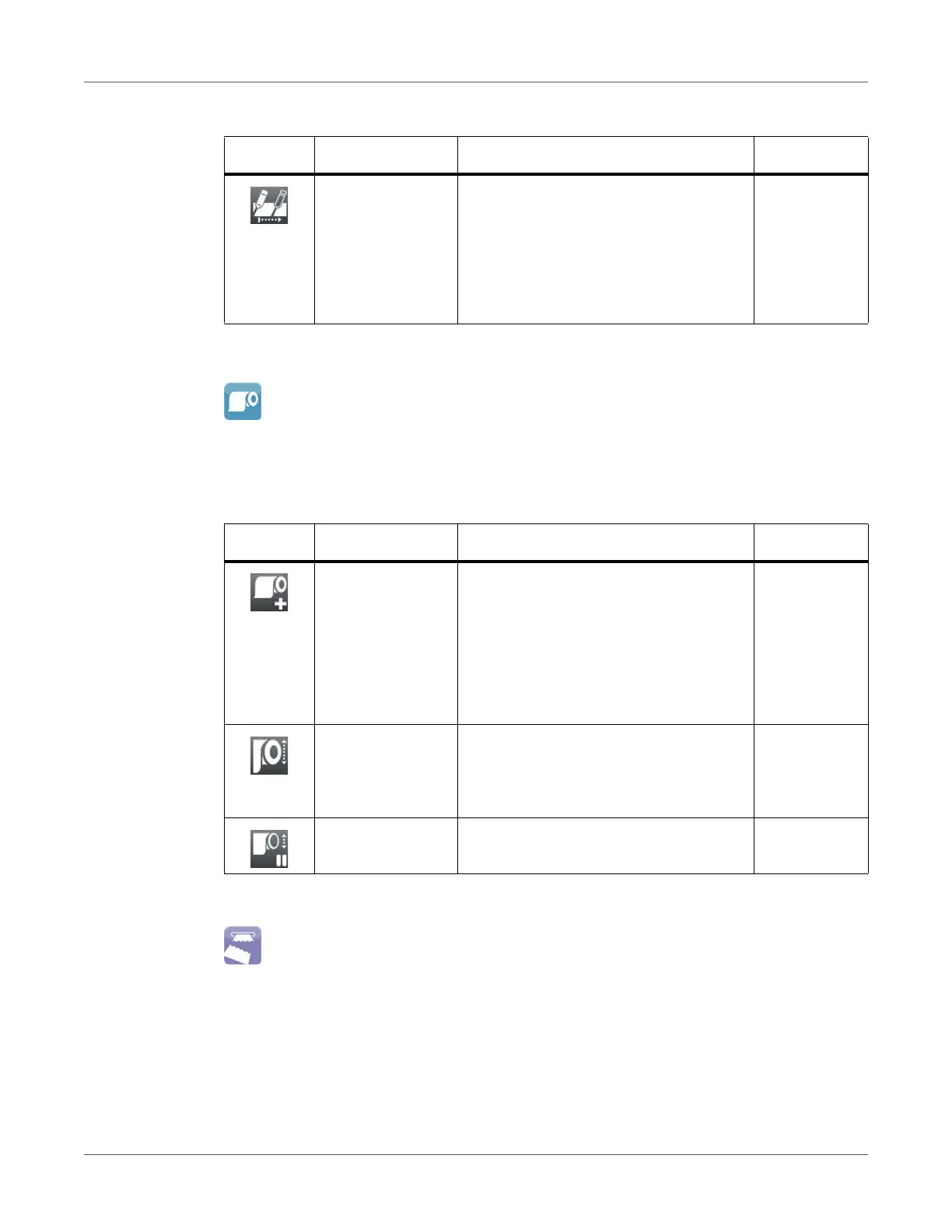
Icon Parameter Meaning Default
Transfer print
• On: Sensor for monitoring the transfer
ribbon is activated.
• Off: Sensor for monitoring the transfer
ribbon is not activated.
The setting can be overwritten for each
print job via software. The basic setting
is not changed by this.
On
Warn level ribbon Threshold diameter (32–74 mm) of the
ribbon supply roll, if the value is
undershot the “ribbon low” message will
be activated
Off
Pause on warning The print job will be interrupted when the
“ribbon low” message appears
Off
Table 21: Parameters of the Setup > Labels menu (Continued)
Icon Parameter Meaning Default



 To Next Page