Alteon Application Switch Operating System Application Guide
Server Load Balancing
Document ID: RDWR-ALOS-V2900_AG1302 245
Once a rule is matched and acted upon, the rest of the rules in the list are not evaluated for that
object. Rules are displayed in numerical order.
Tip: Radware recommends that you leave a gap between rule numbers that you create so you can
easily place future rules within the current hierarchy. For example, create rules 1, 5, and 10 in the
event that new rule 3 should be placed between rules 1 and 5, or new rule 7 should be placed
between rules 5 and 10.
If more than one rule match the same element, only the first modification will take place, that is,
you cannot match and modify an element that has already been modified.
Note: You have to enable the desired rule list and rule, and apply the changes for the modifications
to take effect.
For information on how to associate rules to a virtual service, see Associating HTTP Modification
Rules to a Service, page 267.
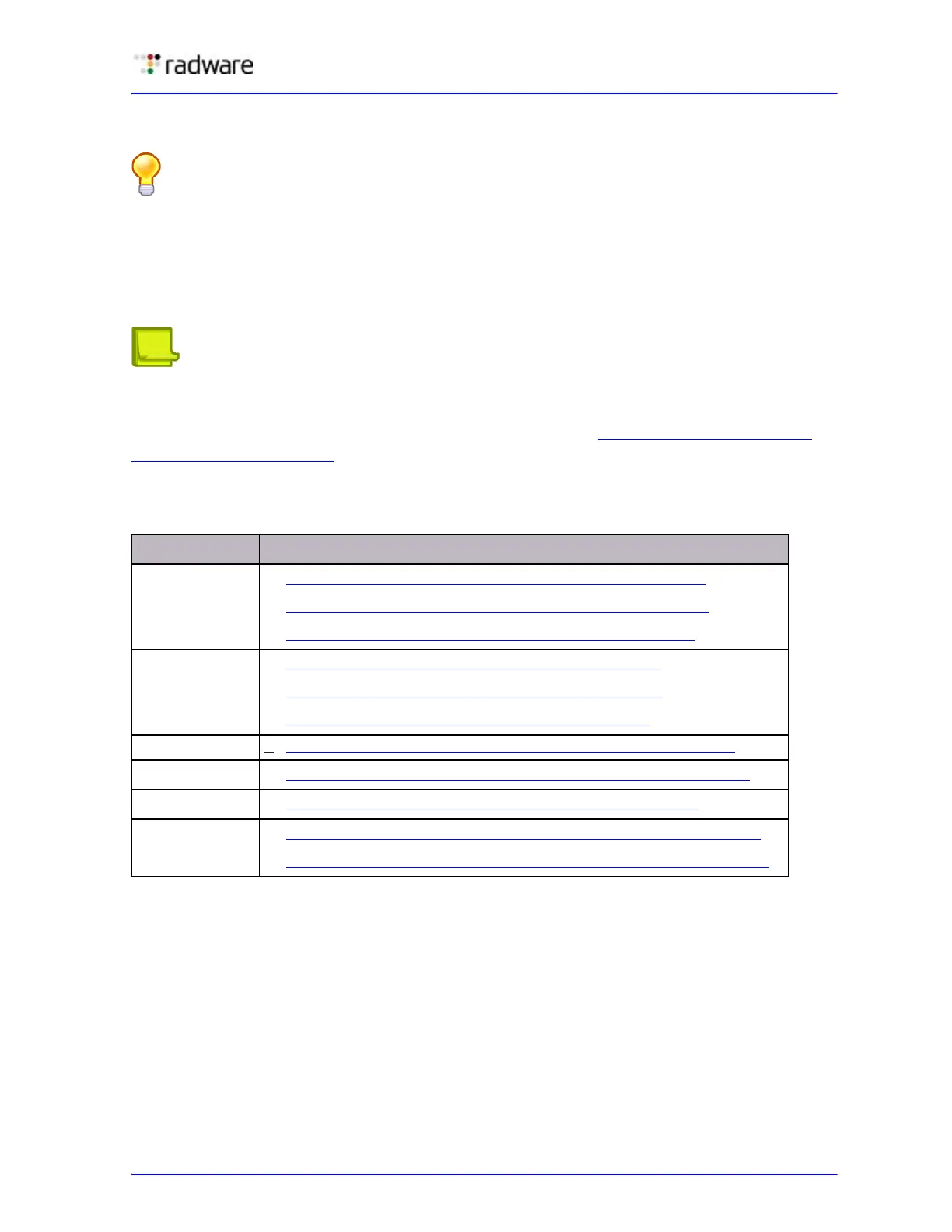
The following is a list of all HTTP elements and their supported actions:
Table 26: HTTP Elements and Their Supported Actions
Element Action
Header
• Configuring the Replace Action for HTTP Headers, page 246
• To configure the remove action for HTTP Headers, page 247
• To configure the insert action for HTTP headers, page 248
Cookie
• To configure the replace action for cookies, page 250
• To configure the remove action for cookies, page 251
• To configure the insert action for cookies, page 252
File type • To configure HTTP modification for the HTTP file type, page 254
Status line
• To configure the replace action for the HTTP status line, page 255
URL
• Configuring Modification for HTTP URL Elements, page 257
Text
• To configure the replace action for an HTTP text element, page 265
• To configure the remove action for the HTTP text element, page 266



 To Next Page