Alteon Application Switch Operating System Application Guide
ADC-VX Management
442 Document ID: RDWR-ALOS-V2900_AG1302
Image Statuses
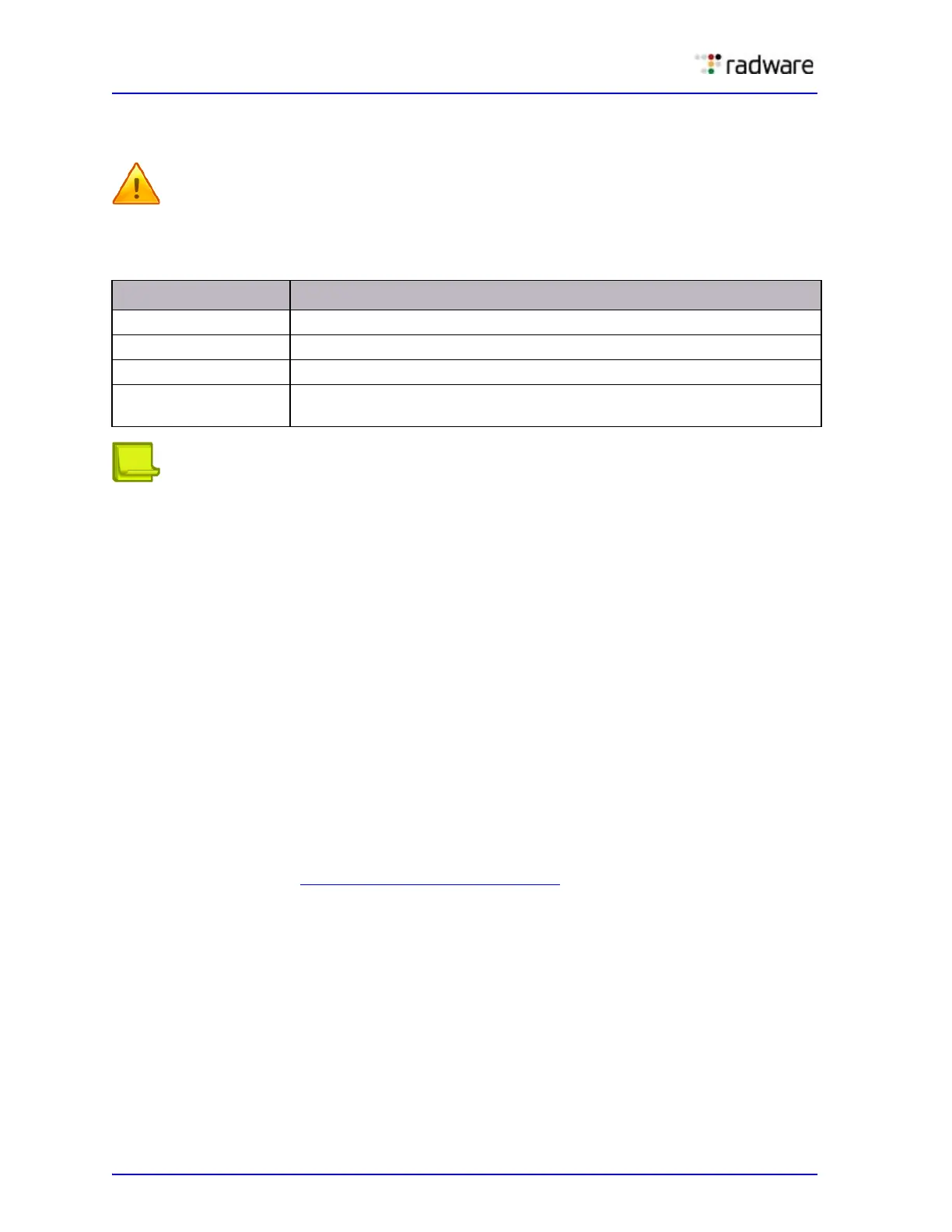
The image status displays the current ADC-VX setup. The following are the image statuses:
Caution: You should not remove images that are currently being used by vADCs.
Note: ADC-VX is not compatible with image versions earlier than version 28.1. Therefore, images
that are
inherited from a standalone ADC from an earlier version are displayed in the image bank as
incompatible.
ADC-VX Image Management
Images used in ADC-VX mode are completely independent of other ADC images, enabling you to easily
upgrade or patch specific vADCs without affecting certified image versions or existing configurations.
Loading Images
Only the Global Administrator can load images. Because the system only holds one image for each
ADC-VX at a time, you do not need to load the same image more than once.
The same image can be
used by multiple vADCs.
You can only replace an active image after the Global Administrator authorizes the switch.
In the ADC-VX mode, you can load the following images:
• AlteonOS
• ADC application image
• ADC-VX infrastructure image
For more information, see Table 37 - Image Formats, page 436
.
Table 38: Image Statuses
Status Option Description
Incompatible The image is only compatible with standalone mode and not in use.
Active The currently active image in the system.
Assigned The image is assigned to a vADC that is not active.
Idle The image is idle and not assigned to a vADC or any other system
component.



 To Next Page