GX-6000 Operator’s Manual Performing a Bump Test • 92
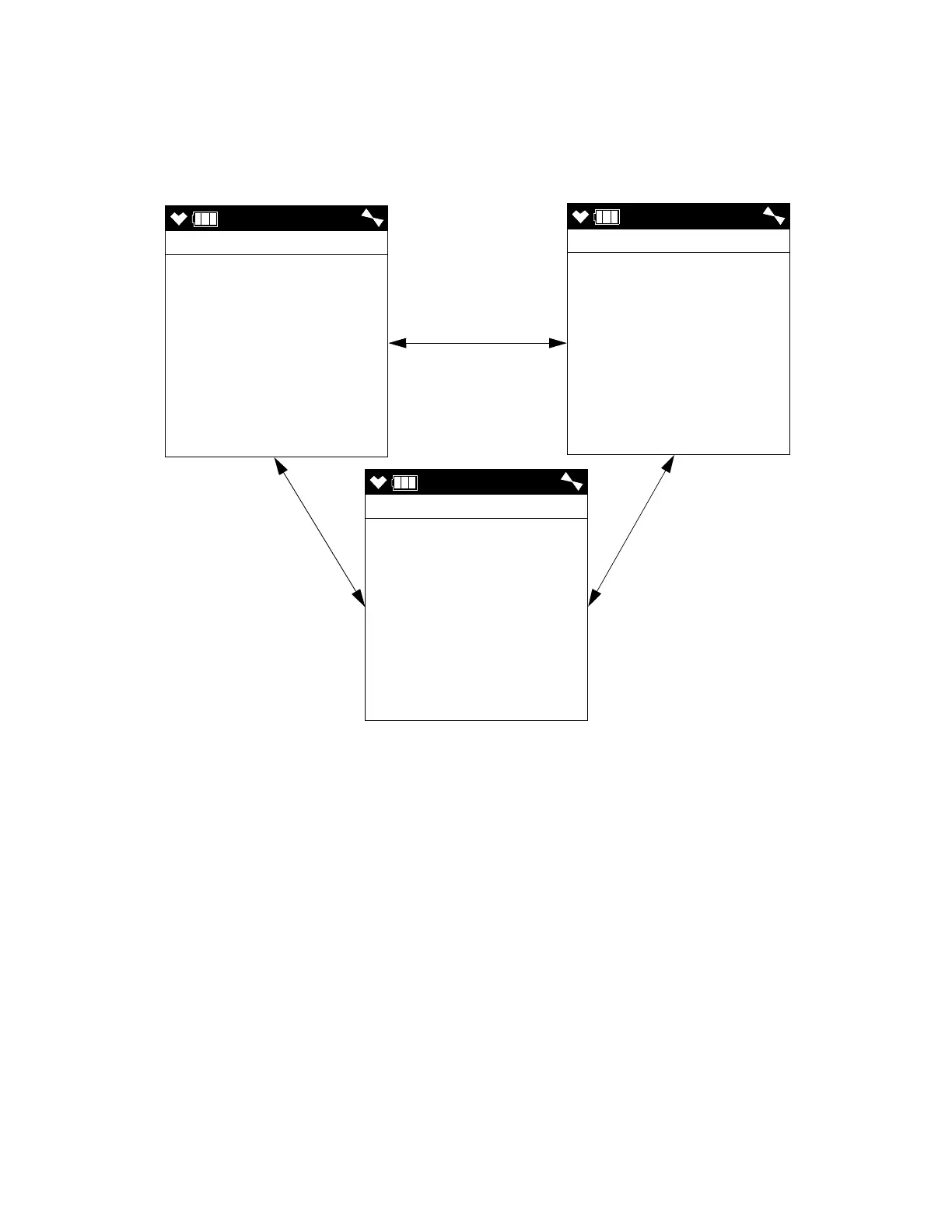
8 . Press and release the POWER/ENTER button. The first of the Gas Select
Screens, the standard four sensors screen, will be displayed. In addition
to the standard four sensors screen, there is a separate screen for each
installed smart sensor, and an ESCAPE screen that will take you back to
the Calibration Mode menu. Use the ▲AIR and SHIFT ▼ (PANIC)
buttons to display the gas(es) you want to test.
9 . Before proceeding, confirm that the bump test gas value(s) are the same
as the concentration(s) in the calibration cylinder. If they are not, adjust
the bump test gas value(s) be entering the AUTO CAL menu item in
Calibration Mode, changing the value(s) there, and reentering the
BUMP TEST menu item.
AUTO
GAS SELECT
CH4 50 %LEL
O2 12.0 %
H2S 25.0 ppm
CO 50 ppm
AUTO
GAS SELECT
VOC 100 ppm
AUTO
GAS SELECT
ESCAPE
▲ AIR or
SHIFT ▼ (PANIC)
▲ AIR or
SHIFT ▼ (PANIC)
▲ AIR or
SHIFT ▼ (PANIC)



 To Next Page
 Loading...





