77 • Calibrating Using the Auto Calibration Method GX-6000 Operator’s Manual
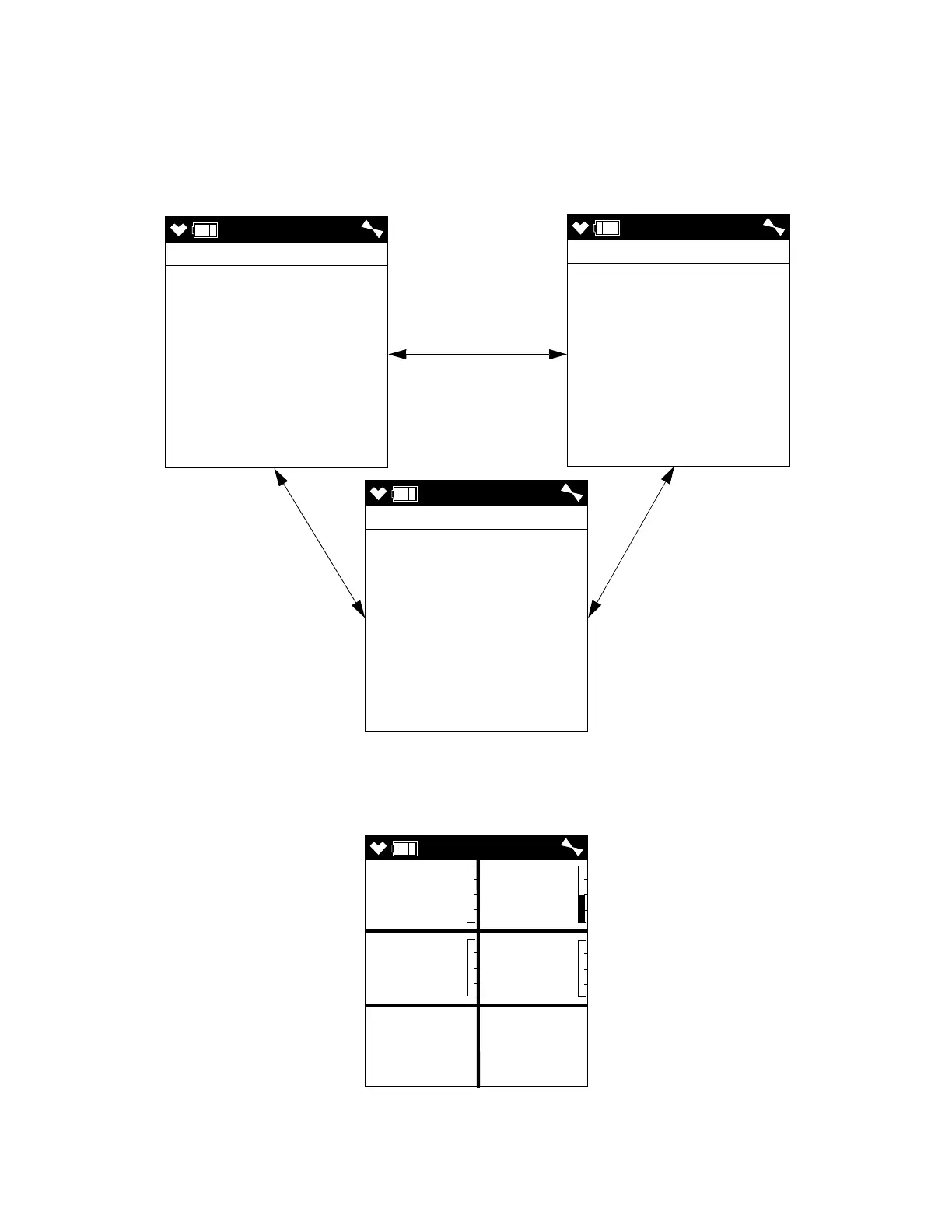
15 . Press and release the POWER/ENTER button. The first of the Gas Select
Screens, the standard four sensors screen, will be displayed. In addition
to the standard four sensors screen, there is a separate screen for each
installed smart sensor, and an ESCAPE screen that will take you back to
the Auto Cal menu. Use the ▲AIR and SHIFT ▼ (PANIC) buttons to
scroll through the different screens.
16 . With the standard four sensors screen displayed, press and release the
POWER/ENTER button to proceed to the Calibration In Process Screen
with APPLYGAS and the gas readings flashing.
AUTO
GAS SELECT
CH4 50 %LEL
O2 12.0 %
H2S 25.0 ppm
CO 50 ppm
AUTO
GAS SELECT
VOC 100 ppm
AUTO
GAS SELECT
ESCAPE
▲ AIR or
SHIFT ▼ (PANIC)
▲ AIR or
SHIFT ▼ (PANIC)
▲ AIR or
SHIFT ▼ (PANIC)
APPLYGAS
CH4 O2
%LEL %
H2S CO
ppm ppm
0 20.9
0.0 0



 To Next Page
 Loading...





