GX-6000 Operator’s Manual Calibrating Using the Single Calibration Method • 88
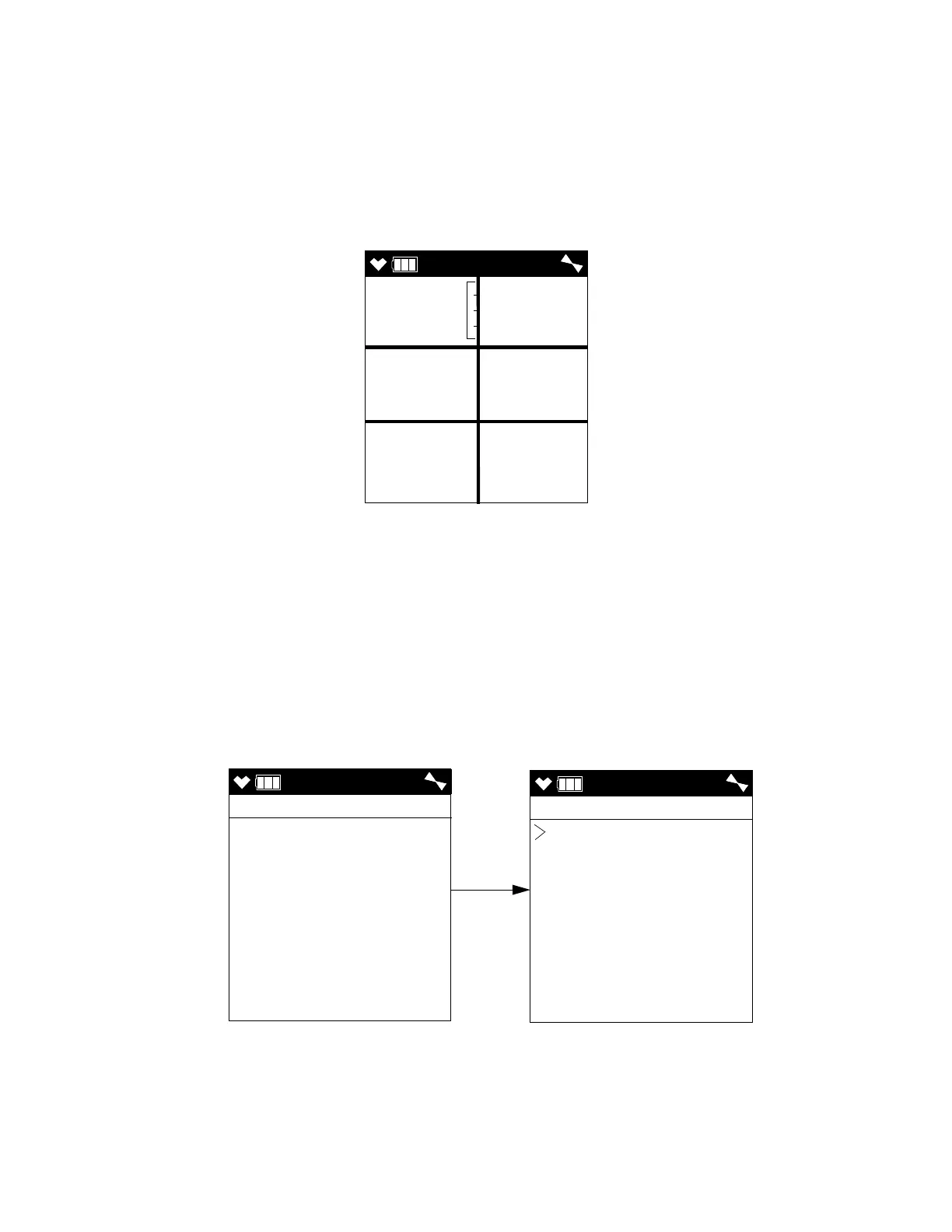
9 . Use the ▲AIR and SHIFT ▼ (PANIC) buttons to move the cursor next to
the gas you want to use for calibration. Continue to Step 10.
10 . Press and release the POWER/ENTER button to proceed to the Single
Calibration Apply Gas Screen. APPLYGAS and the gas reading will be
flashing.
The screen shown below is for the CH
4
channel. If you are calibrating a
different channel, your screen will look slightly different.
11 . Connect the tubing from the demand flow regulator to the rigid tube on
the probe. Allow the GX-6000 to draw gas for one minute.
12 . If necessary, adjust the reading to match the cylinder concentration with
the ▲AIR and SHIFT ▼ (PANIC) buttons. If the reading cannot be
adjusted to match the cylinder concentration, see “Troubleshooting” on
page 104.
13 . Press and release the POWER/ENTER button to save the span value.
The LCD will indicate that the calibration has ended, then the Select
Sensor Screen appears.
14 . Disconnect the tubing from the GX-6000’s probe.
SINGLE
PASS
SINGLE
SINGLE CAL
CH4
O2
H2S
CO
VOC
ESCAPE



 To Next Page
 Loading...





