114 • secamVSA 535/seca mBCA 525
17-10-05-353-002g_10-2020 B
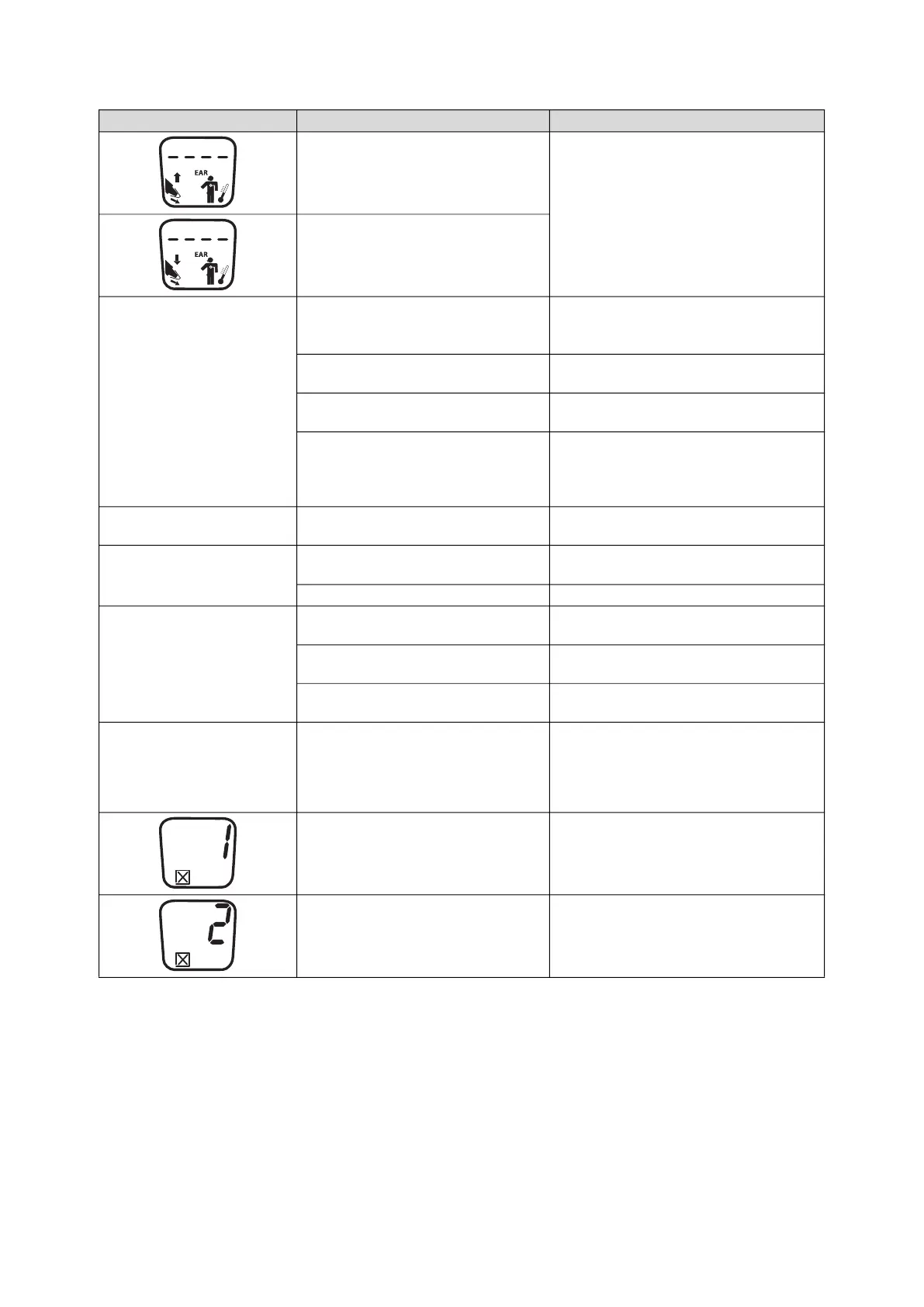
Ambient temperature exceeds
permitted range
• Modify ambient temperature
• Perform measurement at a location with
an ambient temperature within the
permitted range
Ambient temperature undershoots
permitted range
Measurement does not
start
No probe cover used
• Disinfect the in-ear thermometer
➔ Disinfecting
• Use probe cover
Probe cover not properly located on
measuring head
Ensure that probe cover engages audibly
with the measuring head
Probe cover damaged
Dispose of damaged probe cover, use new
one
Temperature module of the
SmartBucket not activated
Activate temperature module
(administrator rights required):
➔ Retrofitting the SmartBucket
(seca mBCA 525 only)
Measured result
unexpectedly high
Probe cover damaged
Dispose of damaged probe cover and use
new one
Measured result
unexpectedly low
• Lens of measuring head blocked
• Opening in probe cover blocked
• Clean measuring head
• Dispose of probe cover, use new one
Patient's auditory canal blocked Clean auditory canal
Implausible measuring
results
Probe cover damaged
Dispose of damaged probe cover and use
new one
Measuring position on in-ear
thermometer in wrong place
Correct setting on in-ear thermometer (see
instructions for use for in-ear thermometer)
In-ear thermometer faulty
Dispose of in-ear thermometer, use
replacement
Different temperature units
on monitor and display
Setting of unit on monitor and on in-ear
thermometer is not synchronized
automatically. If necessary, the monitor
converts measuring results
automatically.
• Press the °C/°F button on the in-ear
thermometer
• Change units on the monitor
(administrator rights required)
Internal memory: Checksum error
• Put on a new probe cover and repeat
measurement.
• If the error occurs again, contact seca
Service
Thermometer no longer calibrated
• Do not continue using device
• Contact seca Service
Fault Cause Remedy



 To Next Page