User accounts • 139
English
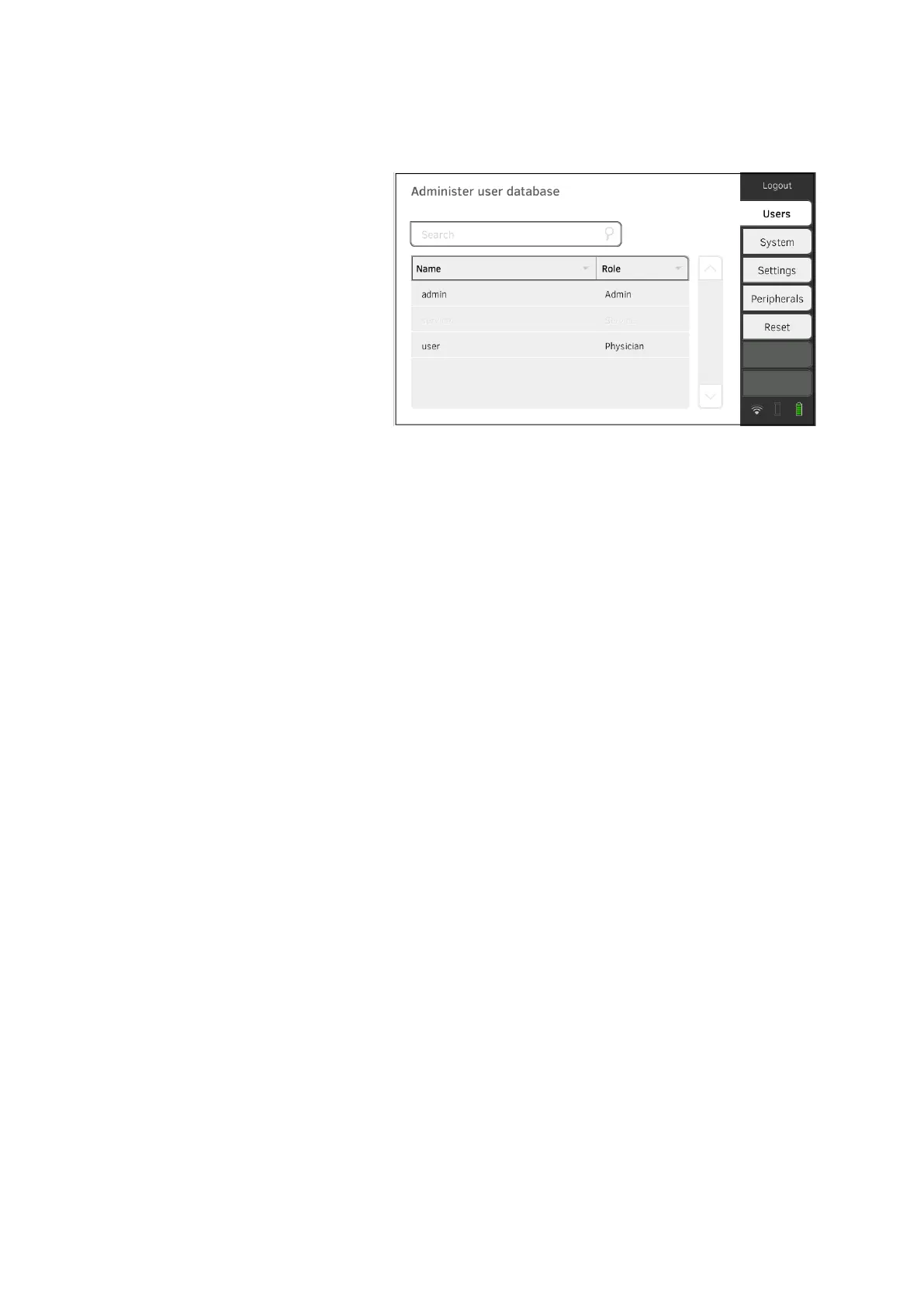
17-10-05-353-002g_10-2020 B
Assigning a password to the User
user account
1. Log in using the Admin user account.
2. Press the Users tab.
3. Select the User user account.
4. Enter a password.
NOTICE!
Data access by unauthorized persons
An insecure password may allow unauthorized persons to access
patient data or device settings.
► Select a password to satisfy your institution's security requirements.
5. Enter the password again.
6. Press the Save button.
The password has been saved.
The User user account can be used.
7. Configure the device as required for your specific situation ➔ For
administrators: Configuring seca mVSA 535 /seca mBCA 525.



 To Next Page