Operation • 41
English
17-10-05-353-002g_10-2020 B
6. OPERATION
6.1 Switching the system on/off
Switching on
1. Ensure that the measuring mat – if the measuring mat is present– is cor-
rectly suspended in the magnetic catch of the monitor ➔ Suspending the
measuring mat in the magnetic catch.
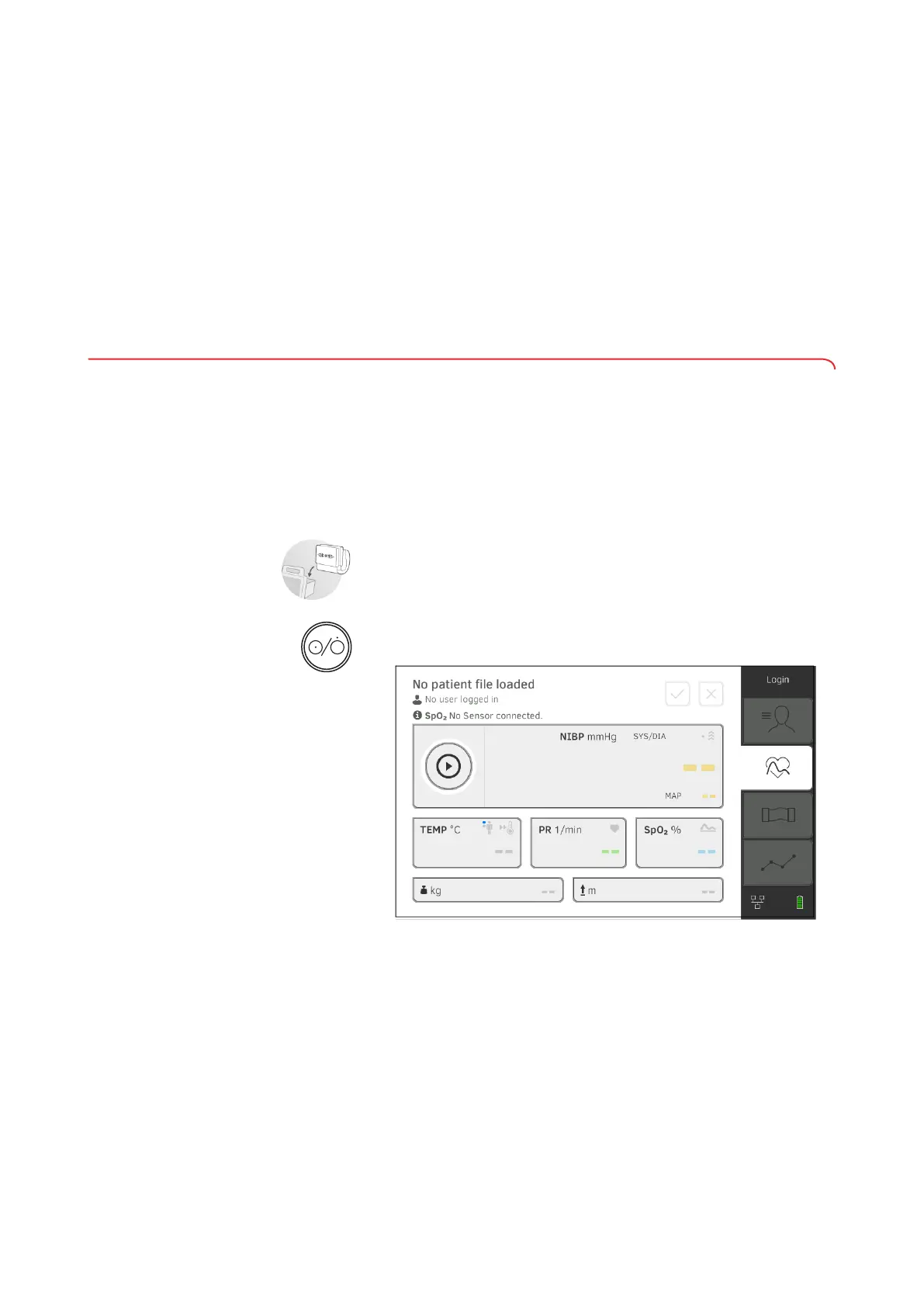
2. Press the ON/OFF button of the monitor.
The LED of the ON/OFF button is white.
The device starts up. This takes a few seconds.
The Vital signs tab is displayed.
The measuring mat – if there is one – switches on automatically.
You have the following options:
► Measure vital signs (without patient identification) ➔ Measuring vital
signs
► Use full functional scope: Log in ➔ Logging in
➔ Switching the system on/off
➔ Managing seca patient files
➔ Measuring vital signs
➔ Measuring bioimpedance
➔ Adding weight and height
➔ Analyzing measurement
➔ Switching on
➔ Logging in
➔ Logging out/switching user
➔ Saving power/switching off



 To Next Page