Operation • 67
English
17-10-05-353-002g_10-2020 B
Modifying presets (seca measuring equipment only)
NOTE
These settings apply to the current measurement procedure. If you
stop the measurement procedure ➔ Stopping a measurement proce-
dure, the presets defined by the administrator become active again.
1. Ensure that neither the blood pressure cuff nor the SpO
2
sensor are
applied.
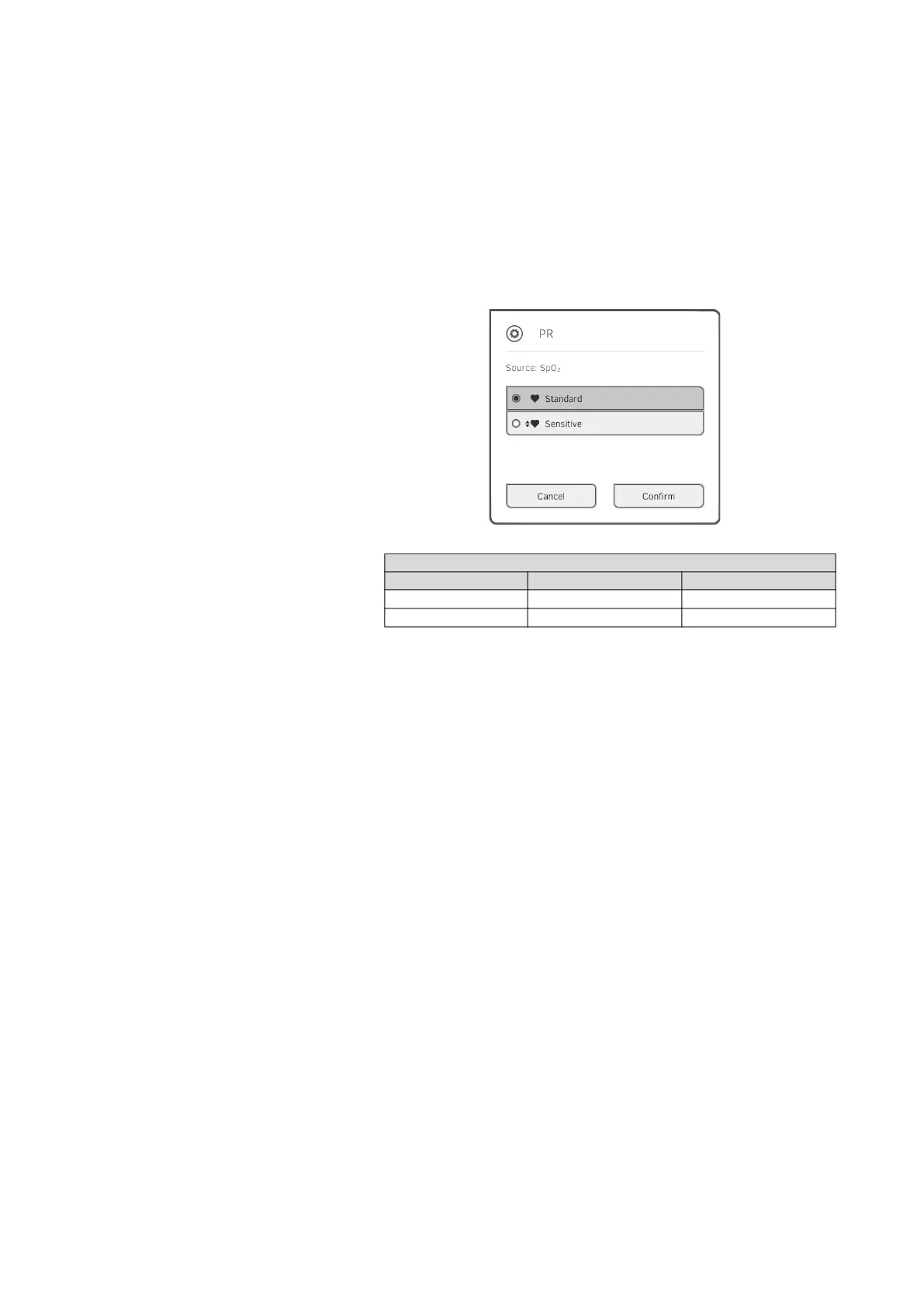
2. Press the PR field.
The PR settings dialog window opens.
The preset is displayed (in this case: Standard).
3. Press the desired measuring mode:
4. Press the Confirm button.
The dialog window closes.
Changed settings are adopted for the current measurement.
5. Start a blood pressure measurement or an SpO
2
measurement as
described in the sections entitled ➔ Preparing the blood pressure
measurement and ➔ Starting an SpO
2
measurement.
seca measuring equipment
Mode Measuring range Motion tolerance
Standard
0 - 240 min
-1
High
Sensitive
20 - 300 min
-1
Low



 To Next Page