Cirklon Sequencer User Manual
With the desired path selected, press MENU to return to the save song page.
SAVE All Songs
The “SAVE All Songs” option writes a single CKS file, containing all the songs currently in
memory. Note that it does not save each song to a file of its own.
However, the song data is stored in the file in the same format as a single song file, and it is
possible to extract an individual song from an “all songs” file using a text editor.
The multiple-songs file is intended as a way to back up a set of songs which are likely to be
re-loaded together, such as a live set.
The songs will be written to the file in the order that they are currently stored in memory, and
this order will be restored when file is re-loaded after performing a wipe-songs operation.
SAVE Instrument…
This option is used to save either a single instrument definition, or all definitions in memory,
to a file with the extension CKI.
Instrument definitions include the MIDI settings for the instrument as found on the
instrument definition page, as well as the track values configuration, including any CC labels,
and the drum grid configuration, including the note row setup, note labels and fixed-row
settings.
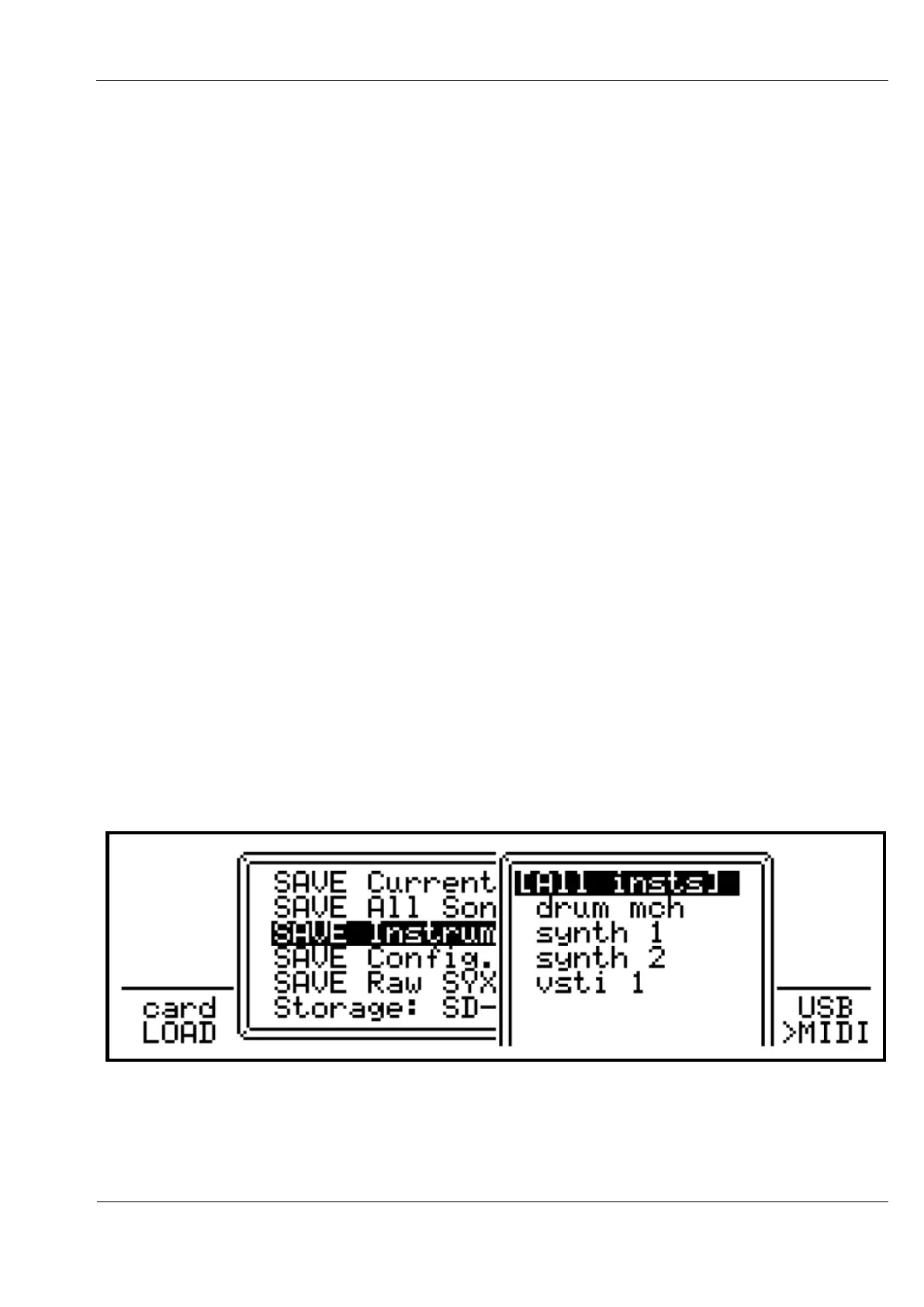
On selecting this option, you then select the instrument to save, with the option to save all of
them at the top:
After selecting the instrument to save, a filename and path page similar to the song save page
allows you to alter the filename and save path if required.



 To Next Page