Cirklon Sequencer User Manual
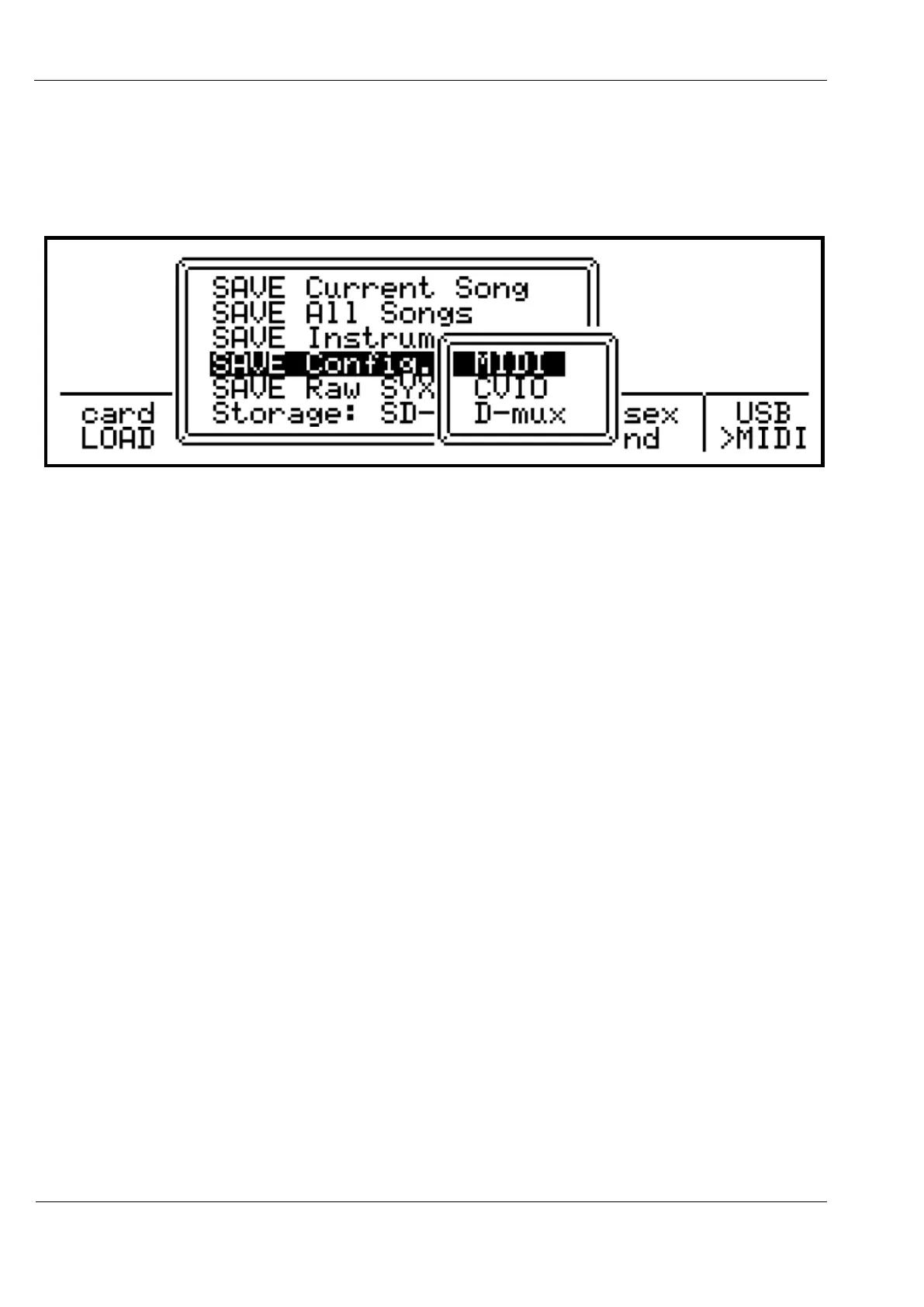
SAVE Config..
This option allows you to save your MIDI port, CVIO or Drum-mux configurations to a CKC
file. The three sub-options appear as below:
A page where you can alter the filename and save path follows selection of the configuration
to be saved.
SAVE Raw SYX Dump
The “Save Raw SYX Dump” option will write a single file in binary sysex format, containing a
complete dump of all data in memory, including songs, instrument definitions, and
configuration options.
This method is best for making a full backup that can be used to restore your Cirklon to the
exact state it was in at the time the file was saved.
Storage
The final option on the save menu, “Storage:” allows you to switch between the internal flash
storage and the SD-Card slot.
The target shown on the menu is the currently active storage device.
The internal flash storage is in the form of a micro-SD card mounted on the Cirklon
mainboard.
The SD-Card slot should support any standard SD-Card, though occasionally the low-level
format on a card may not be compatible with the FAT file-system software used by Cirklon.
In such cases, re-initialising the card in a PC may resolve any issues.



 To Next Page