Cirklon Sequencer User Manual
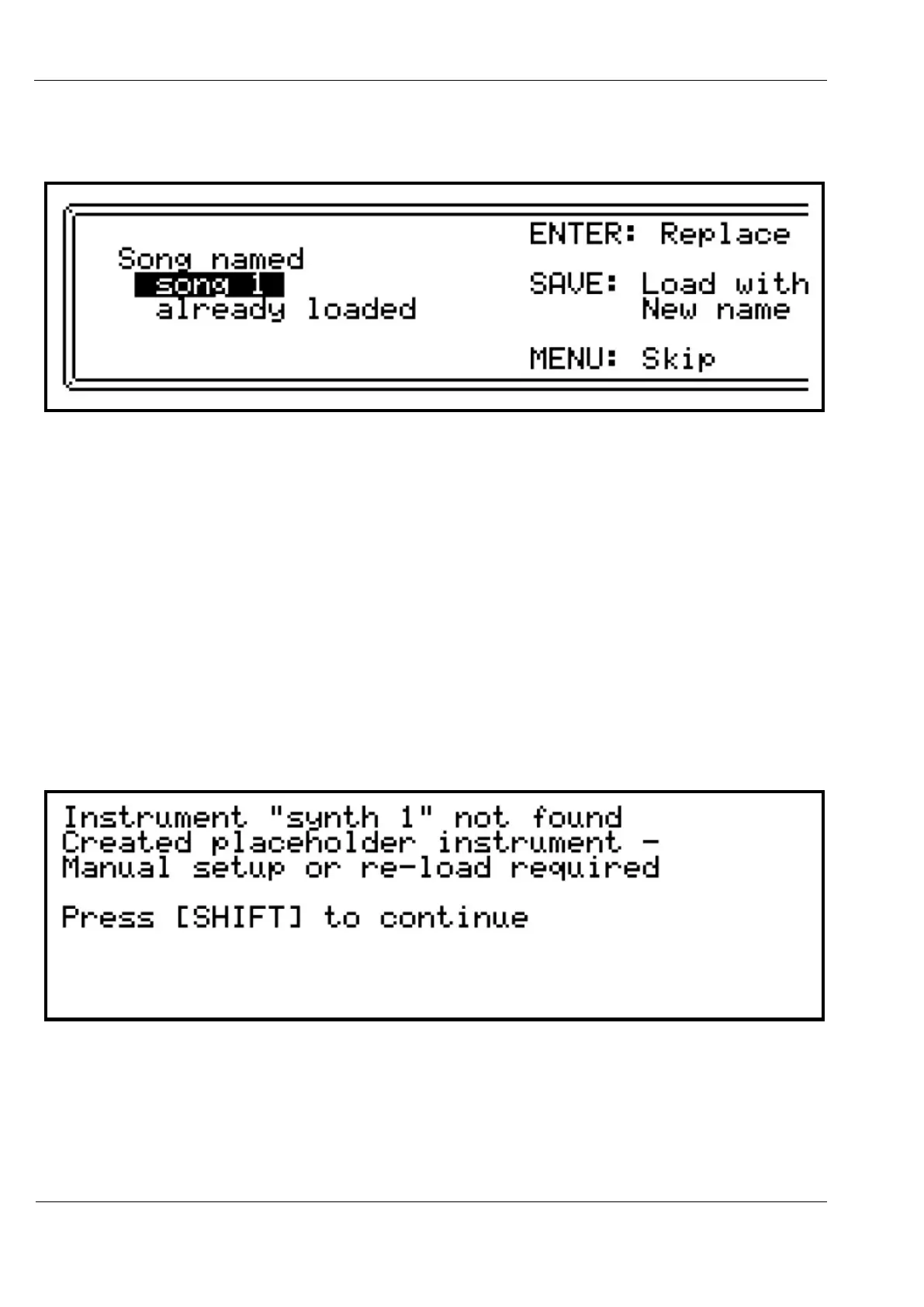
If a song with the same name as any of the songs to be loaded already exists in memory, you
will see a display like this:
To replace the song in memory with the file version, press ENTER
To load the file version of the song with a new name, leaving the existing song in place, press
the SAVE key.
To skip loading this song, press MENU.
If you are loading a file containing multiple songs, after pressing SKIP, the load operation will
scan through the file for any further songs, and continue loading.
The replace/rename/skip prompt may appear again if any of those are also found in memory.
When re-loading songs, the instrument definitions are NOT included in the song files.
Any instrument assignments in the song data are referred to by name.
As the song is loaded, the instruments used are looked up in memory to check that they exist.
If any instruments used have been deleted or renamed, you may see the following display:
In order to continue loading the song, a dummy instrument is created with default settings –
a ‘placeholder’.
Once the load operation is complete, you will need to resolve any missing instruments.



 To Next Page