Cirklon Sequencer User Manual
If the instrument has simply been renamed, you can delete the placeholder instrument from
the instrument list, as described in section 2.
When you delete any used instrument definition, you will be prompted to select another
instrument with which to replace the assignments of the placeholder instrument in the newly
loaded song – at this point you can select the renamed version of the ‘missing’ instrument.
If the missing instrument definition was deleted from memory, but you have a backup of it in
an instrument file, you can re-load the definition from that file, and the placeholder
instrument will be replaced with the correct definition.
If you don’t have a copy of the instrument definition, you will need to manually re-create the
settings for that instrument.
The “LOAD Instrument(s)” option is used to restore saved instrument definitions.
As with song loading, you will be prompted to replace, load under a new name, or skip any
instruments which are already found to be loaded in memory.
The “LOAD Combi/config” option is primarily intended to be used to reload the
configuration files for MIDI, CVIO or Dmux settings saved using the “SAVE Config” option.
Note that the file selection list for this option will show ALL files with an extension beginning
with .CK
You may select song or instrument data files here, and they will load successfully.
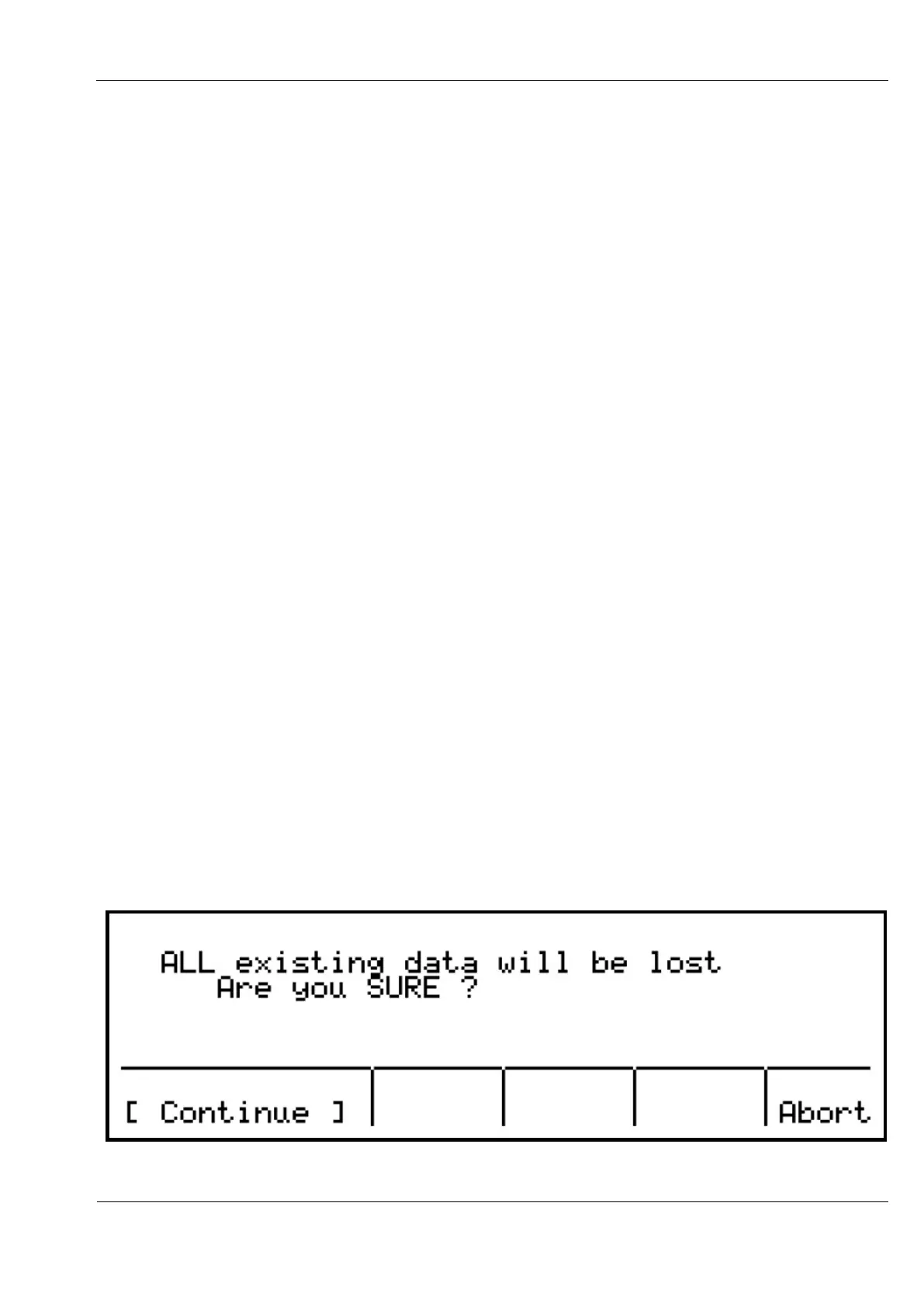
Finally, the “LOAD Raw SYX” option will re-load a full memory dump from a SYX file.
* Note that the entire contents of memory will be cleared before a SYX file is loaded, even
if loading of the file is not successful.
A confirmation page will appear to make sure this doesn’t happen by accident:



 To Next Page