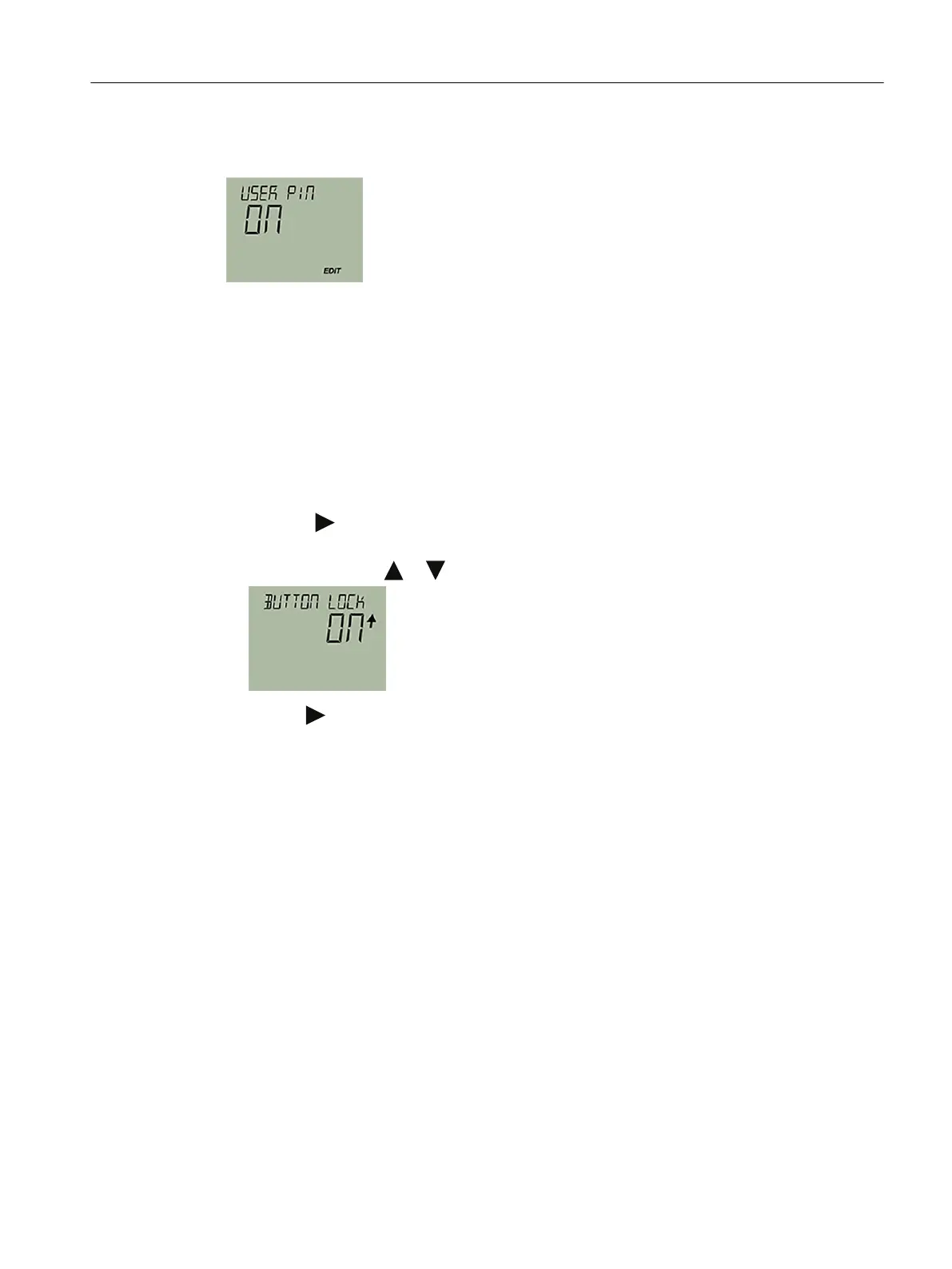
Result
7.3.4 Enable the button lock on the display
Procedure
1. Navigate to the parameter view.
Navigating in the views (Page 60)
2. In the parameter view, select the "Button lock" parameter.
3. Press the button.
The "EDIT" symbol ashes.
4. Select ON with the or button.
5. Use the button to conrm.
Result
• The display automatically returns to the measurement view.
• The display automatically changes between the measured values every 12 seconds.
• The symbol for button lock "LL" and the measured value ID are displayed alternately.
Operating
7.3 Locking the device
SITRANS TS100/TS200/TS300/TS500/TSinsert/TSthermowell
Operating Instructions, 08/2020, A5E47810090-AA 67



 To Next Page